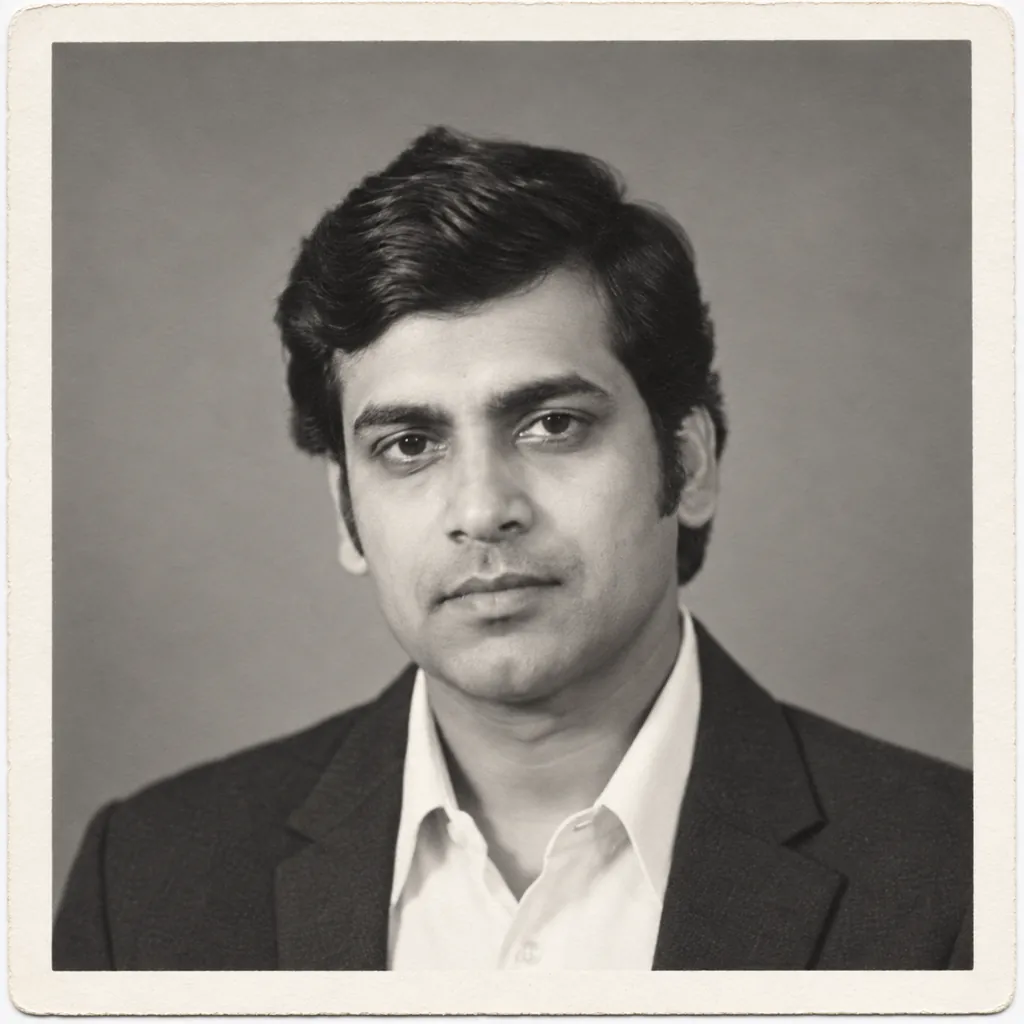
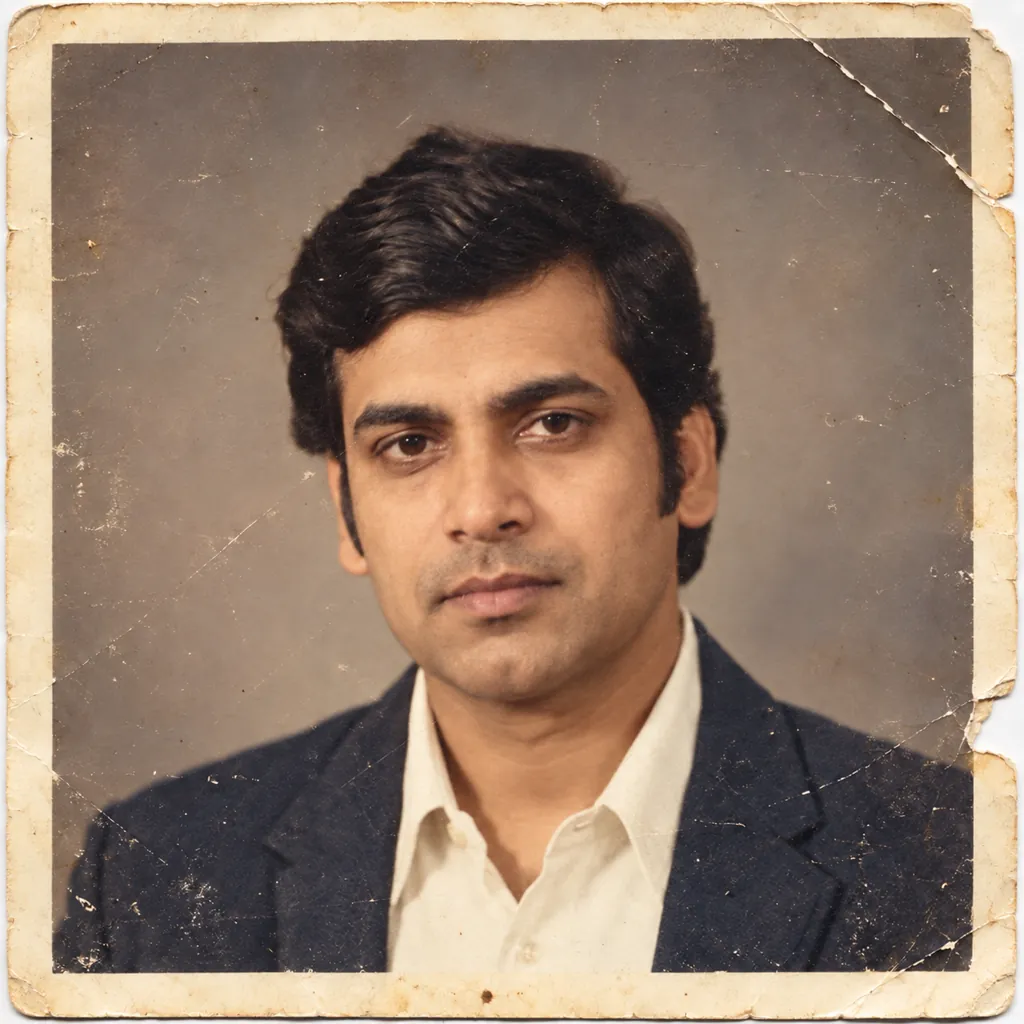
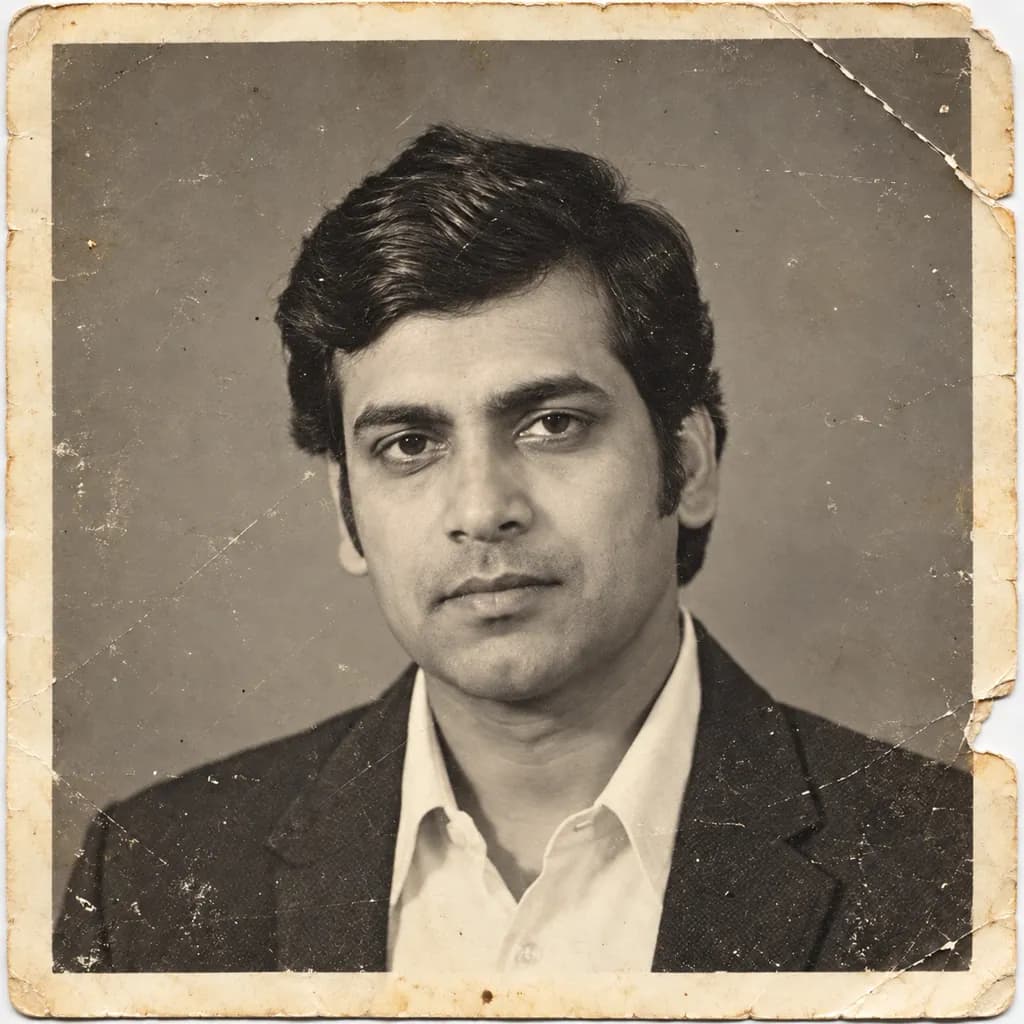
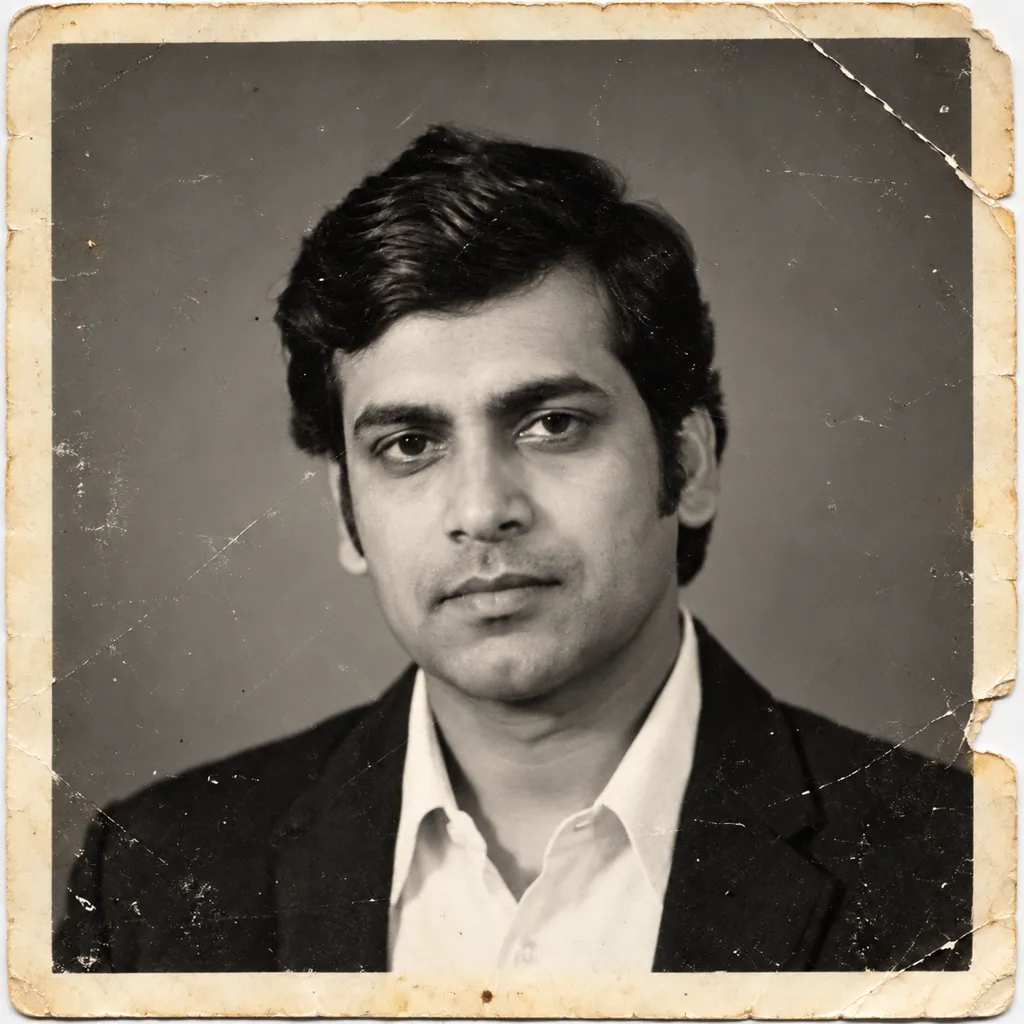
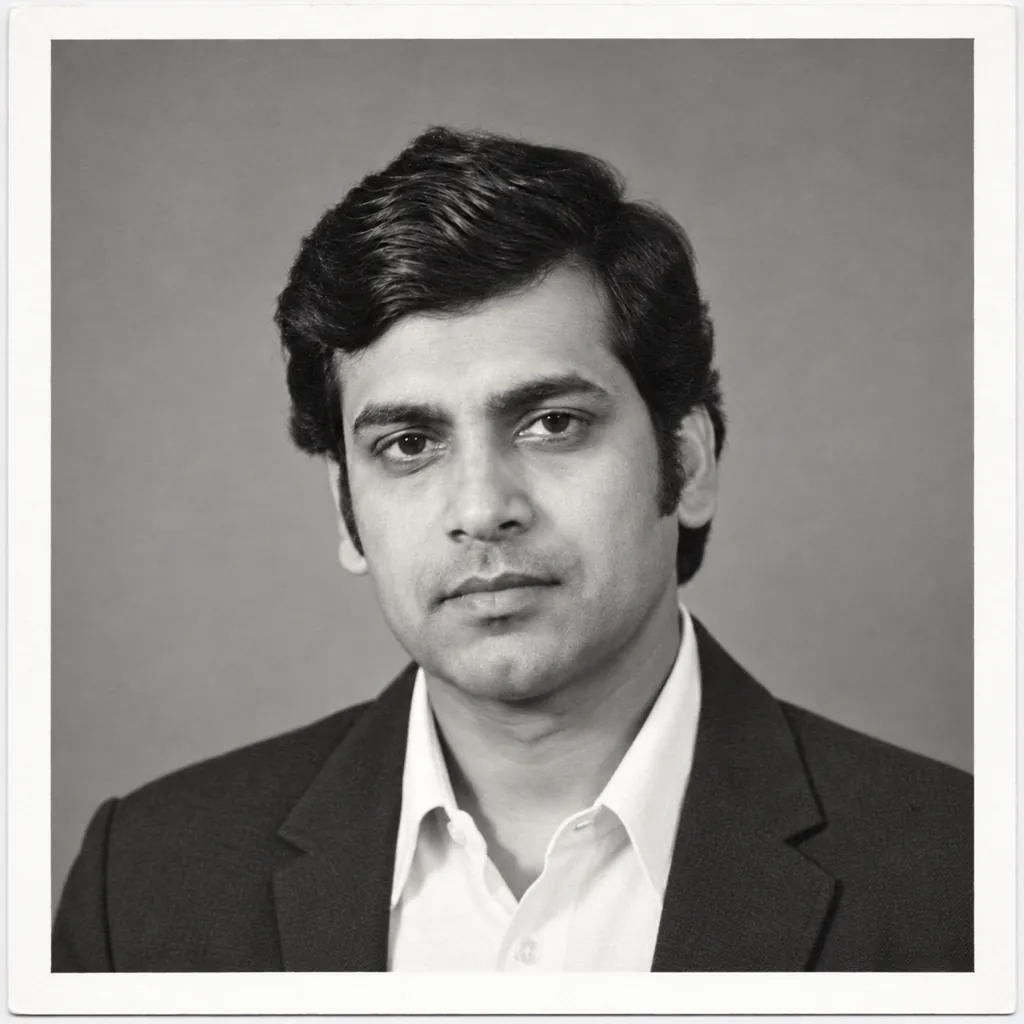
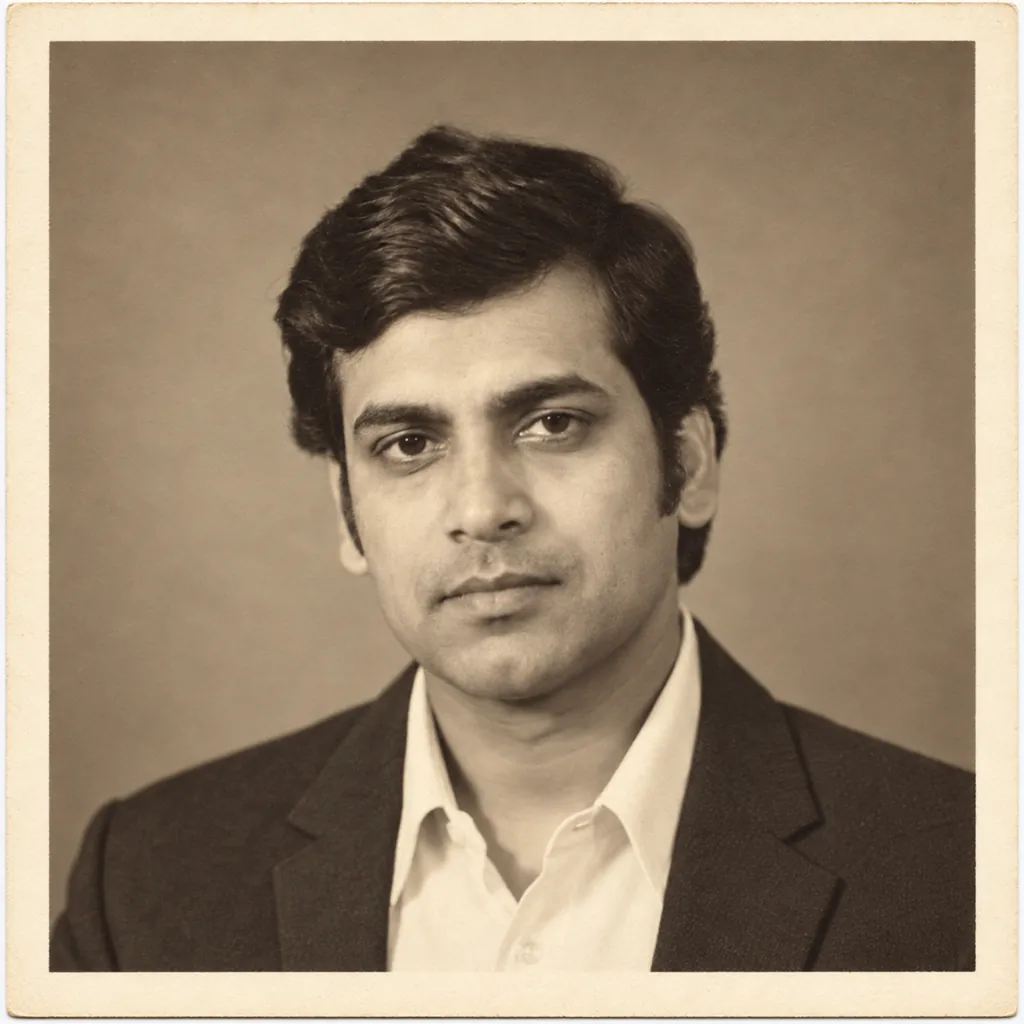
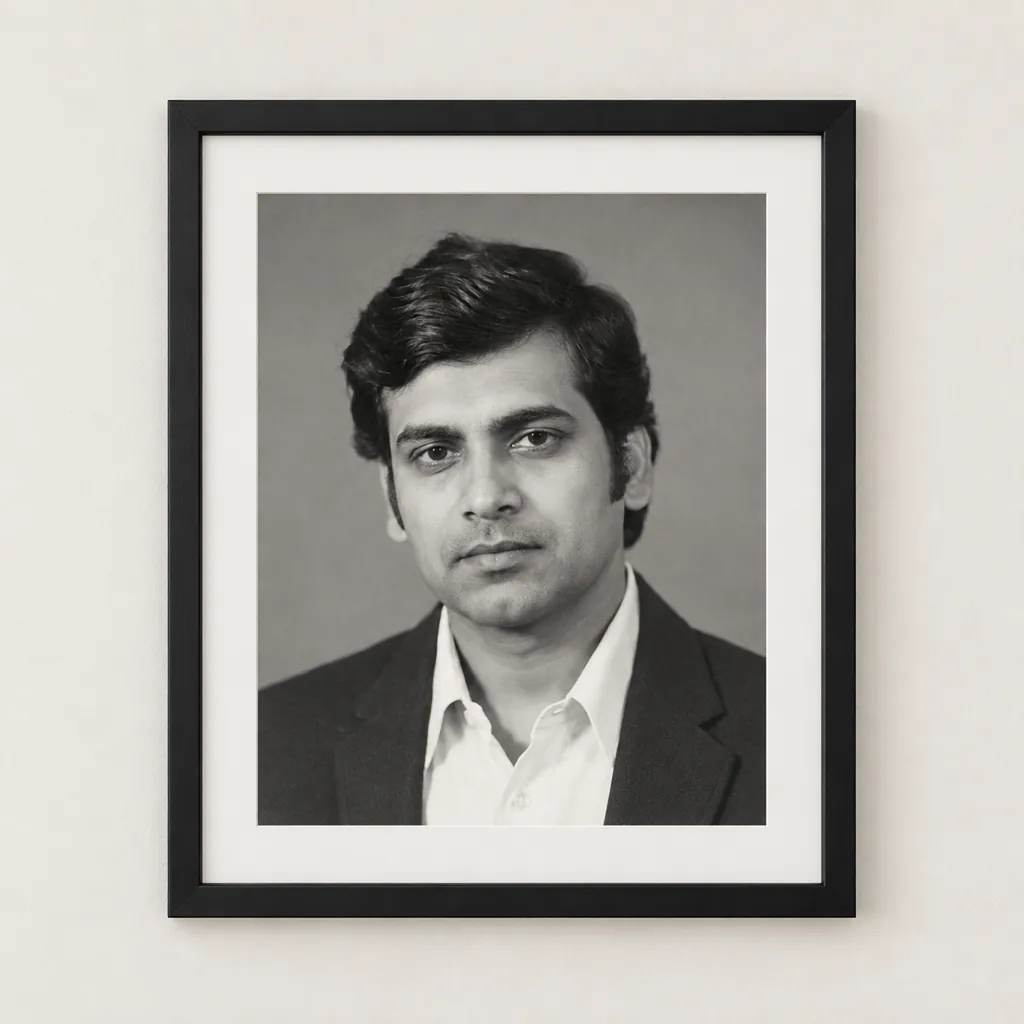
Photo restoration prompts often promise more than an AI model can safely deliver, since regenerating an image can shift fine details even while it removes damage. This page collects seven Gemini prompts built specifically for a damaged old photo: clearing scratches, dust, and creases while staying black-and-white; adding natural, era-appropriate color; sharpening a soft, aged image without reshaping the face; restoring lost contrast in a faded print; finishing a clean, modern high-definition version; adding a light sepia tone; and presenting the restored print in a simple frame. Each prompt is written as a direct instruction to keep the face, expression, hairstyle, and clothing exactly as they appear, and to avoid inventing details the original photo does not show. Copy a prompt, open a Gemini chat, attach a clear scan or photo of the damaged print, and paste the prompt as your message; a sample image next to each prompt shows the target result before you spend a generation. Restoration is not a perfect process: Gemini regenerates the whole image rather than recovering lost pixels, so fine facial details can shift slightly, especially on a heavily damaged or low-resolution scan. For a photo with real family or sentimental value, keep the original print and the original scan file safe before trying a prompt, in case you want to compare results or try a different one later. The sample images on this page are AI-generated damaged photos made for this demonstration, not real family photographs. No login, watermark, or extra software is needed, everything happens inside your normal Gemini conversation.
Sample images were made by running each exact prompt in ChatGPT's image generator on an AI-generated stand-in photo. Results in Gemini will look similar but not identical.
#1
Restore this old photo: remove the scratches and dust spots, repair the diagonal crease and the torn edge, and smooth the yellowed paper tone. Keep the image in black-and-white, and keep the face, expression, hairstyle, and clothing exactly as they are, with no added or removed people and no invented details.
Ask for 'less contrast change' if the repaired areas look too bright.
Copies the prompt; just paste it in Gemini
#2
Colorize this old black-and-white photo with natural, era-appropriate tones: warm skin tones, a muted mid-century color for the shirt and jacket, and a soft neutral backdrop color. Keep the face, expression, hairstyle, and clothing exactly as shown, and don't invent new patterns or background objects.
Name a specific tone, like 'warm brown jacket,' for more control.
Copies the prompt; just paste it in Gemini
#3
Sharpen this old photo and reduce the soft, blurred look caused by age, bringing out cleaner edges and finer detail in the fabric and hair. Do not change the facial structure, expression, hairstyle, or clothing, and do not reshape any features beyond removing the age-related blur.
Copies the prompt; just paste it in Gemini
#4
Restore the faded contrast in this old photo: deepen the blacks, brighten the highlights, and bring back the tonal range that has washed out with age, while keeping it black-and-white. Leave the face, expression, hairstyle, and clothing untouched, and don't add details the original print doesn't show.
Ask for 'gentler contrast' if the result looks too harsh.
Copies the prompt; just paste it in Gemini
#5
Restore this old photo and finish it as a clean, modern high-definition print: remove the scratches, dust, crease, and torn edge, even out the yellowed tone into a neutral white, and sharpen the fine detail. Keep the face, expression, hairstyle, and clothing exactly as they appear, with no invented details.
Copies the prompt; just paste it in Gemini
#6
Restore this old photo by removing the scratches, dust spots, crease, and torn edge, then add a light, even sepia tone across the print for a warm vintage look. Keep the face, expression, hairstyle, and clothing exactly as shown, and don't alter any features or add details that aren't in the original.
Ask for 'less sepia' if the tone looks too strong.
Copies the prompt; just paste it in Gemini
#7
Restore this old photo, then present it as a single framed print in a simple black frame with a white mat, hung on a plain wall in a classic family-photo-wall style. Keep the same one person, with the face, expression, hairstyle, and clothing exactly as shown, and leave the rest of the wall plain with no added photos or objects.
Ask for 'a plain wood frame' if you'd rather skip the black frame.
Copies the prompt; just paste it in Gemini
Frequently asked questions
Will restoration keep every detail of the original photo exactly the same?
Not perfectly. Gemini regenerates the image rather than editing the original pixels, so fine details like exact wrinkle patterns or fabric texture can shift slightly, especially on a heavily damaged or low-resolution scan. Keep your original print and scan safe before trying a prompt.
Is the sample photo on this page a real old photograph?
No, the sample image on this page is an AI-generated photo made to look like a damaged old print, created for this demonstration. It is not a real family photograph.
Can I use these prompts on a photo of a kid?
No, this page is written for adult portraits. Please don't upload or use these prompts on photos of kids.
Can I ask Gemini to change the color choice after restoring?
Yes, reply in the same chat and describe the change, for example 'a cooler tone' or 'less sepia,' and Gemini will adjust the color while keeping the restoration.