All topics
This page lists every prompt pack on GetPhotoPrompt and explains how to pick the right one. The packs fall into five groups: decade looks, festivals and holidays, occasions built around a subject, photo styles and fixes, and AI video prompts that turn a photo into a short clip. Every pack has its own page with a set of complete prompts, a sample image or clip for each prompt, short tips and answers to common questions, so the descriptions below are meant to help you choose where to start rather than to repeat what each page says.
How to pick a topic
Start from the picture you want to end up with, not from the prompt. Four questions usually settle it:
- Is it for a date? If you want something to share for a festival or holiday, go to Festivals. These looks are most useful in the weeks before the day, so it is worth trying them early.
- Is it about a subject? If the photo is of a couple, a pet or a birthday, the Occasions pages are written around that subject and tell you what kind of source photo works.
- Is it about a look or a fix? For a particular era, go to Decades. For a better headshot, a new hairstyle, a different background or a repaired old photo, go to Styles.
- Should it move? For a short clip made from a photo you already like, go to AI Video Prompts. Those prompts describe the motion, so get the photo right first.
Whichever group you choose, start with a clear, well-lit photo in which your face is easy to see. Almost every prompt here asks Gemini to keep your face and change what is around it, and a sharp source photo is the single biggest factor in how much the result looks like you.
Decades
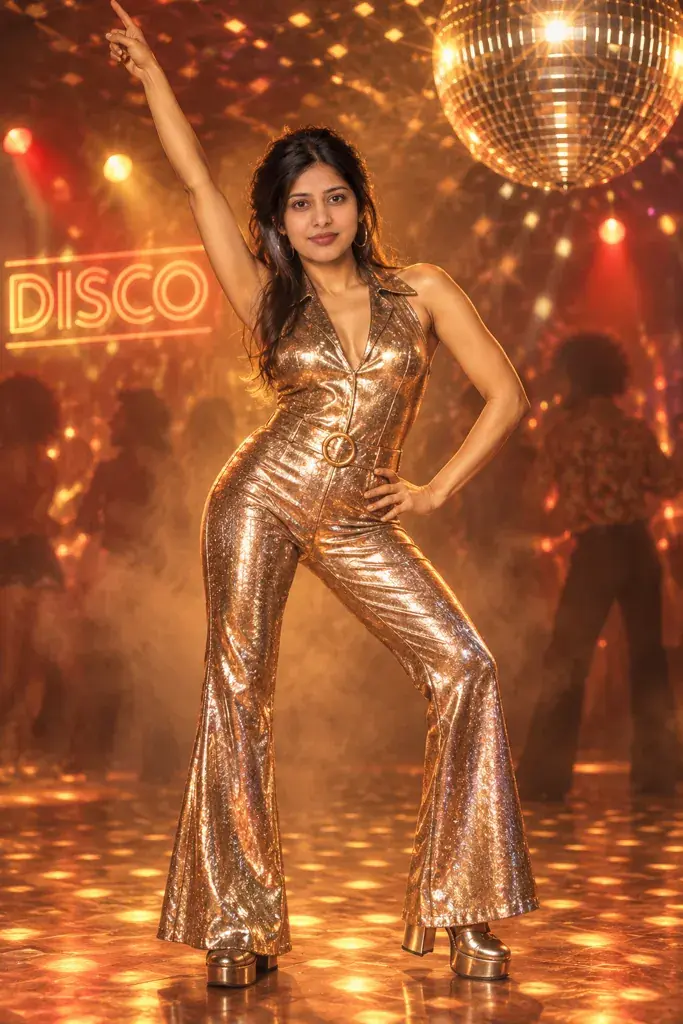
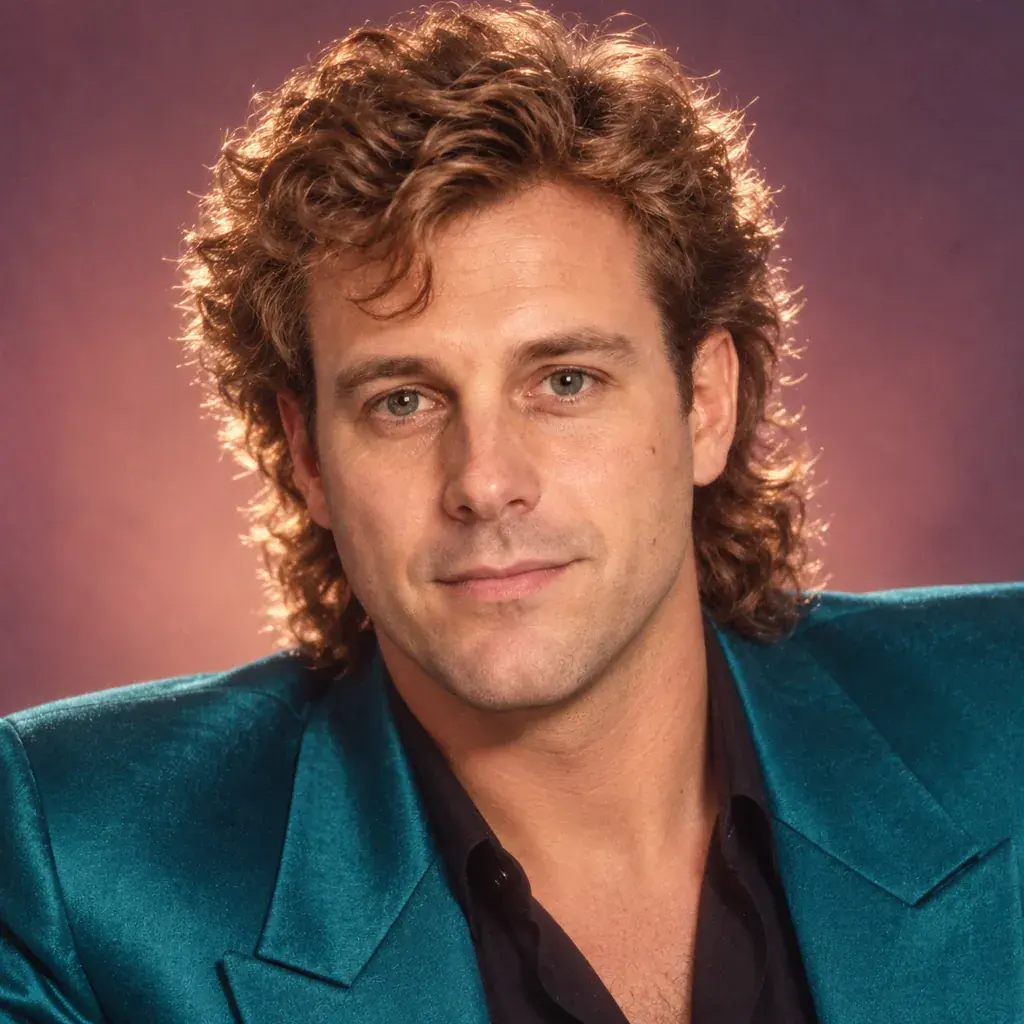
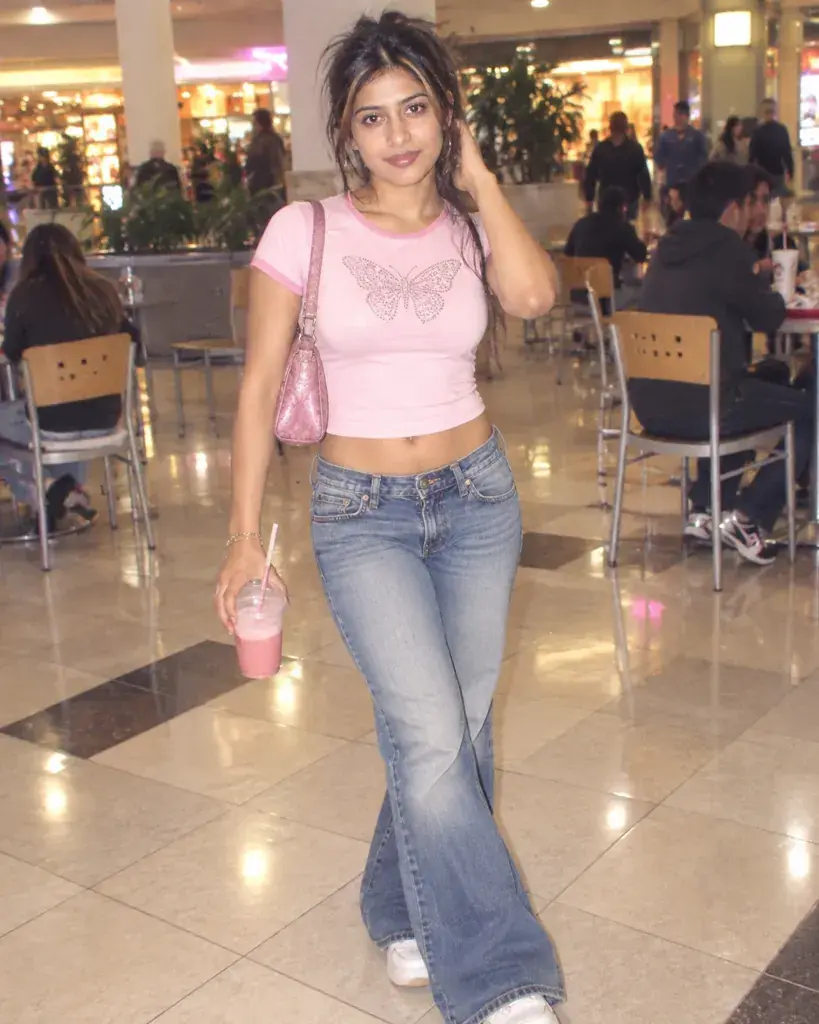
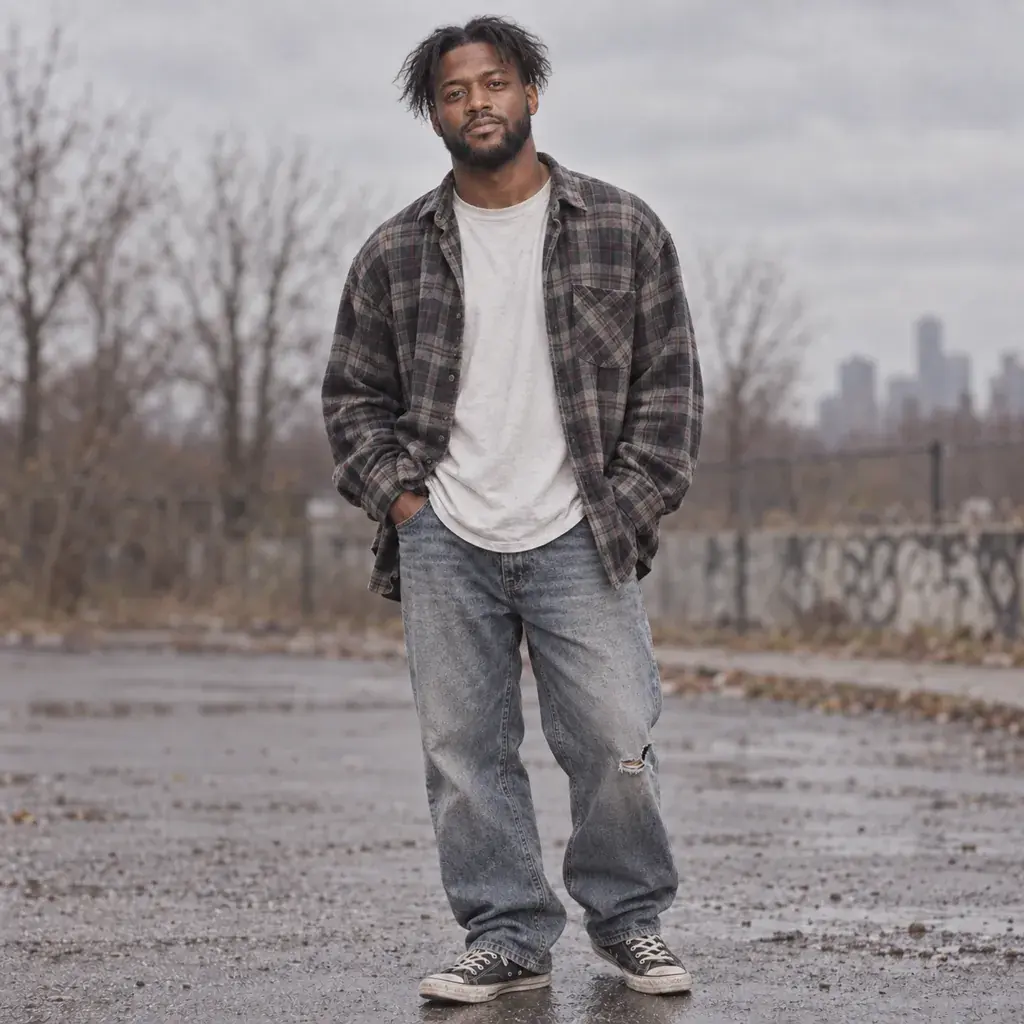
Decade pages recreate how photos looked in a specific era: the clothes, the hair and the way the picture itself was taken, from vivid slide-film color in the 1980s to disposable-camera flash in the 1990s and low-rise, digital-camera styling in the 2000s. Choose the 1980s, 90s or 2000s page when you already have one decade in mind, and the retro page when you want to compare looks from the 70s to Y2K before deciding. The period details are added around your face rather than replacing it, so a front-facing photo gives the most convincing result.
Festivals
Festival pages turn a photo you already have into a portrait or a poster for a specific day: Indian festivals such as Gandhi Jayanti, Navratri, Durga Puja, Karwa Chauth and Diwali, and Western holidays such as Halloween. People look for these looks in the run-up to the day, so festival pages go up well before it. The prompts focus on outfits, lights, food and decorations rather than on deities, and most Navratri and Durga Puja prompts explicitly ask the model to leave idols and deity figures out of the frame. If you celebrate several Indian festivals, the Indian festival page collects them in calendar order.
Indian Festival AI Photo Editing Prompts
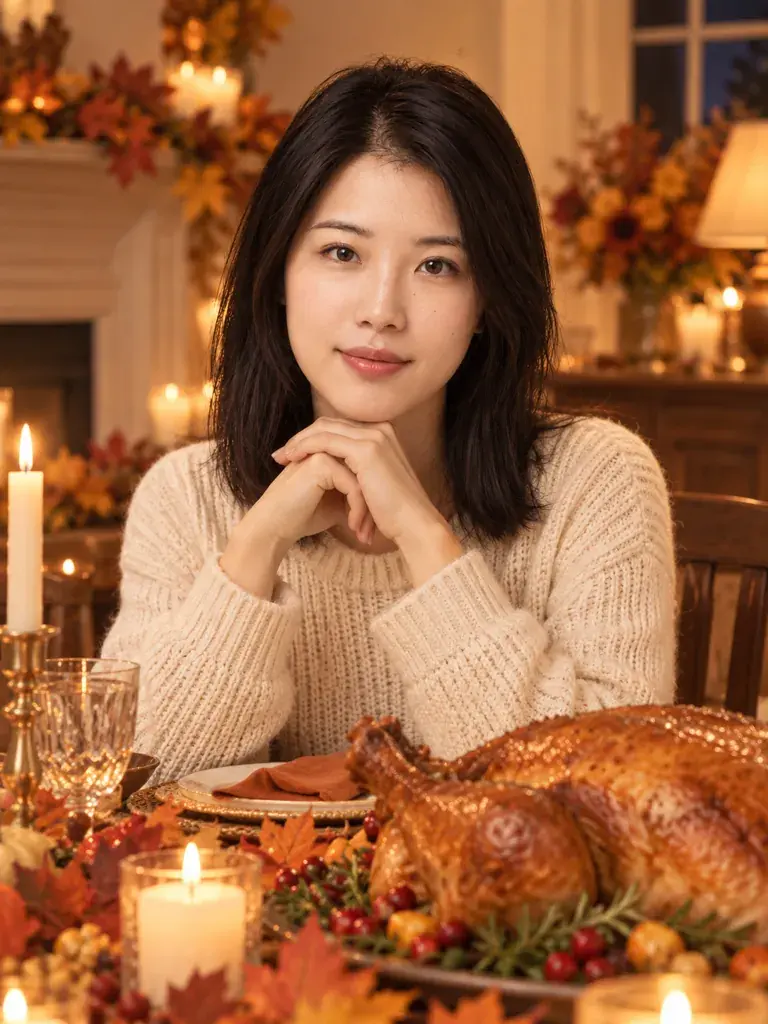 Gemini Thanksgiving Photo Prompts: Warm Harvest Portraits
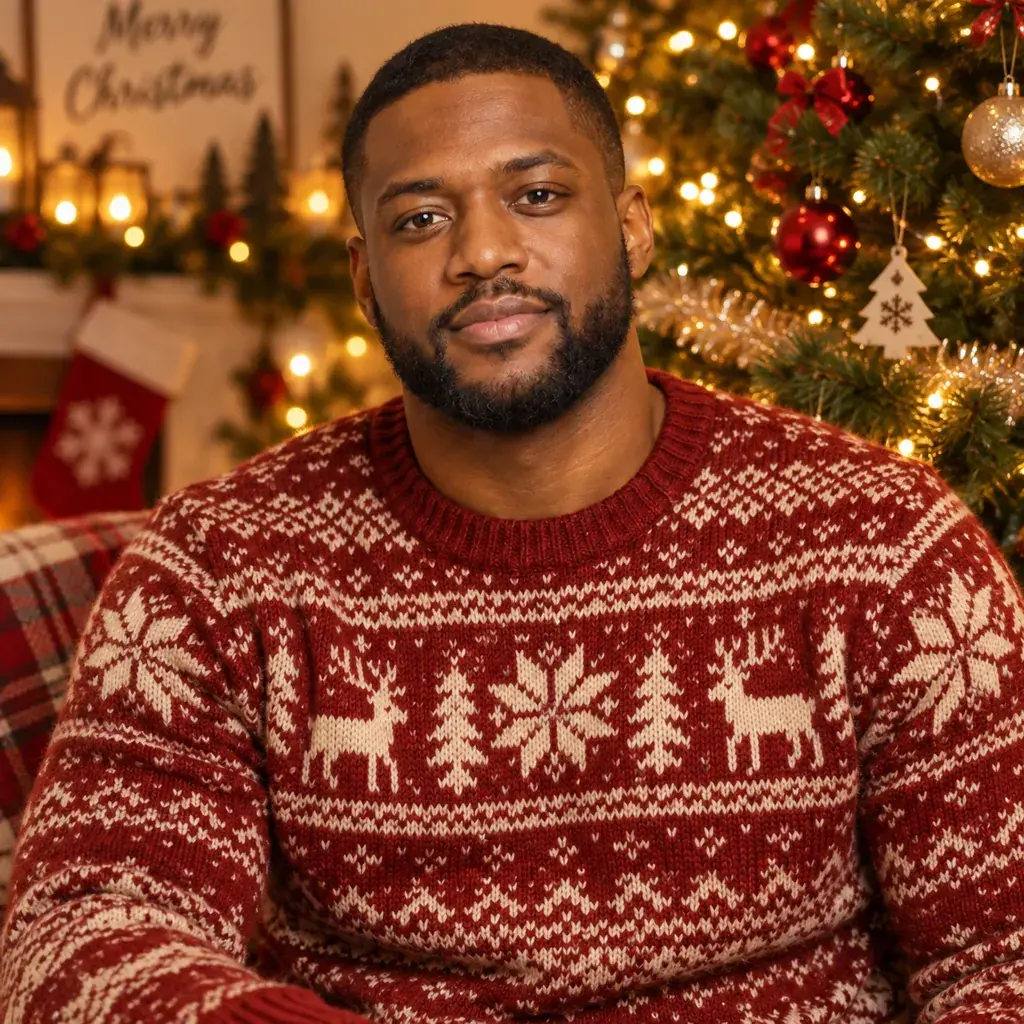 Gemini Christmas Photo Prompts: Cozy Holiday Portraits
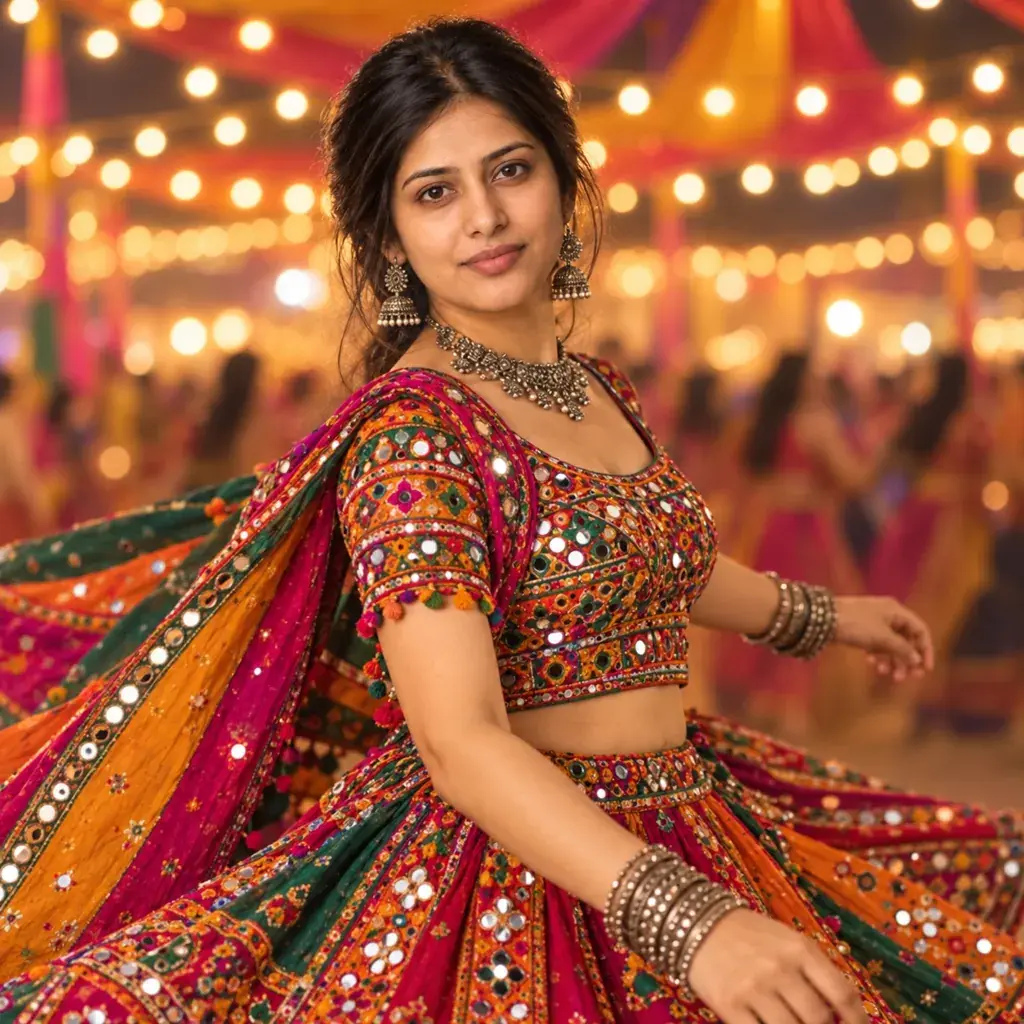 Gemini Navratri AI Photo Prompts: Garba, Dandiya & 9 Colors
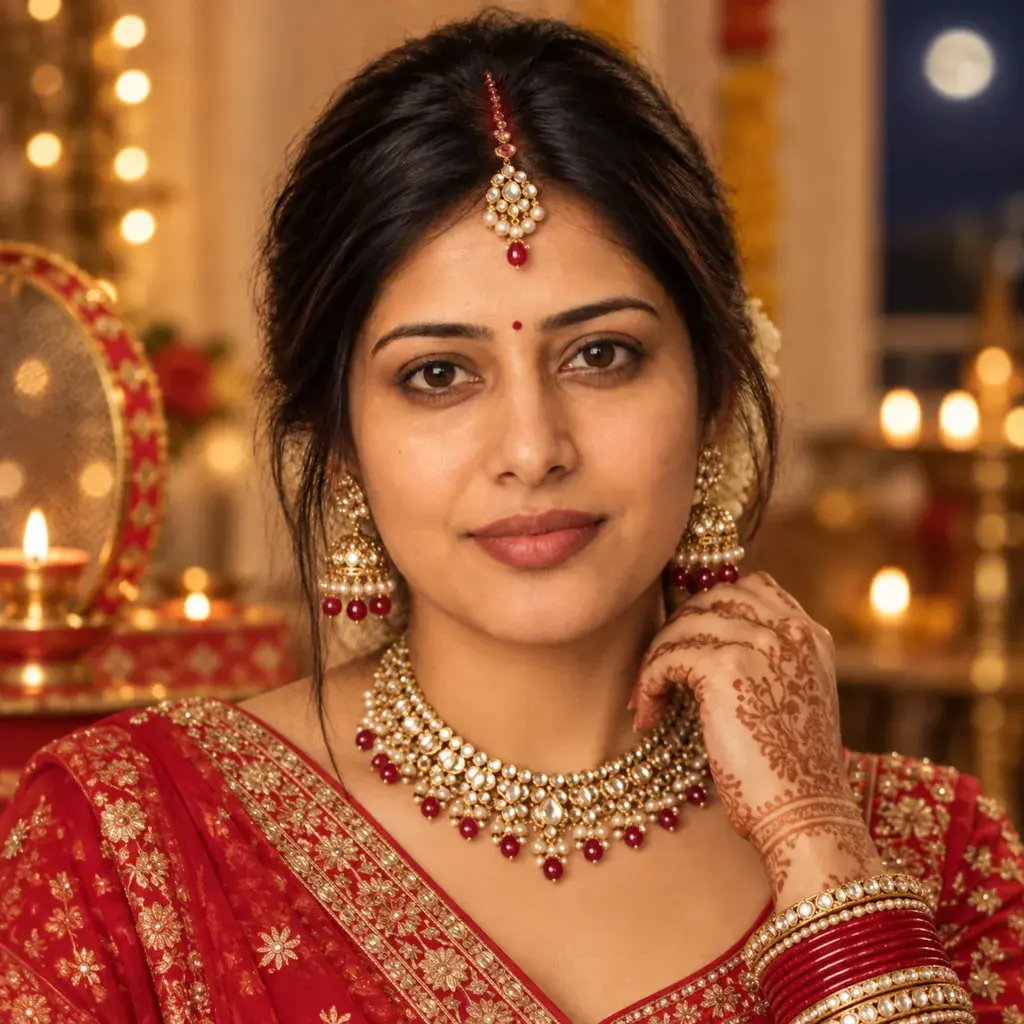 Gemini Karwa Chauth AI Photo Prompts: Mehendi & Thali Looks
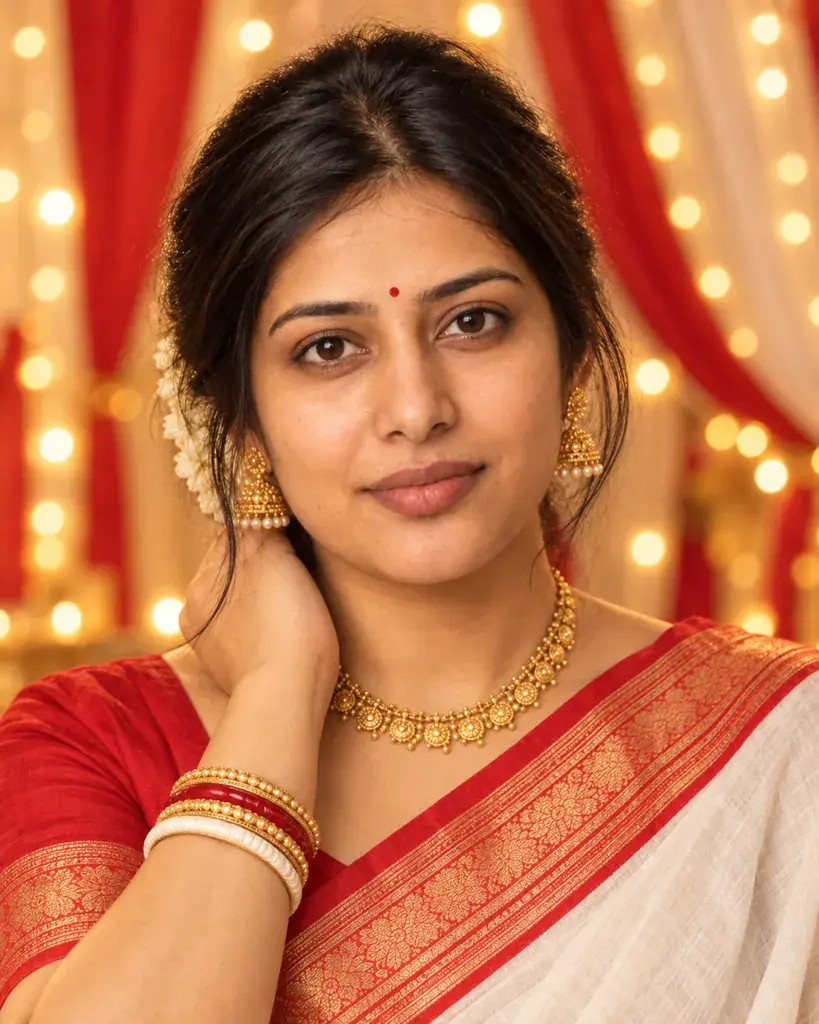 Gemini Durga Puja AI Photo Prompts: Pandal-Lit Festive Looks
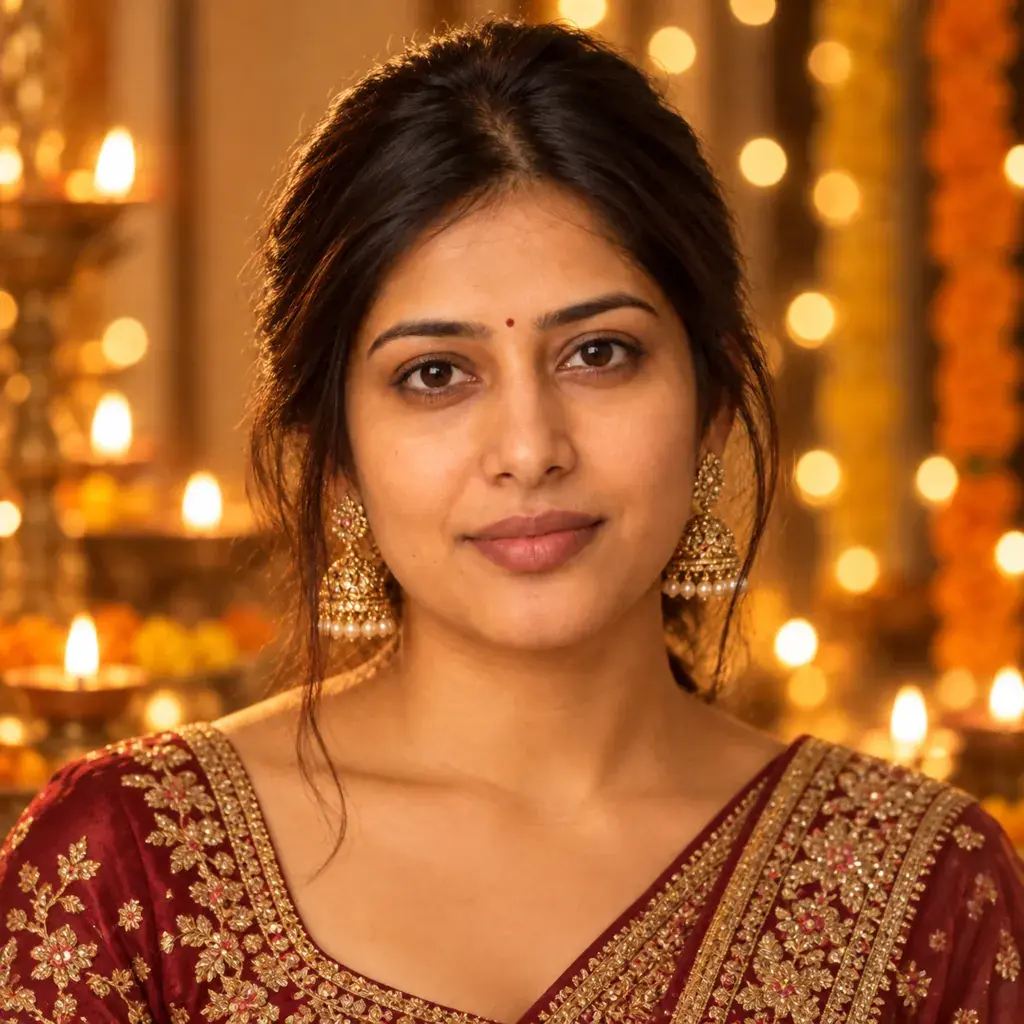 Diwali Photo Prompts for Gemini: Diya-Lit Festive Portraits
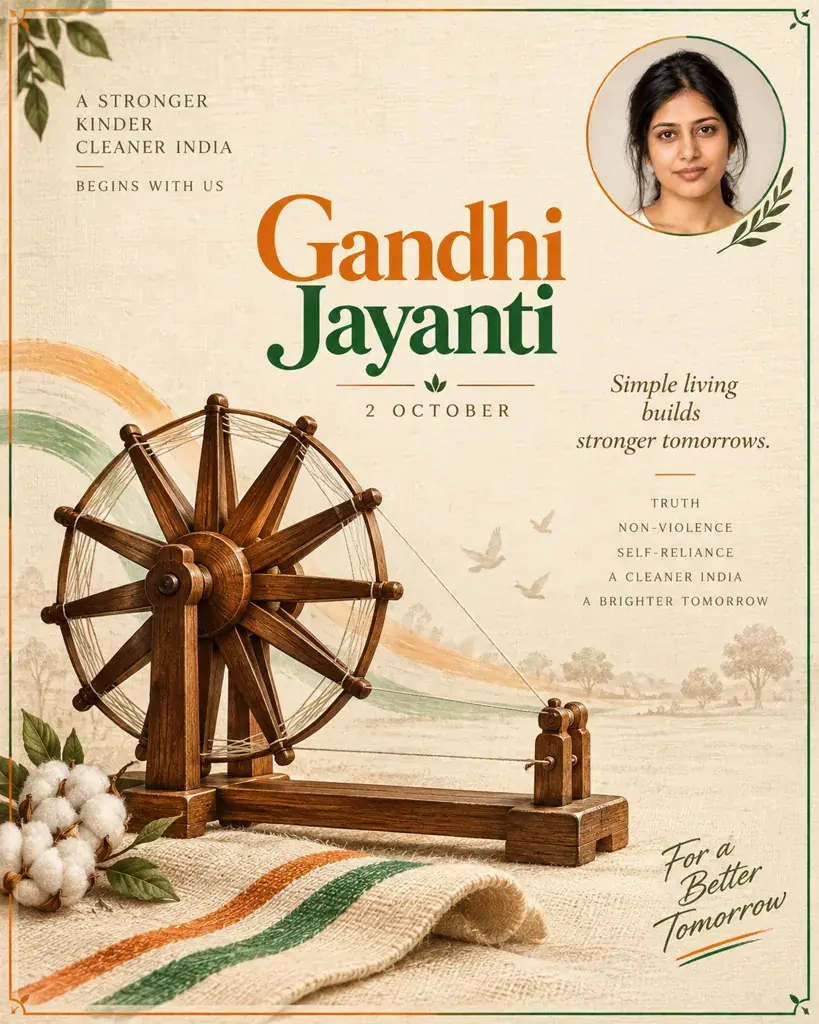 Gemini Gandhi Jayanti Poster Prompts: Respectful Designs
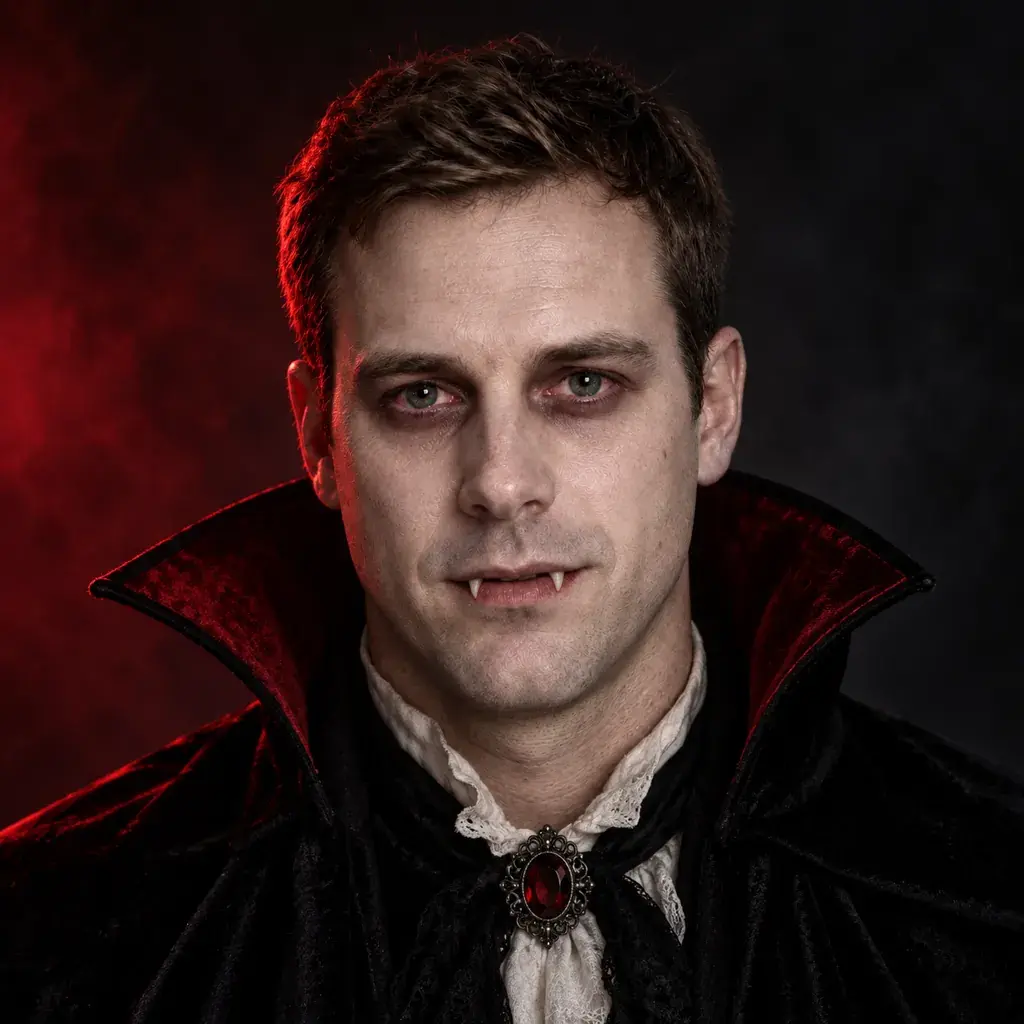 Gemini Halloween Prompts: Costume Photos Without Sewing
Occasions
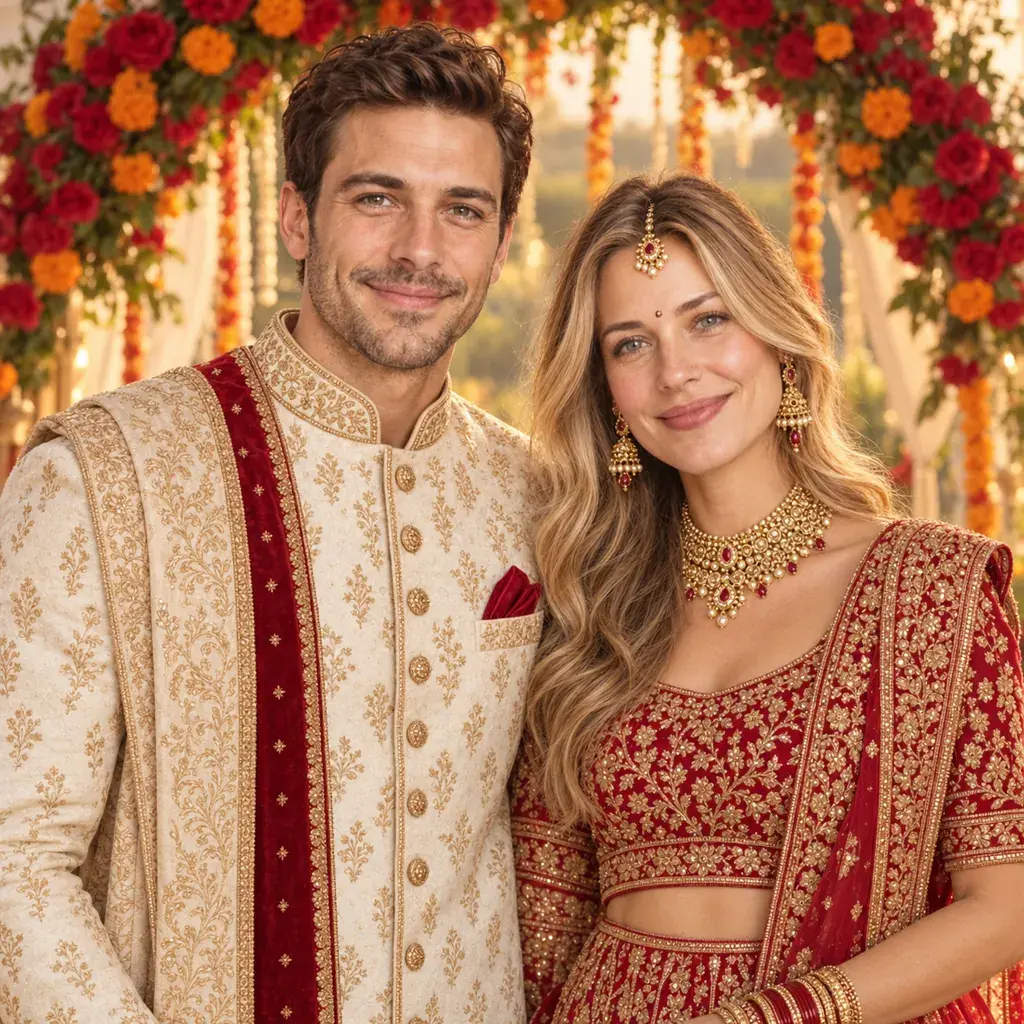
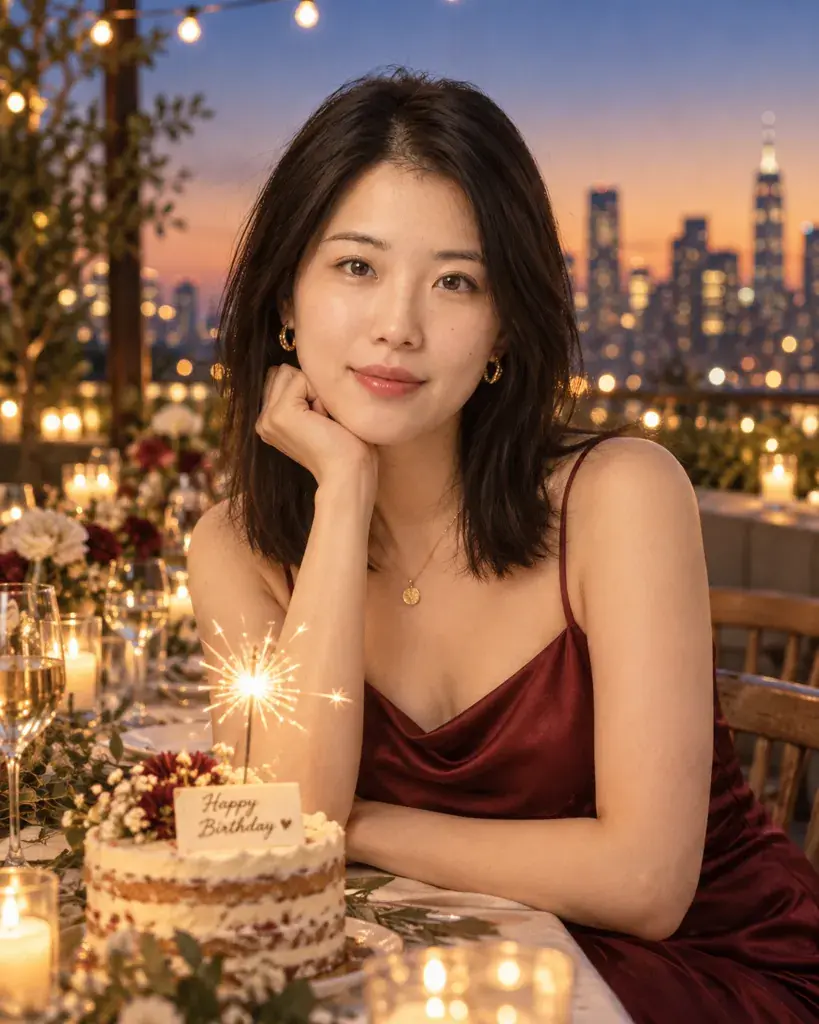
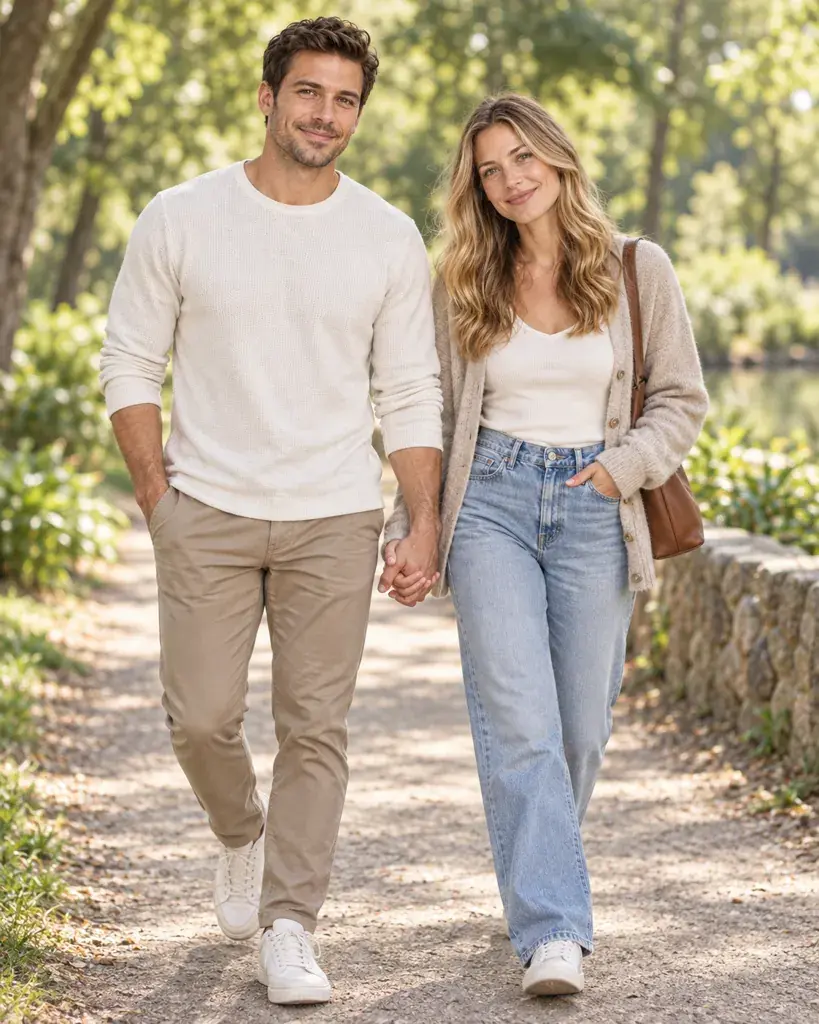
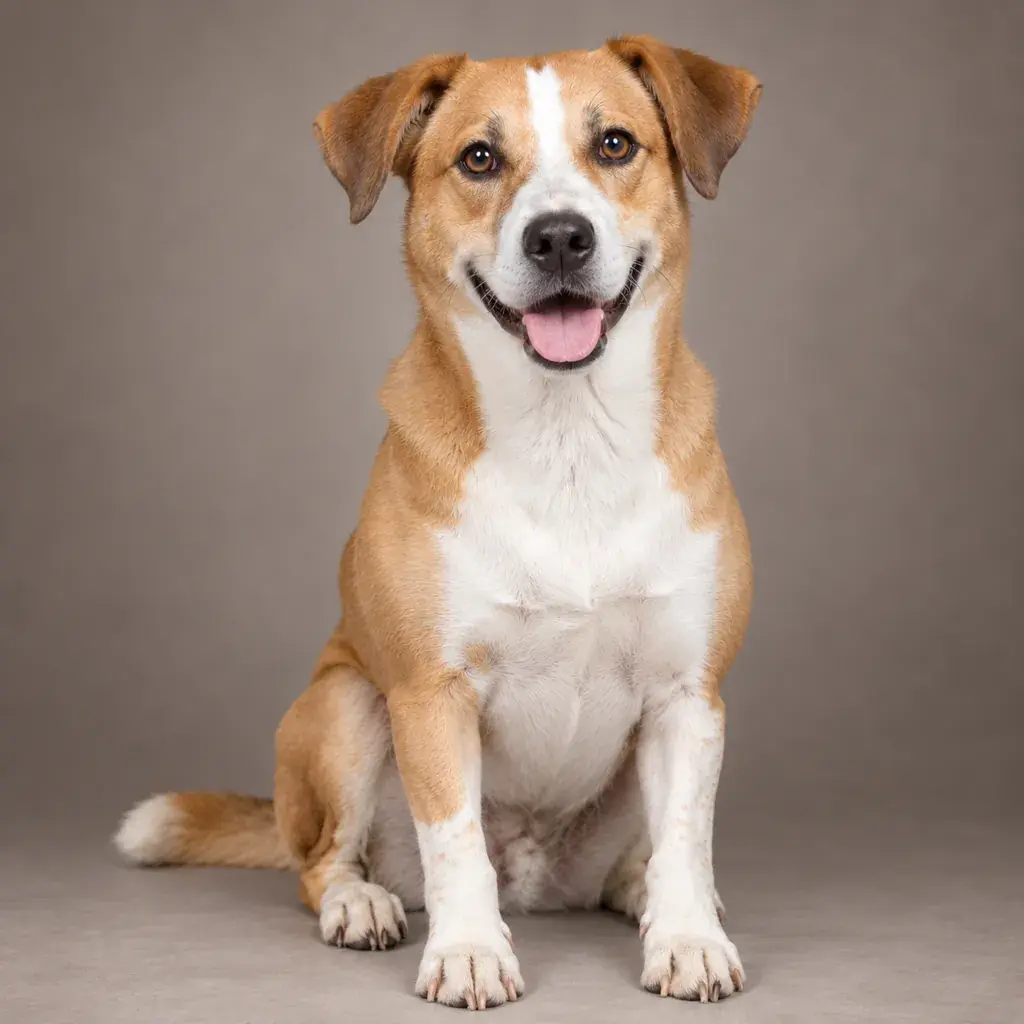
Occasion pages are built around a subject rather than a date: a birthday, a couple, a wedding or a pet. The subject decides which photo you should start with. Couple and wedding prompts need one photo with both people in it, pet prompts need a clear photo of the animal, and birthday prompts work with a single portrait. Each page explains what its prompts change and what they keep, so you can match a prompt to the photo you have instead of the other way round.
Styles
Style pages cover looks and fixes that are not tied to a date. Some change how you are presented: a professional headshot, a sharper DSLR-style version of a phone selfie, a saree portrait, portrait looks for men and for women, a cozy autumn portrait or a preview of a tattoo on your own skin. Others ask Gemini to change one thing and keep the rest: a new hairstyle, a new background behind you, or a damaged old photo repaired and colorized. If you are not sure where to start, a headshot or a background change is the simplest first edit, and old photo restoration is the page to use for family pictures.
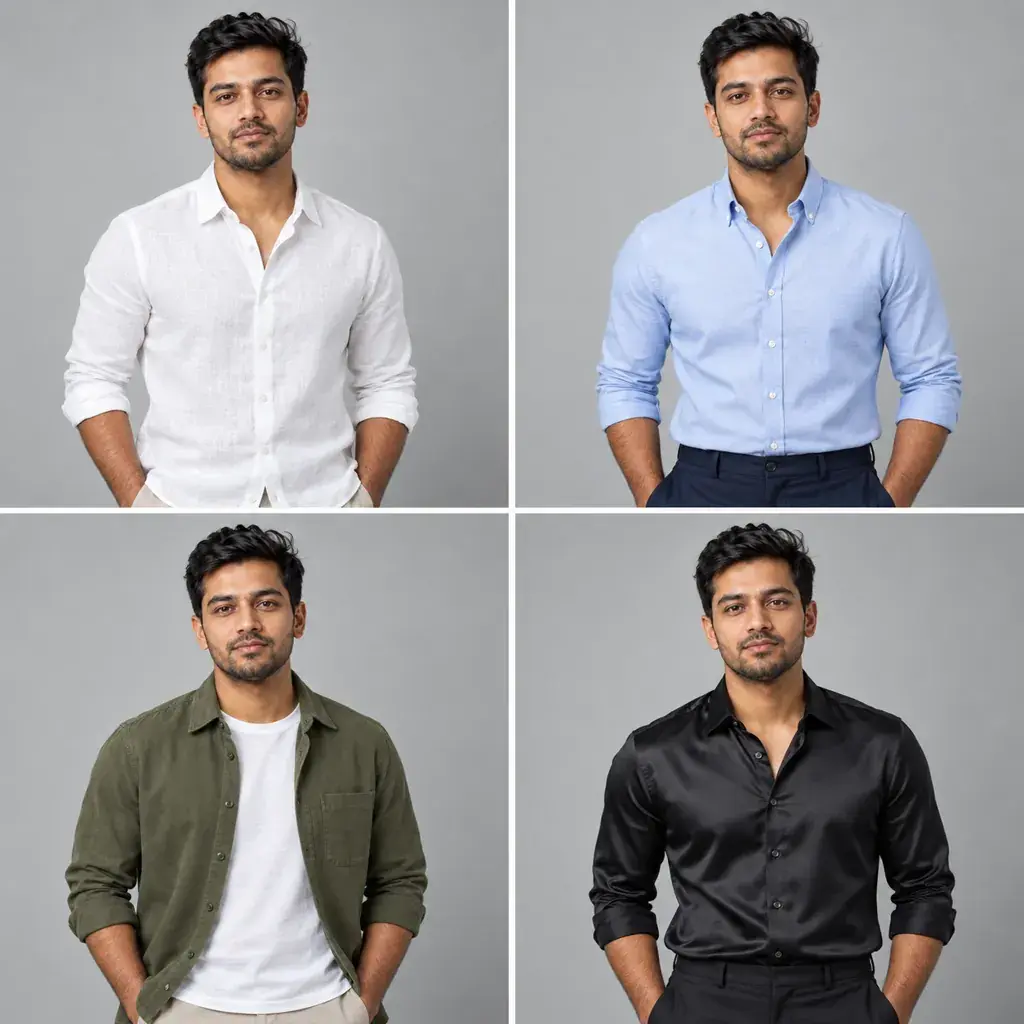 AI Lookbook Prompts for Gemini: Collage & Multi-Angle Looks
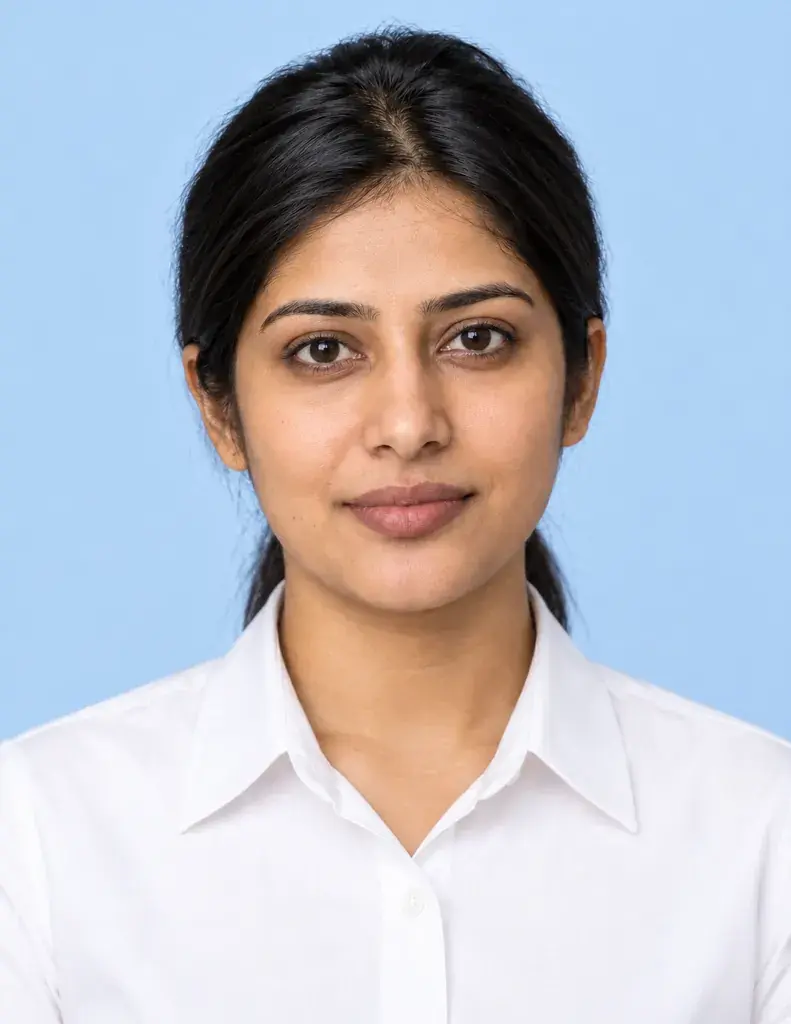 Prompt Seen 2026: 10 Copy-Ready Gemini Photo Prompts
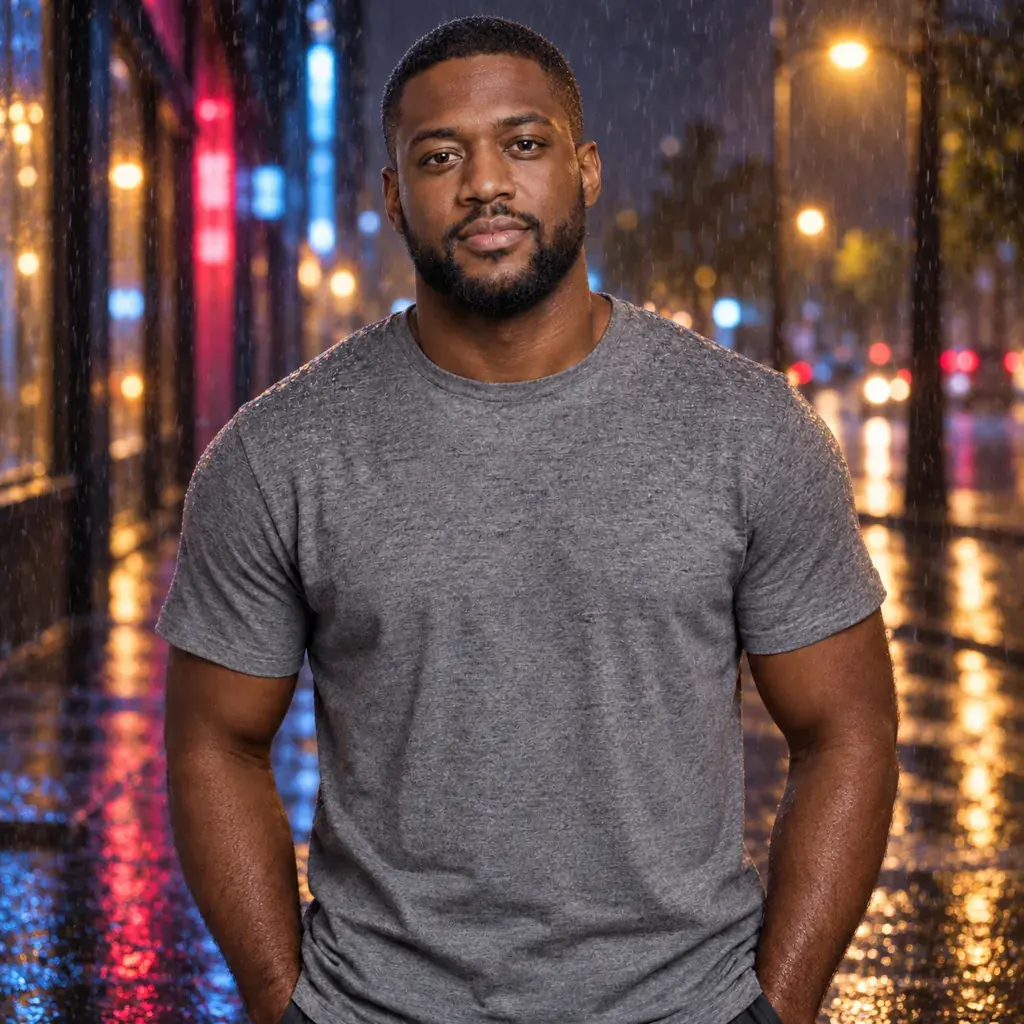 Gemini Background Change Prompts: New Scenes, Same Pose
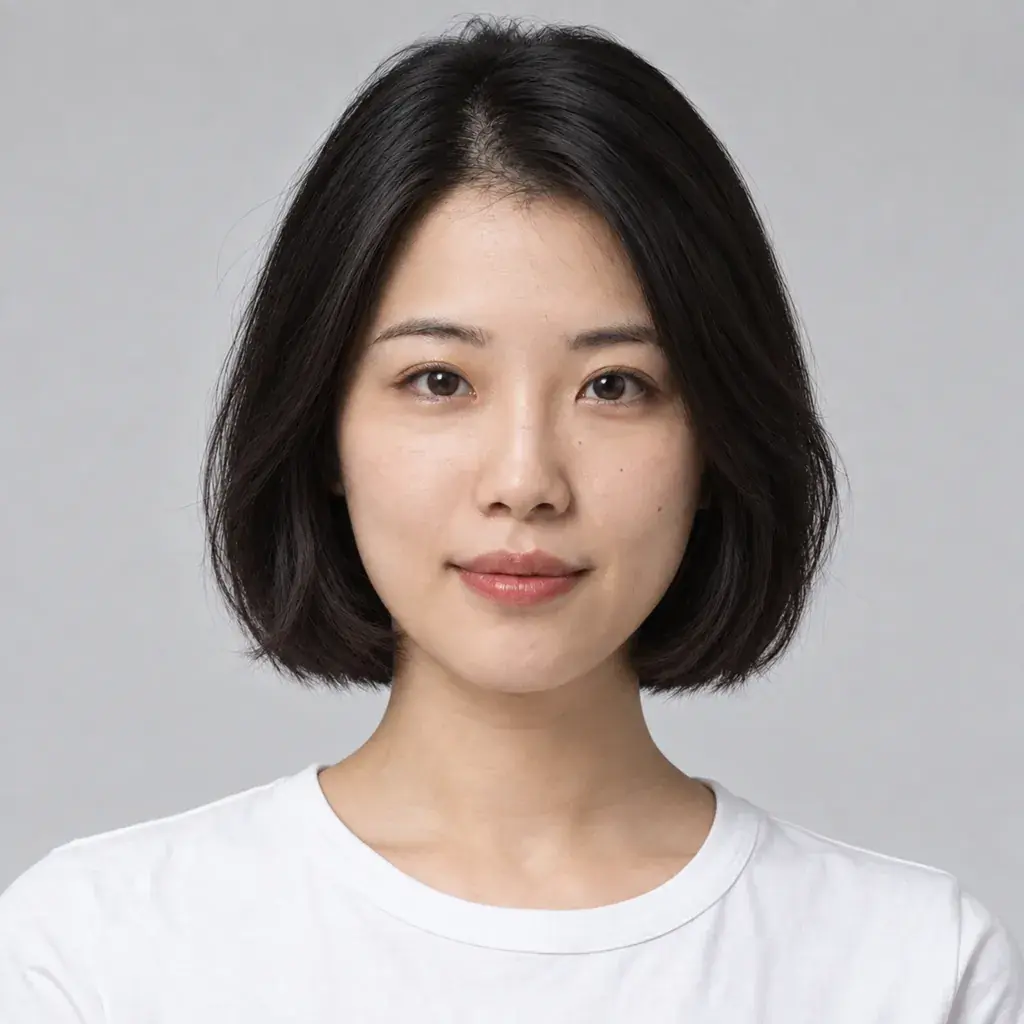 Gemini Hairstyle Photo Prompts: Bob, Perm, Pixie & More
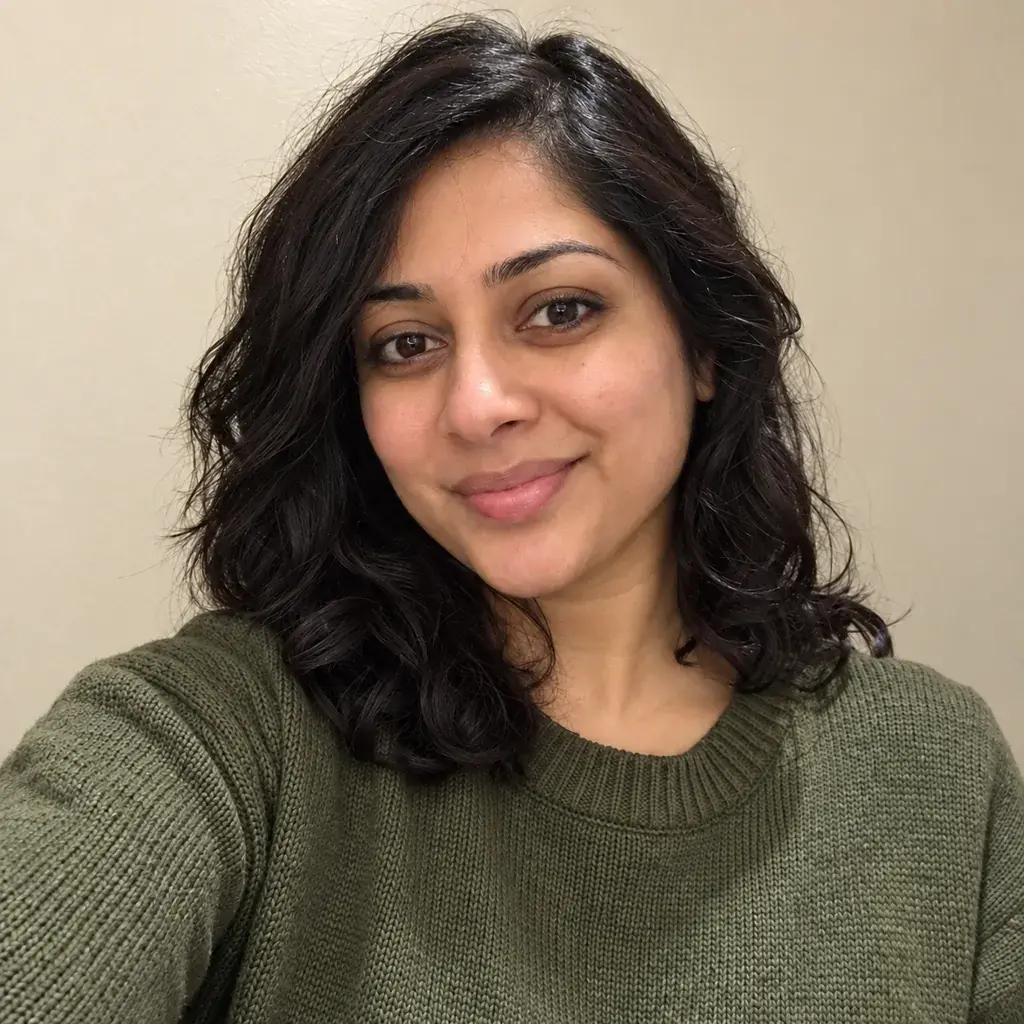 Gemini DSLR Photo Prompts: Turn Selfies into HD Portraits
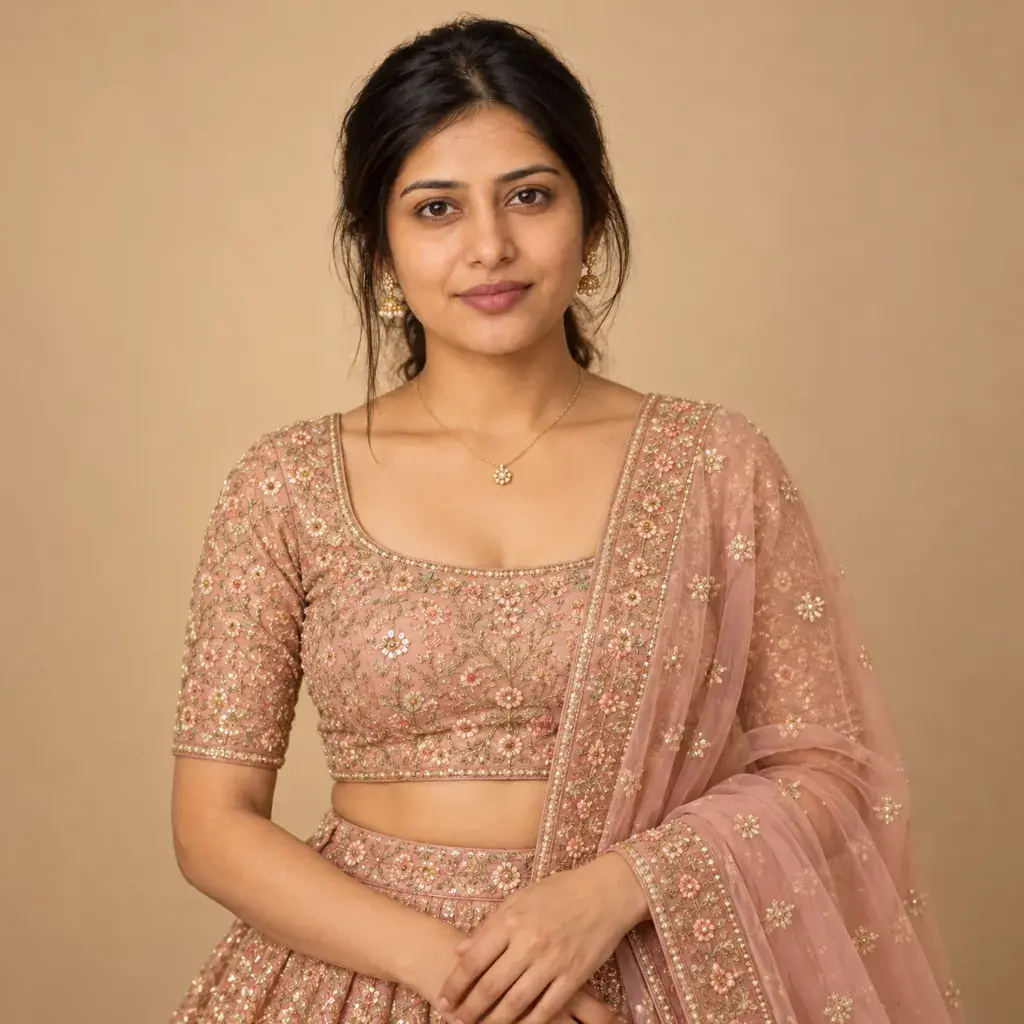 Gemini AI Photo Prompts for Girls: Festive to Everyday Looks
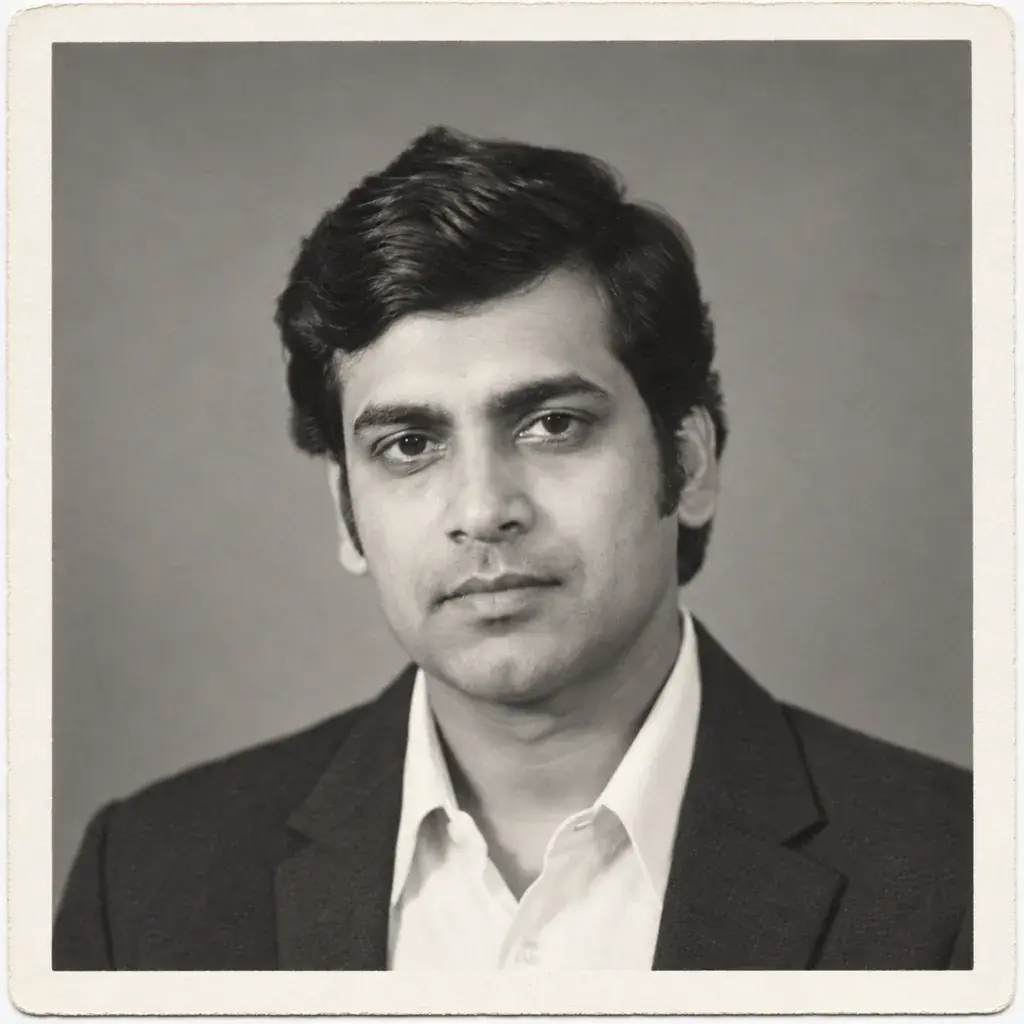 Gemini Old Photo Restoration Prompts: Fix Damage, Add Color
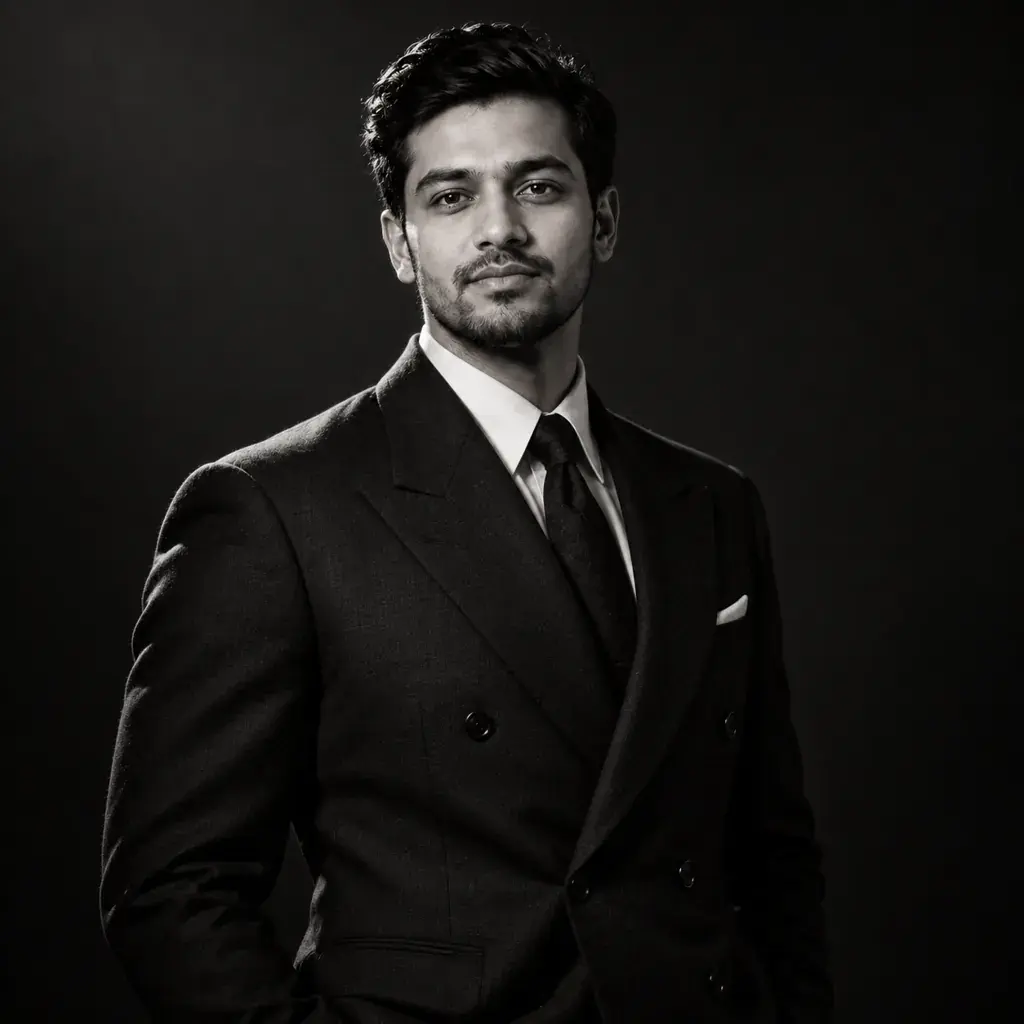 Gemini AI Photo Prompts for Men: Suits, Bikes & Street Style
 Gemini Fall Photo Prompts: Cozy Autumn Portraits in Minutes
 Gemini Professional Headshot Prompts: Work-Ready Photos
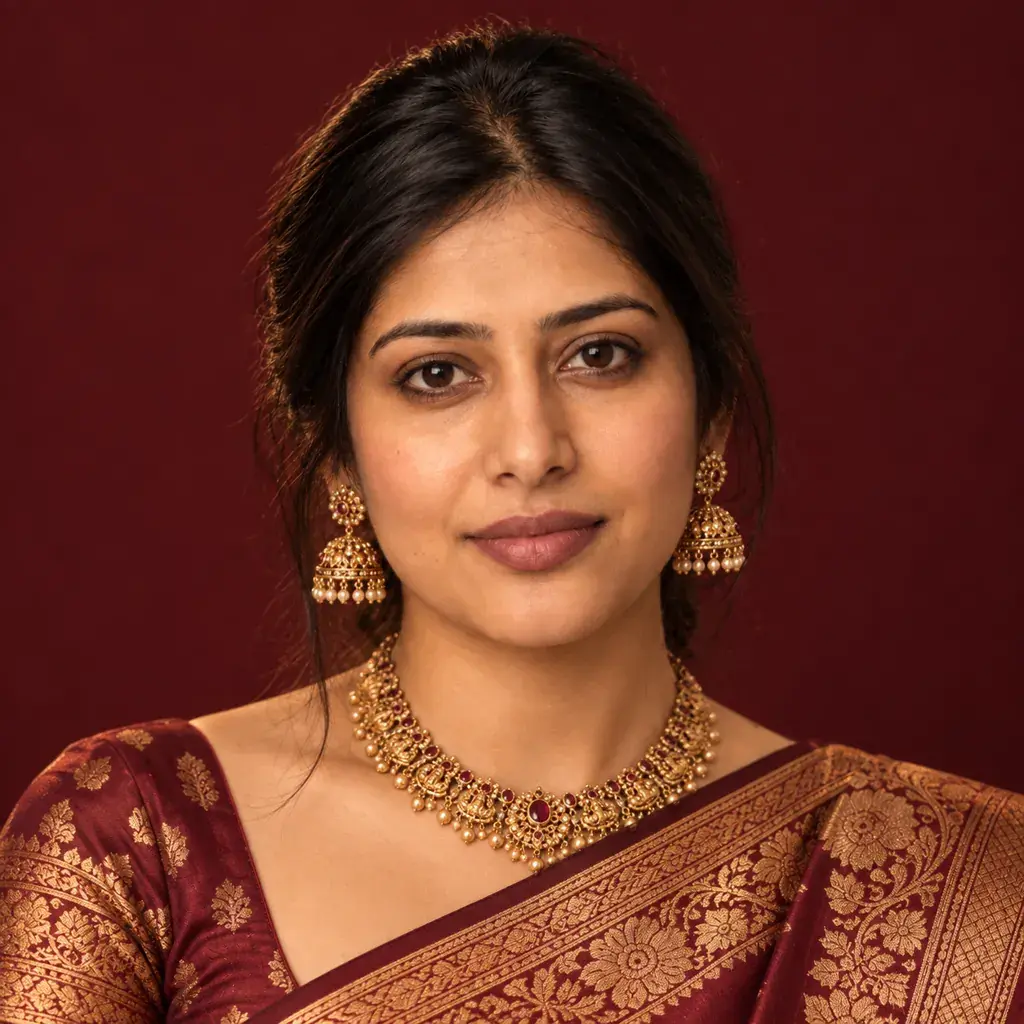 Gemini Saree AI Photo Prompts: Silk, Chiffon & Drape Styles
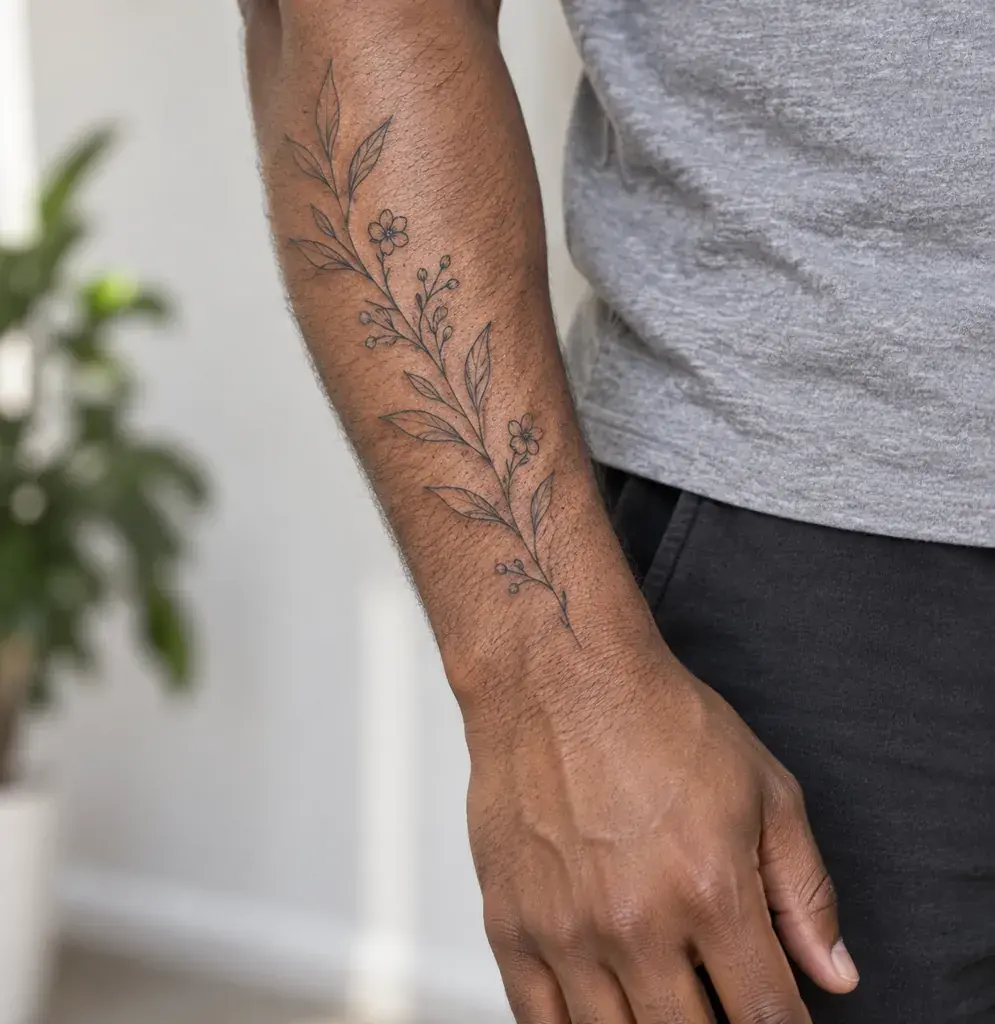 Gemini AI Tattoo Prompts: Preview Ink on Your Own Photo
AI Video Prompts
Video pages turn a photo you already have into a short clip. Each prompt describes how the photo should move: what flickers or drifts, where the camera goes and how long the clip lasts, and every prompt has a sample clip beside it so you can see the kind of motion to aim for. Photo-to-video tools usually start from your photo, so they can only animate what is already in the frame. If your photo is a plain selfie, make a festive portrait first with a page from Festivals or Styles, then bring it to life here. Start with a clear, well-lit photo of an adult, and watch the whole clip before you share it.
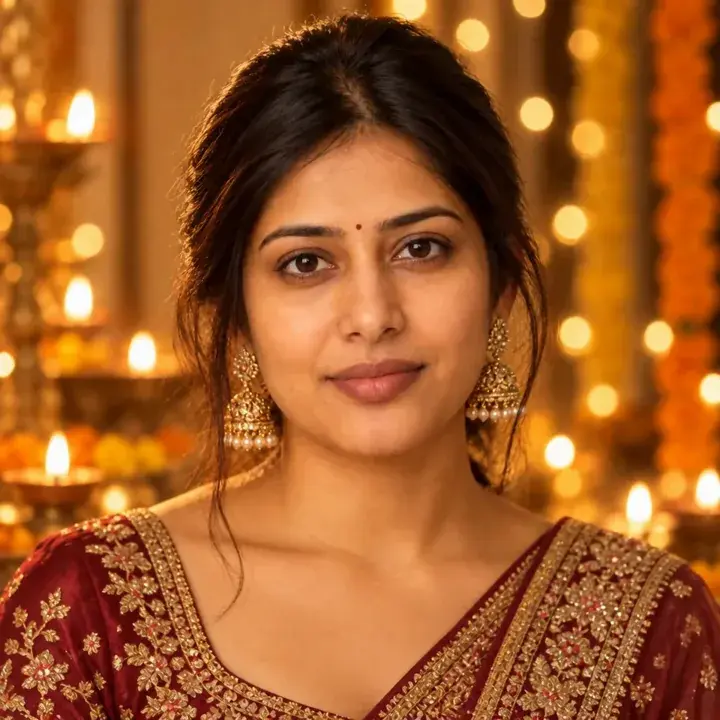
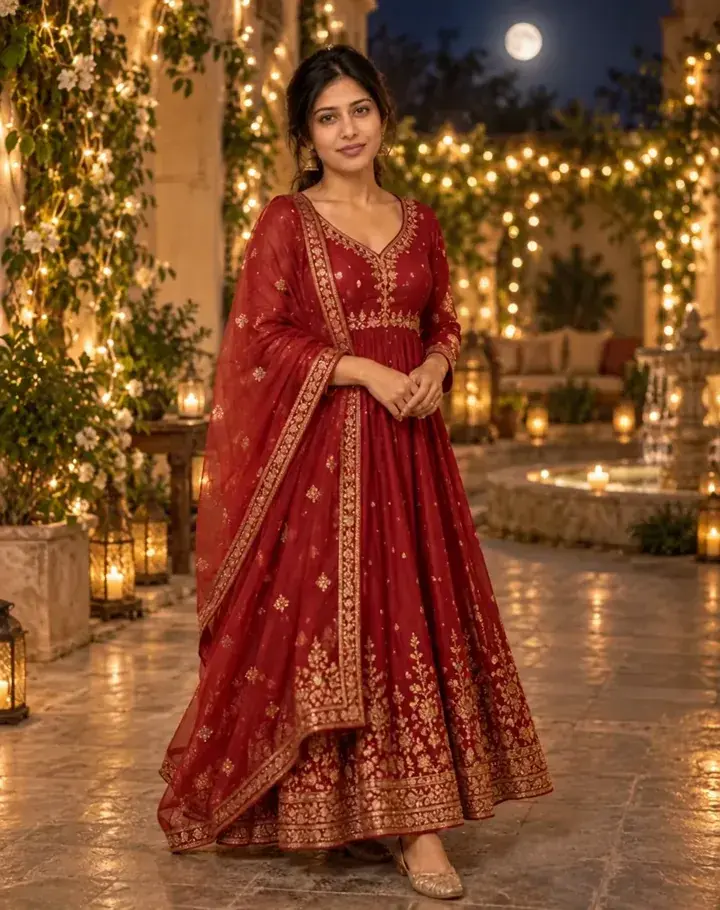
What every topic page includes
Each page opens with a short introduction to the look, followed by the prompts. Every prompt has a sample image made by running that exact text in an AI image generator on an AI-generated stand-in photo, and many prompts have a one-line tip for a common adjustment, such as keeping your own outfit or changing a color. Below the prompts, a short FAQ answers the questions people ask most, such as why a result does not look like them or whether they can use a photo of someone else. New topics are added as new photo trends appear and as festivals come around.