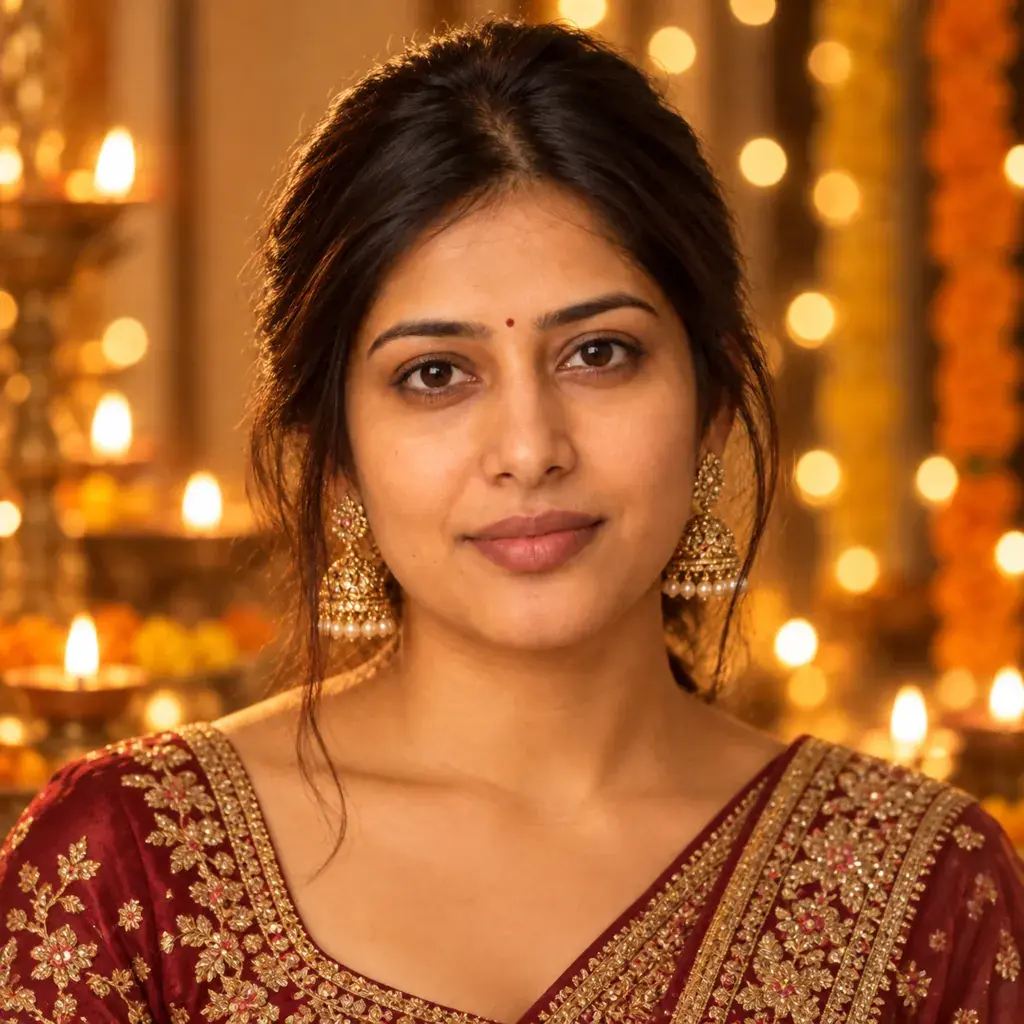
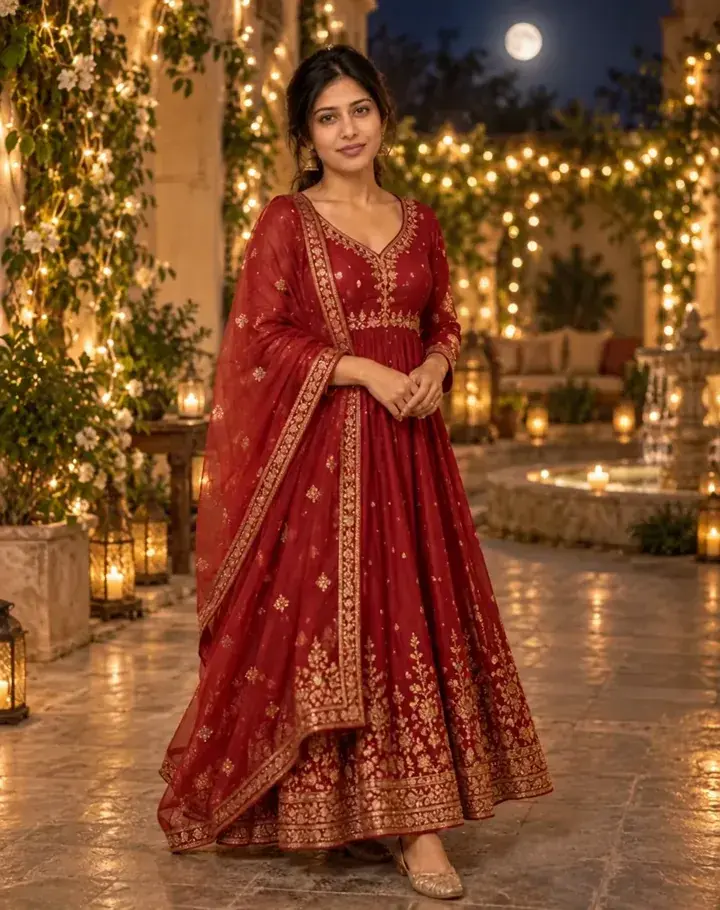
A photo-to-video prompt tells an AI app how a still photo should move: what flickers, what drifts, where the camera goes and how long the clip lasts. This page has seven Diwali prompts written for exactly that, covering a diya-lit close-up, one sparkler held at arm's length, fireworks bursting behind you, fairy lights swaying in a courtyard, a slow pull-back that reveals rangoli and diyas, a couple walking down a lamp-lit lane, and a short greeting clip that ends with 'Happy Diwali' in gold. Each prompt names the lights and decorations, the movement, the camera and the length, and asks for no extra text or logos. Photo-to-video tools start the clip from your photo, so the face, outfit and light all come from it. If your photo is a plain selfie, make a festive portrait first with our Diwali photo prompts, then bring it to life here. To use a prompt, open the photo-to-video or image-to-video option in the AI app you use, upload a clear photo of an adult, paste the prompt and generate. Clip length, shape and free limits differ from app to app, so check those settings first. A sample clip beside each prompt shows the kind of motion to aim for; your clip will not match it exactly. Before you share, watch the clip all the way through and check the face during any turn, the hands, and the edges of the frame for people or writing you didn't ask for. If something looks wrong, ask for less movement and generate again.
i
Sample clips were made by running each exact prompt in an AI video app, starting from an AI-generated stand-in photo. Your clip will not match the sample exactly: it depends on your photo, the app and version you use, and the randomness of each run.
Only upload a photo of yourself, or of an adult who has agreed to it. Please don't use these prompts on photos of anyone under 18.
The 7 prompts
AI-generated sample clip
Created with Grok
Diya glow close-up video prompt
Animate this Diwali portrait into a 6-second vertical clip: the diya flames in front of the person flicker softly, warm light shimmers across the face, the person blinks naturally and keeps a gentle closed-mouth smile, string lights twinkle out of focus behind, and the camera pushes in slowly. Keep the face unchanged, with no text or logos.
Tip: If the flames look busy, ask for 'fewer diyas, softer glow'.
AI-generated sample clip
Created with Grok
Sparkler at arm's length video prompt
Turn this photo into a short Diwali sparkler clip: the person holds one lit sparkler at arm's length, bright sparks crackle and fall away from the face, warm sparkle light flickers on the face and festive outfit, the night background stays softly blurred, and the camera holds steady. 6 seconds, vertical, face unchanged, no text or logos.
Tip: Start from a photo with one hand already raised to chest height, as in the sample.
AI-generated sample clip
Created with Grok
Fireworks behind you video prompt
Bring this night photo to life: colorful fireworks burst one after another in the dark sky behind the person, each burst briefly lighting the hair and shoulders with colored rim light, the person slowly looks up and smiles, and the camera tilts up a little with the last burst. 8 seconds, face unchanged, no signs or lettering in view.
AI-generated sample clip
Created with Grok
Courtyard fairy lights video prompt
Animate this photo in a courtyard strung with warm fairy lights: the strands sway slightly in a light breeze, the edge of the saree pallu or kurta flutters, the person turns from the lights toward the camera with a calm smile, and the camera orbits slowly to the right. Warm dusk tones, 6 seconds, face unchanged, no other people, no text.
AI-generated sample clip
Created with Grok
Rangoli reveal video prompt
Animate this festive photo with a slow pull-back: the camera starts close on the person's face and eases back to reveal a colorful geometric floral rangoli and rows of lit diyas on the floor around them, the flames flickering and the warm glow steady on the face. No symbols or lettering in the rangoli, 7 seconds, face unchanged.
AI-generated sample clip
Created with Grok
Couple on a lamp-lit lane video prompt
Turn this photo of two adults into a Diwali walk: the couple strolls slowly toward the camera along a lane lined with lit diyas and hanging paper lanterns, the lanterns sway gently, warm light falls on both faces, and they share a laugh. Slow backward tracking shot, 8 seconds, both faces unchanged, no other people, no text.
Tip: Use a photo where both faces are clear and roughly the same size.
AI-generated sample clip
Created with Grok
Happy Diwali greeting video prompt
Make a short Diwali greeting clip from this photo: the person looks into the camera, smiles and gives a small wave, warm diya light and golden bokeh glow behind, and in the last two seconds the words 'Happy Diwali' fade in, in elegant gold letters in the lower third. No other text or logos, 6 seconds, vertical, face unchanged.
Tip: If the letters come out misspelled, drop the last sentence and add the greeting in a video editor.
Frequently asked questions
Which app do I paste these prompts into?
Any AI app with a photo-to-video or image-to-video option. Upload your photo there and paste the prompt where it asks you to describe the motion. Clip length, shape and free limits differ between apps and change often, so check the app's own settings before you generate.
Why does my face look different halfway through the clip?
Every run is different. In our sample runs the face held through head turns and a slow walk, but if yours changes, start from a clear, front-facing, well-lit photo, ask for a smaller or slower movement and generate again.
Can I use a family photo?
Only of adults who have agreed to it. Please don't upload a photo of anyone under 18, and before you share a clip, check every frame for extra people the app may have added.
How do I get a vertical clip for WhatsApp Status or Instagram Reels?
Start from a vertical photo. In our sample runs the clip always kept the shape of the photo we uploaded, even when the prompt said 'vertical': square photos gave square clips. If your app lets you choose 9:16 before generating, pick that.