Indian Festival AI Photo Editing Prompts
Every Indian festival prompt pack on this site, in one place. Each festival has its own page of free, copy-ready Gemini prompts, with a sample image for every prompt so you can see the look before you try it. Pick the festival you are celebrating, copy a prompt, and paste it into Gemini with your own photo.
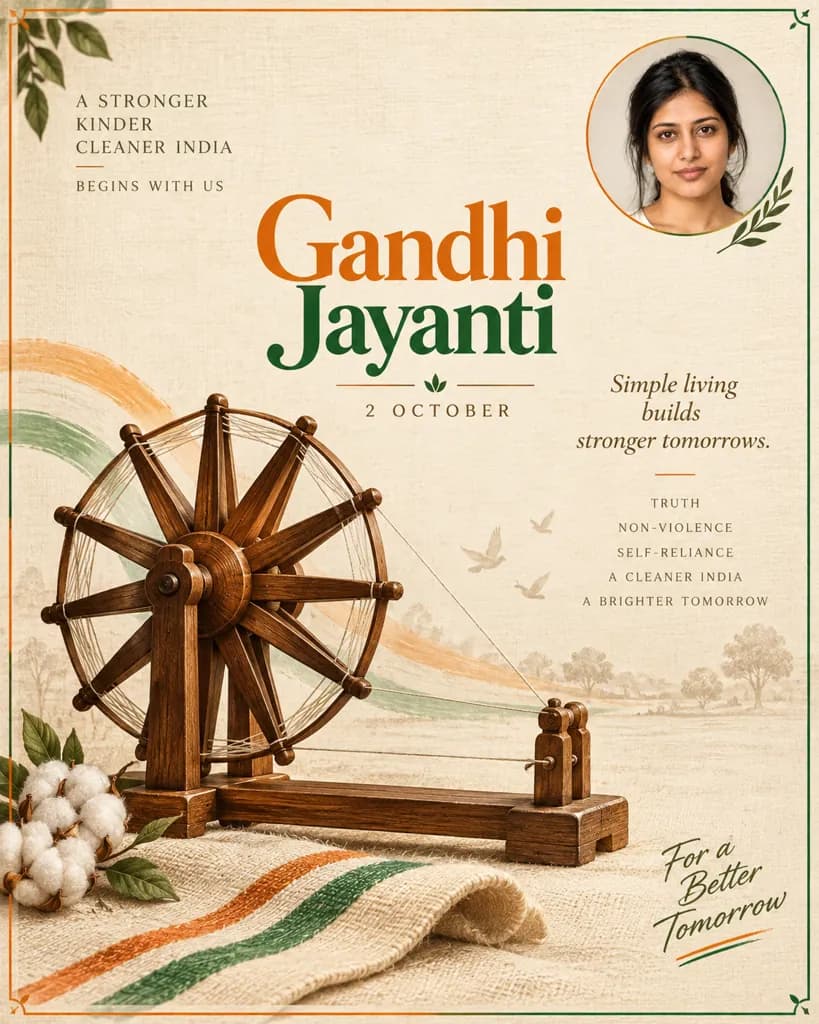
Gandhi Jayanti · October 2
Gemini Gandhi Jayanti Poster Prompts: Respectful Designs
Build a Gandhi Jayanti poster around your own photo using a charkha, khadi texture, and tr…
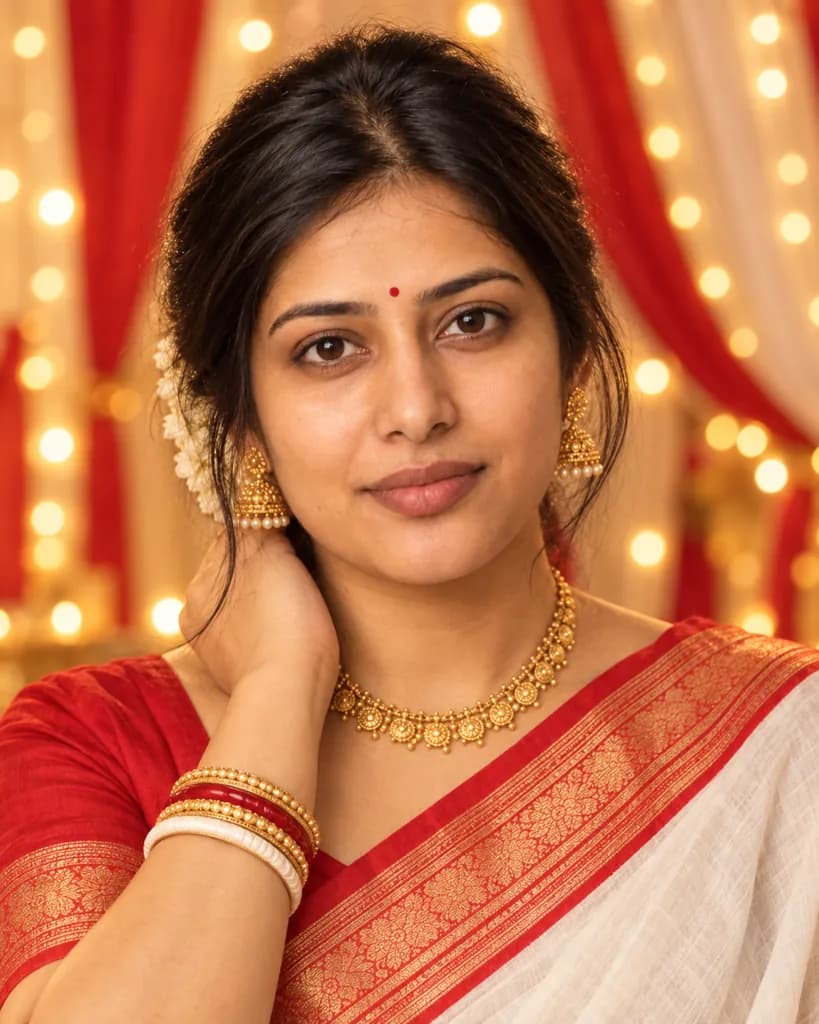
Durga Puja · September or October
Gemini Durga Puja AI Photo Prompts: Pandal-Lit Festive Looks
Turn any photo into a festive Durga Puja portrait with pandal lights, a dhunuchi glow, and…
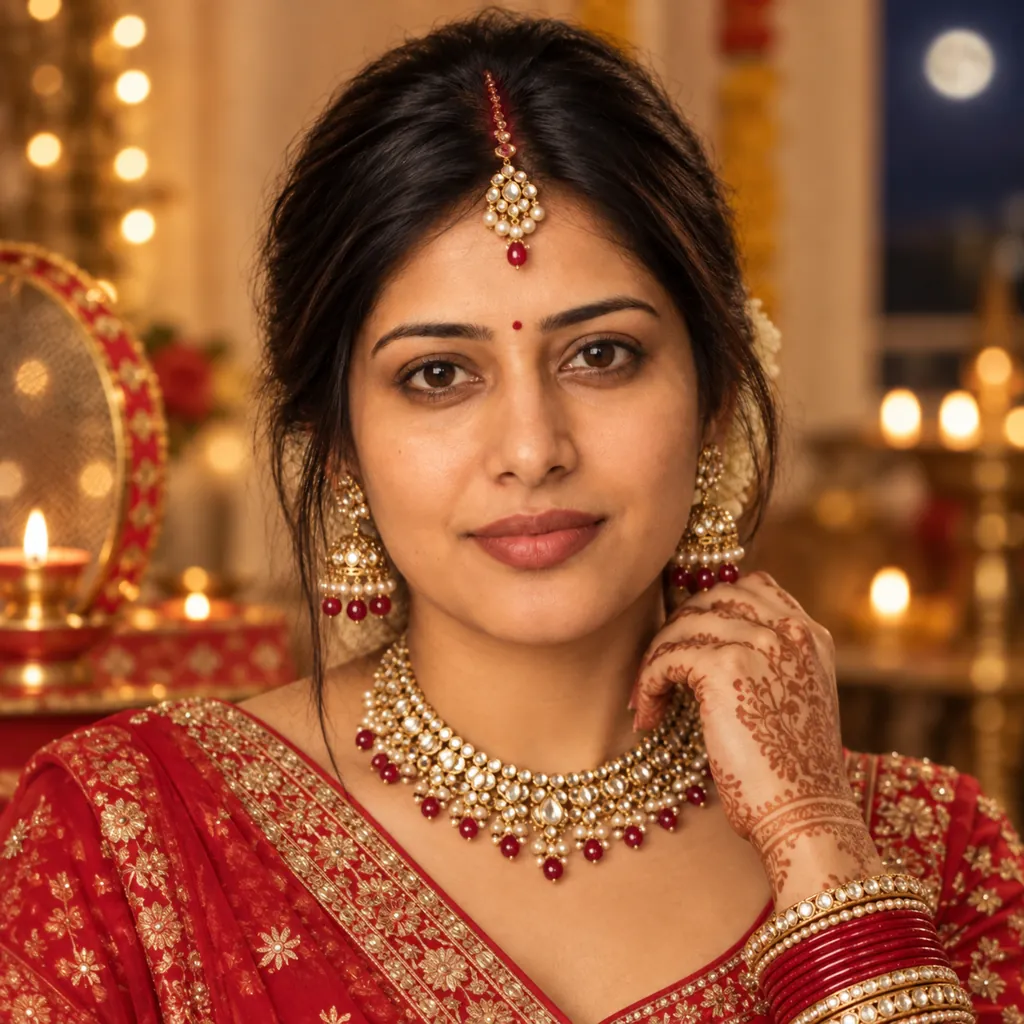
Karwa Chauth · October or November
Gemini Karwa Chauth AI Photo Prompts: Mehendi & Thali Looks
Turn any photo into a festive Karwa Chauth portrait with mehendi, a decorated thali, and t…
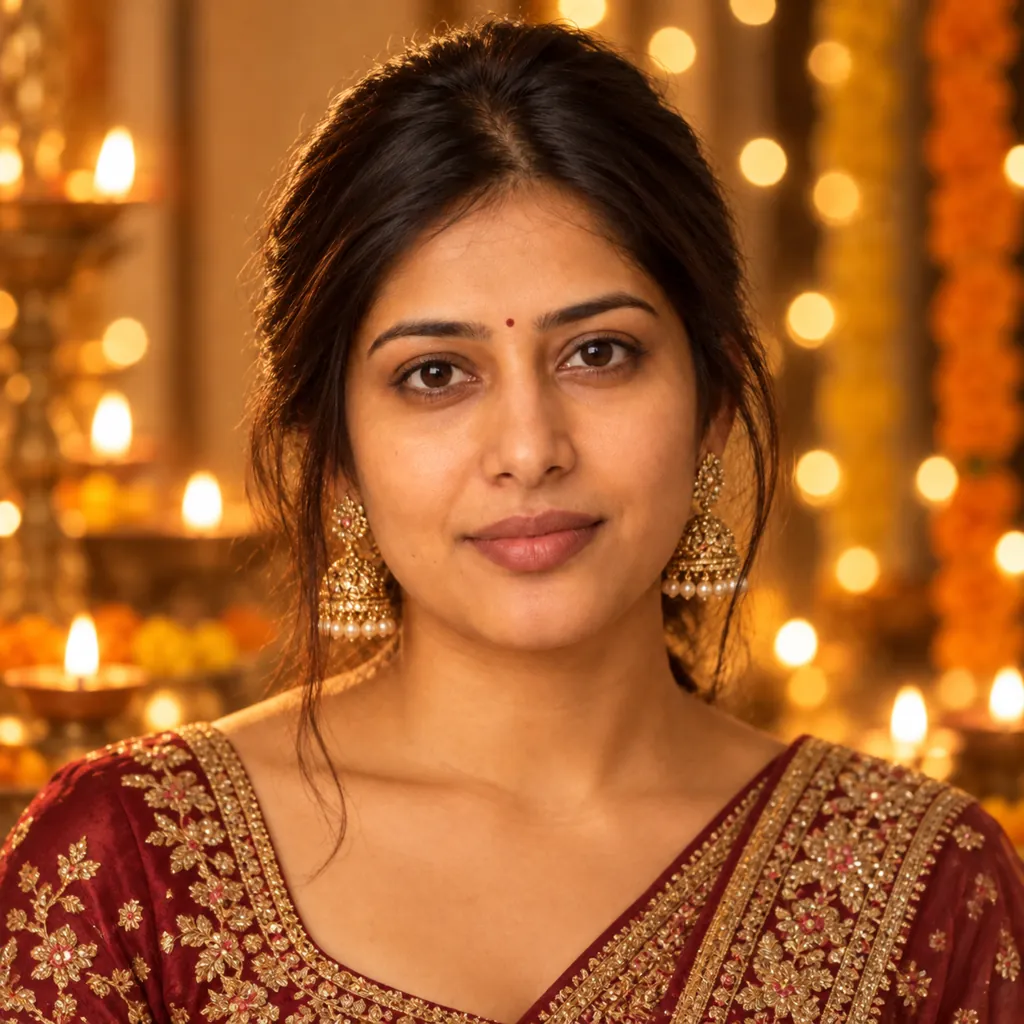
Diwali · October or November
Gemini Diwali AI Photo Prompts: Diya-Lit Festive Portraits
Turn any photo into a warm, diya-lit Diwali portrait with festive outfits and rangoli back…
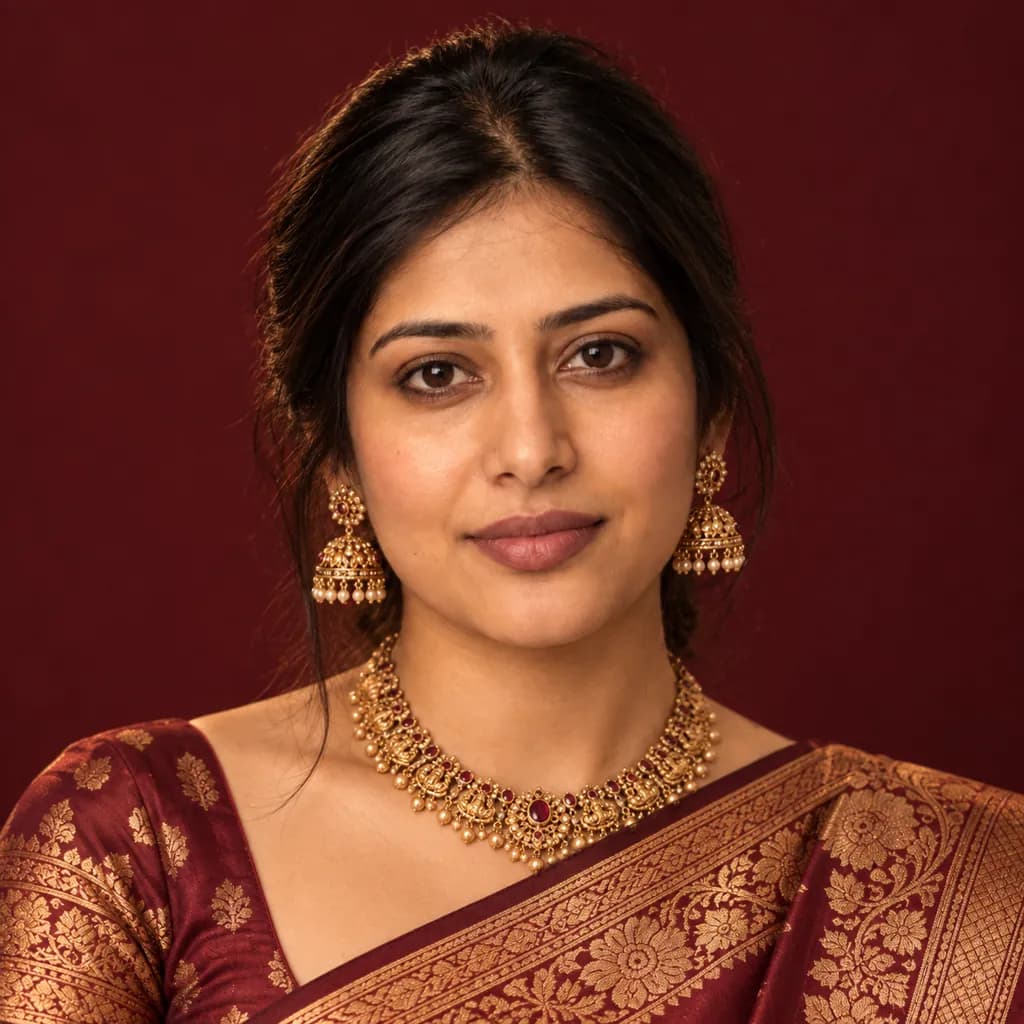
Saree looks · Any festival or family occasion
Gemini Saree AI Photo Prompts: Silk, Chiffon & Drape Styles
Turn any photo into a polished saree portrait, from silk brocade to breezy pastel chiffon.…
How to use these festival prompts
- Open a festival above and pick the look you like from its sample images.
- Copy that prompt with the copy button next to it.
- Open Gemini, upload a clear, well-lit photo of yourself, and paste the prompt.
Use your own photo, or one the other person has agreed to share, and leave out photos of children. Your result in Gemini will look similar to the sample but not identical, because your photo and the model both shape the final image.