Diwali portraits usually mean warm string lights, glowing diyas, and rich festive color, hard to get right without the actual lights and props already set up at home. This page has seven Gemini prompts that add that warm, celebratory look to an existing photo, covering close diya-lit portraits, rangoli backdrops, string-light courtyards, and both traditional and modern festive outfits. Each prompt spells out the outfit, the light source, the backdrop, and the color grading needed for a photo that reads as a real Diwali celebration instead of a plain gold filter. Copy a prompt, open a Gemini chat, attach a clear photo, and paste the prompt as your message; a sample image next to each prompt shows what to expect. Small changes are easy to make: mention your actual outfit color if you want it kept as-is, or add 'more diyas' for a fuller, busier frame. Two issues come up most often. If the source photo is dark, blurry, or taken at a strong angle, the face can look less like the real person, so start with a clear, front-facing, well-lit photo. If the backdrop feels too cluttered with props, reply in the same chat and ask Gemini for a 'simpler backdrop' or 'fewer string lights.' These prompts work well on solo portraits and on photos with two or more family members in frame, since the lighting and backdrop apply to everyone in the shot. No physical diyas, rangoli chalk, or lights are needed, the entire scene is generated inside your Gemini chat.
Sample images were made by running each exact prompt in ChatGPT's image generator on an AI-generated stand-in photo. Results in Gemini will look similar but not identical.
#1
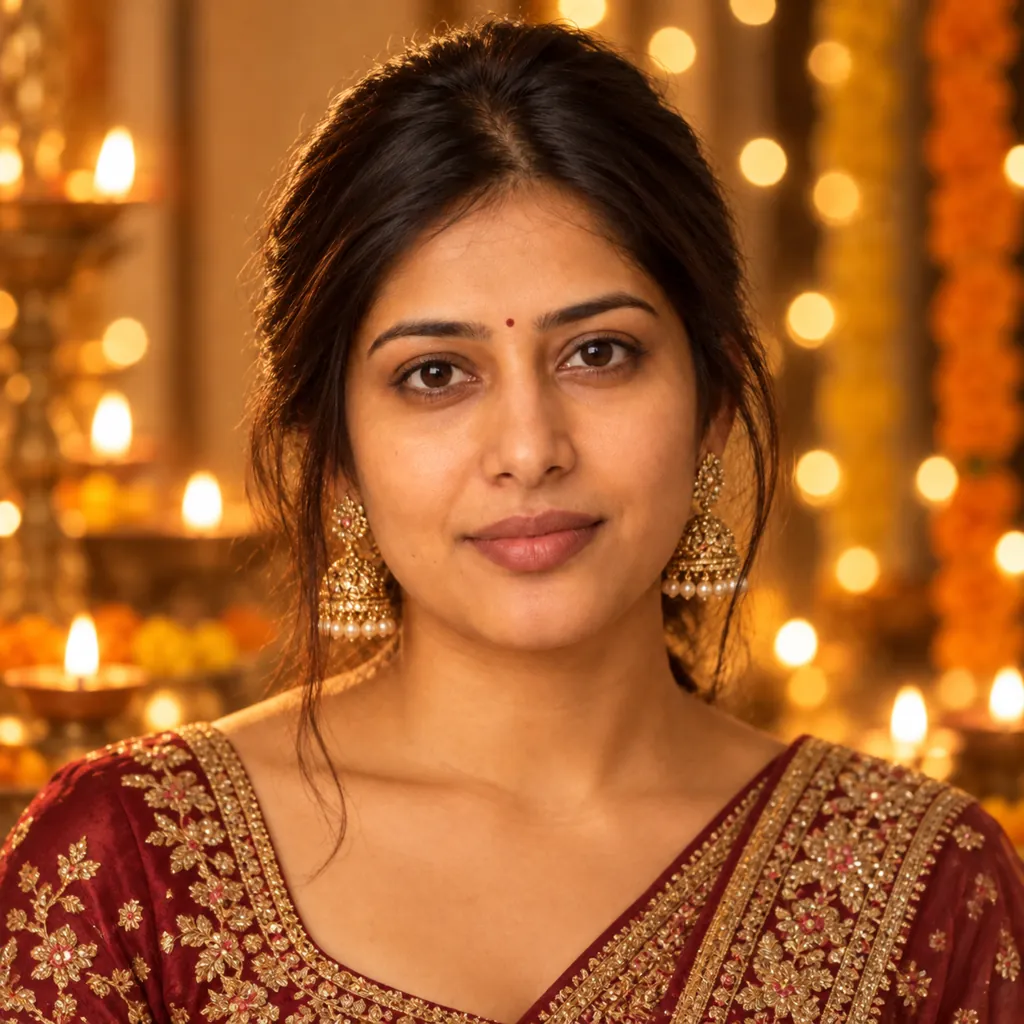
Restyle the person in the photo as a Diwali portrait lit by diya flames: warm golden flame-light on the face, a traditional embroidered kurta or saree, soft bokeh from string lights behind, warm color grading, and a close-up crop capturing the glow on the face.
Mention your actual outfit color if you want it kept as-is.
Copies the prompt; just paste it in Gemini
#2
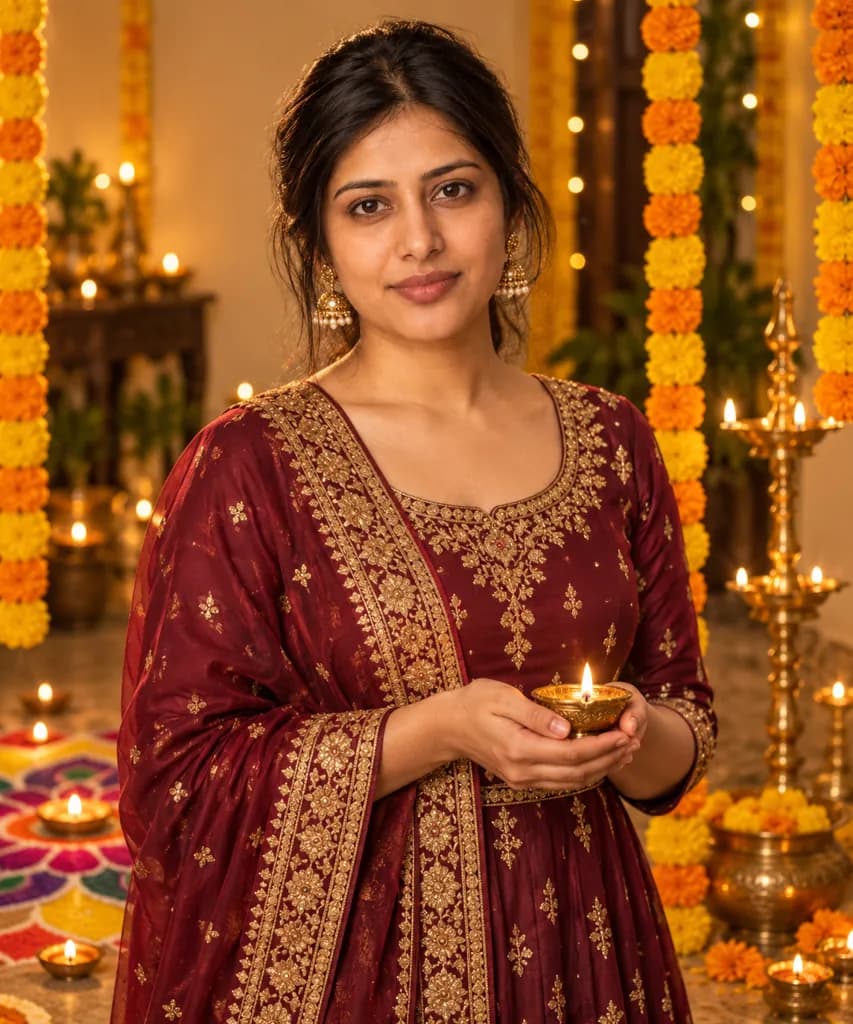
Turn the person in the photo into a festive Diwali portrait: a rich jewel-toned traditional outfit, a colorful rangoli pattern visible on the floor behind, warm tungsten studio lighting, marigold garlands draped nearby, and a half-body standing pose.
Add 'more marigolds' for a fuller garland look.
Copies the prompt; just paste it in Gemini
#3
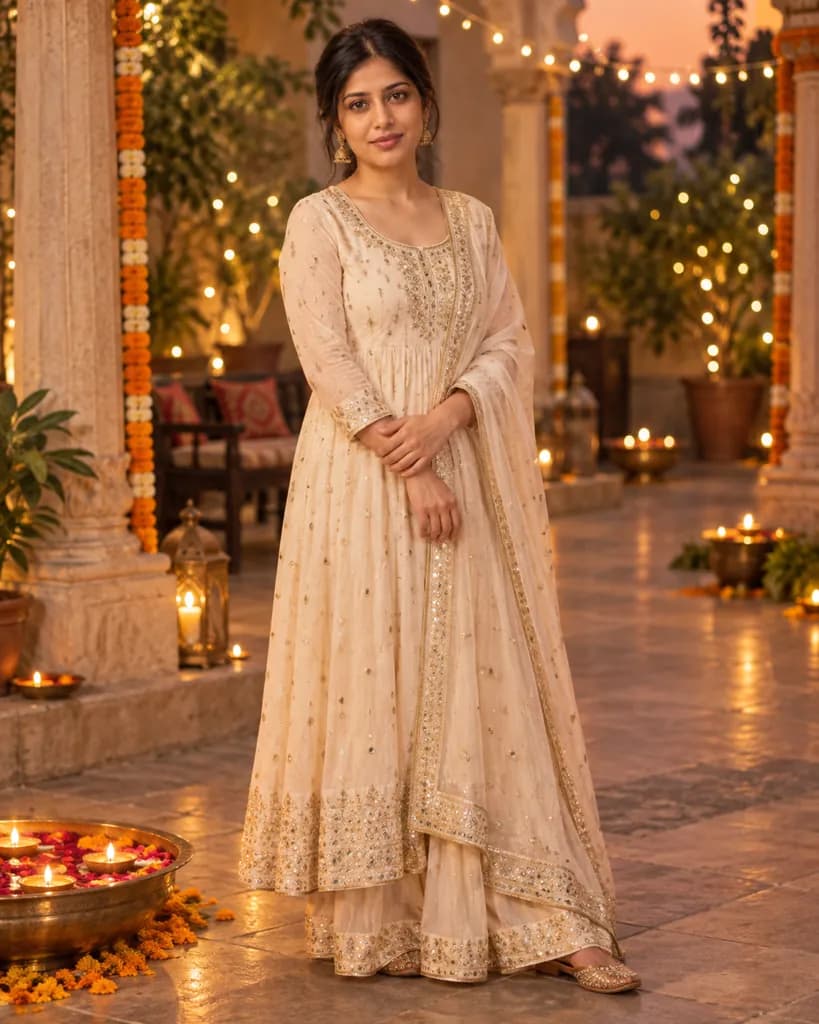
Reimagine the person in the photo in a Diwali courtyard at dusk: fairy lights strung overhead between pillars, a flowing traditional outfit, warm ambient dusk lighting, a softly blurred courtyard background, and a full-body relaxed standing pose.
Copies the prompt; just paste it in Gemini
#4
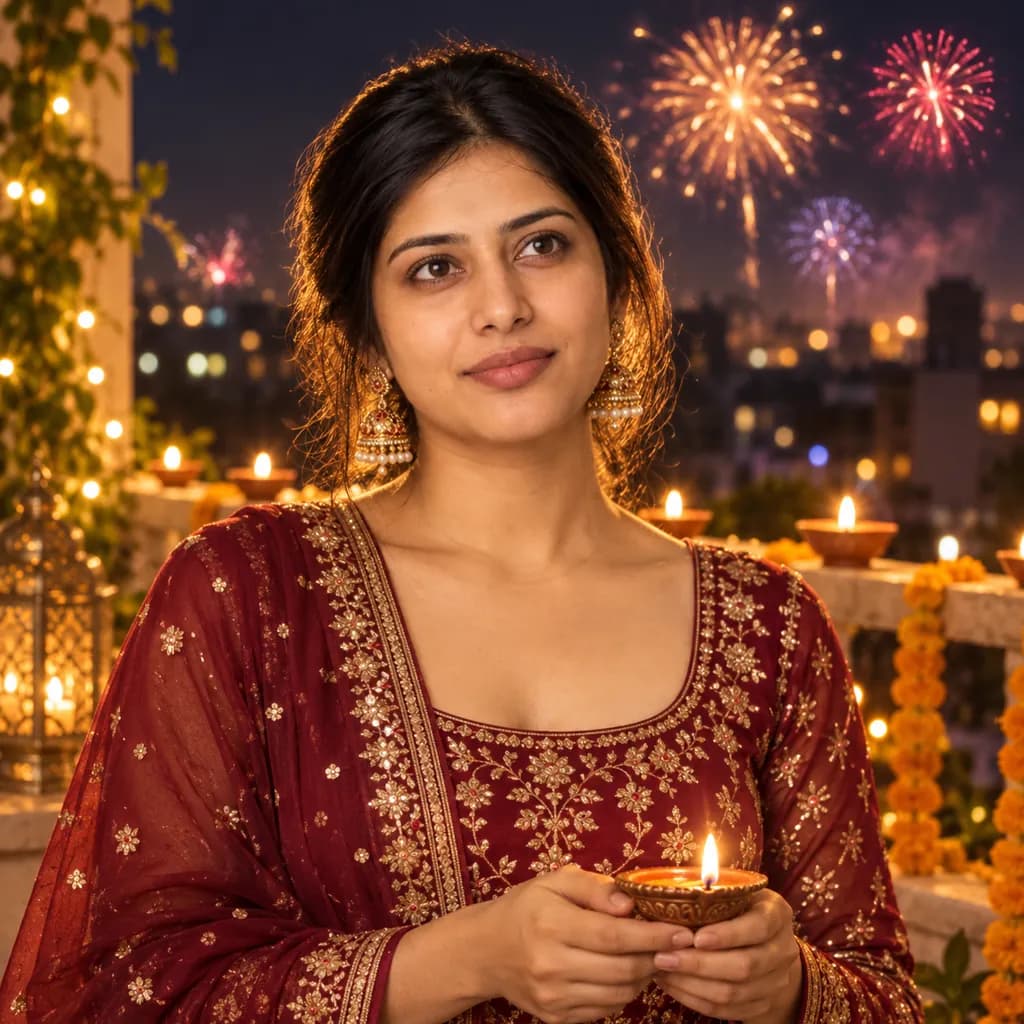
Convert the person in the photo into a Diwali night portrait with fireworks: distant colorful fireworks lighting the sky behind, a festive modern outfit, warm rim light separating the subject from the dark background, rich saturated color, and a half-body pose looking slightly upward.
Copies the prompt; just paste it in Gemini
#5
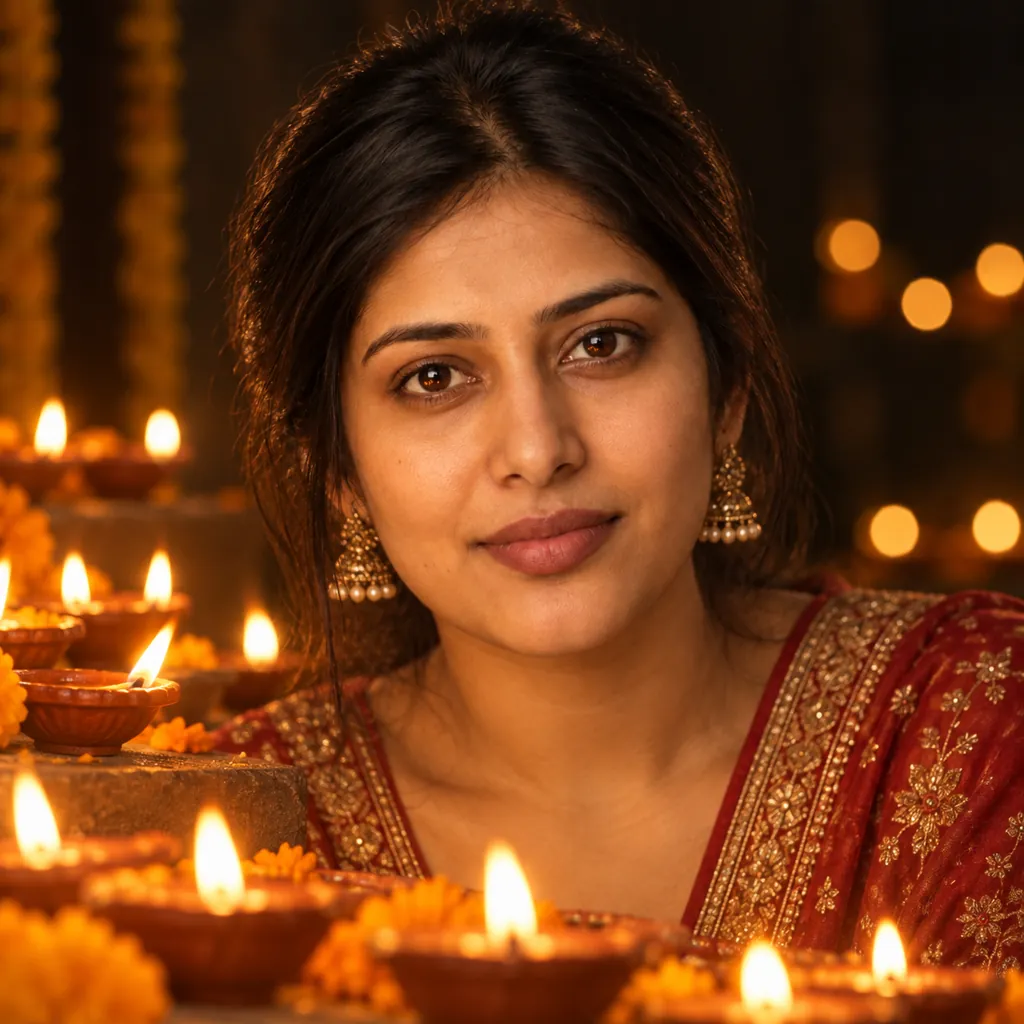
Style the person in the photo beside rows of lit diyas: a single warm flame catching the eyes, soft shadow falloff on the face, a dark background so the diya glow reads clearly, gentle warm color grading, and a tight close-up crop.
Ask for 'more diyas' for a busier, fuller frame.
Copies the prompt; just paste it in Gemini
#6
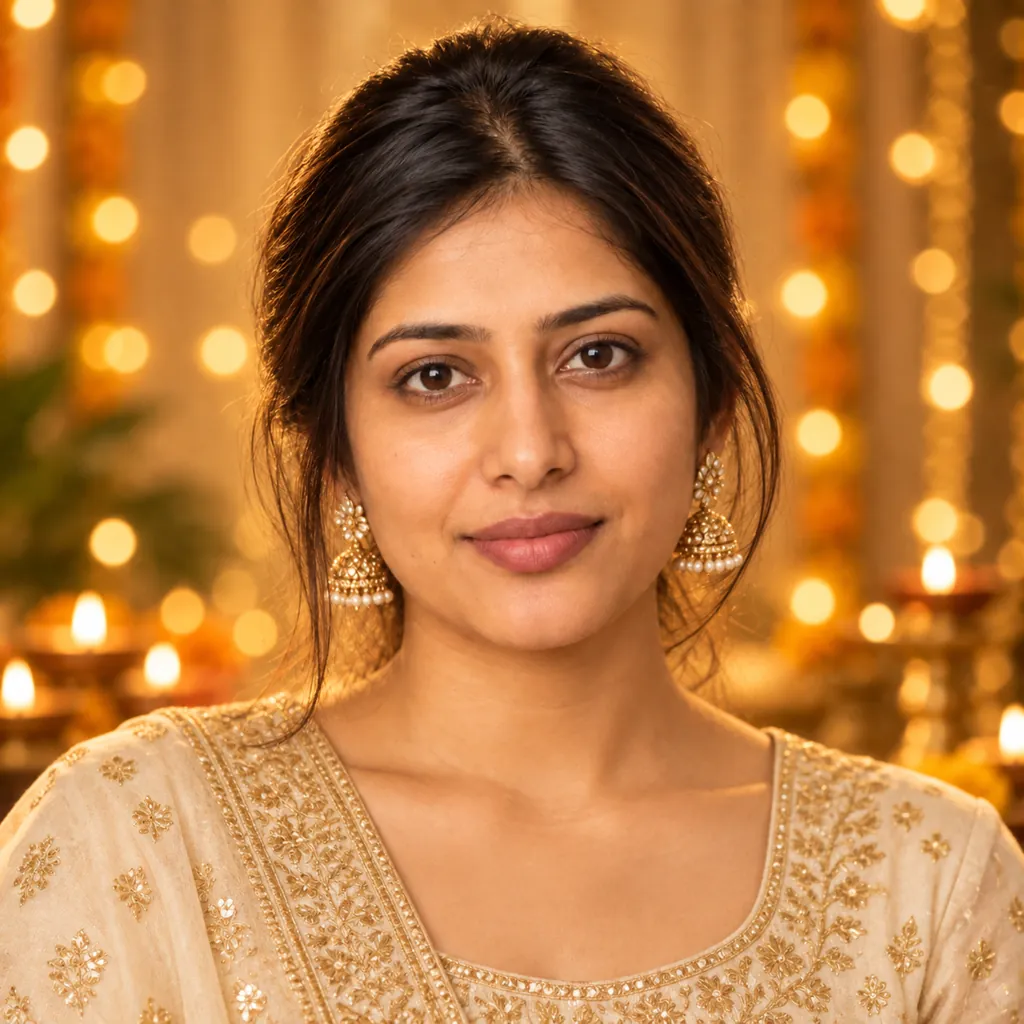
Make the person in the photo into a Diwali greeting-card portrait: a gold-threaded traditional outfit, soft golden-hour-style studio light, blurred string lights in the background, a warm inviting color palette, and a centered close-up headshot with a gentle smile.
Copies the prompt; just paste it in Gemini
#7
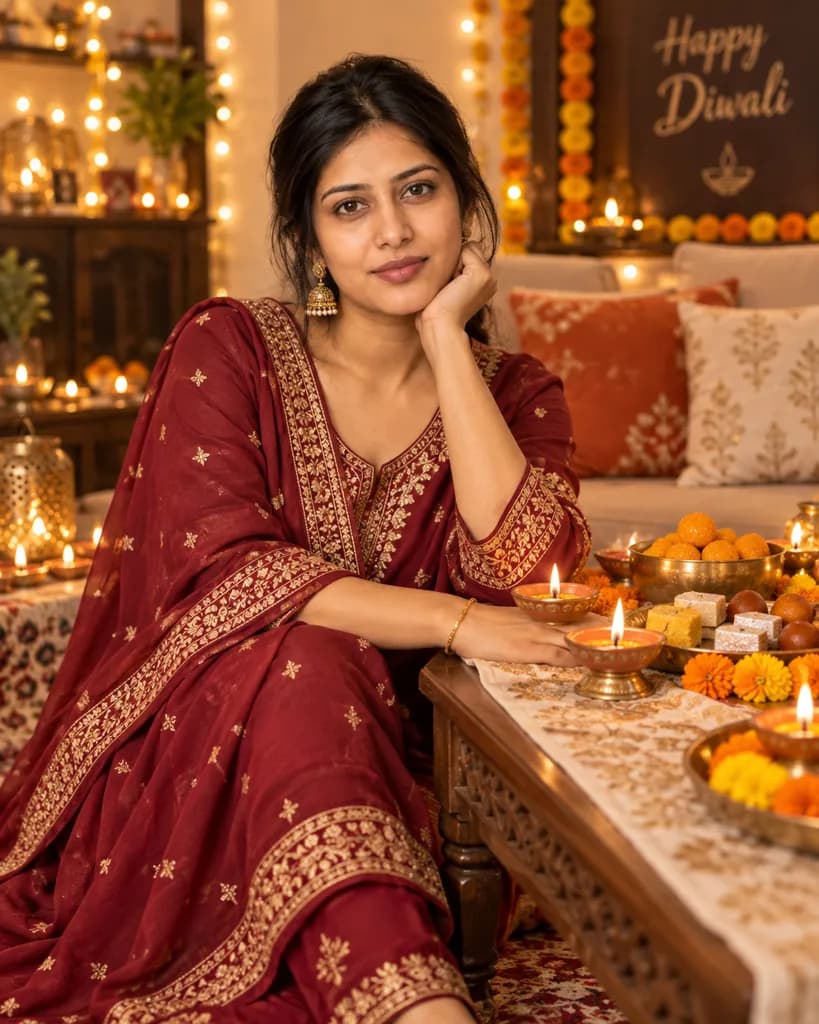
Place the person in the photo at a Diwali home celebration: a decorated table with diyas and traditional sweets nearby, warm indoor string-light glow, a softly blurred festive living-room background, rich warm tones, and a full-body seated pose at the table.
Swap 'sweets' for a specific dish name if you'd like it shown.
Copies the prompt; just paste it in Gemini
Frequently asked questions
Why doesn't the result look like me?
Start with a clear, front-facing, well-lit photo. Dark, blurry, or strongly angled source photos make it harder for Gemini to keep your real facial features while adding the festive lighting.
Can I use this on a photo of a family member instead of myself?
Yes, as long as it is a photo you have permission to edit, such as a parent, sibling, or close family member. Attach their photo and the same prompt applies the Diwali styling to them.
Will the diya flames look realistic?
Gemini renders warm point-light sources convincingly in most cases, though the exact flame shape and flicker pattern varies each time since every generation is created fresh.
Can I keep my own outfit instead of a traditional one shown in the prompt?
Yes, mention in the prompt that you want to keep your current outfit and only change the lighting and background, and Gemini will adjust accordingly.