Getting a genuinely nice photo of a pet usually means a professional photographer, a patient assistant with treats, and a lot of wasted shots, which most pet owners never get around to booking. This page has seven Gemini prompts that turn an ordinary phone photo of a pet into a polished portrait, covering a classic studio look, an outdoor park scene, a cozy blanket close-up, and a playful action shot, each one describing the lighting, background, framing, and color grading needed for a result that looks like a real pet photography session. Copy a prompt, open a Gemini chat, attach a clear photo of your pet, and paste the prompt as your message; a sample image next to each prompt shows the target style. Small changes are easy: change 'warm studio backdrop' to a color that matches your home, or add 'add a small bow tie' for a dressier look. Two issues come up most often. If the source photo is blurry, taken from far away, or the pet's face is partly turned away, the result can look less like your actual pet, so start with a sharp, close, well-lit photo. If the background ends up looking too busy, for example a cluttered living room, reply in the same chat and ask Gemini for a 'plain, blurred background.' These prompts keep the pet's markings, fur color, and breed features close to the original photo and only change lighting, background, and framing. No studio visit or treats are required, the whole portrait is generated inside your Gemini chat.
Sample images were made by running each exact prompt in ChatGPT's image generator on an AI-generated stand-in photo. Results in Gemini will look similar but not identical.
#1
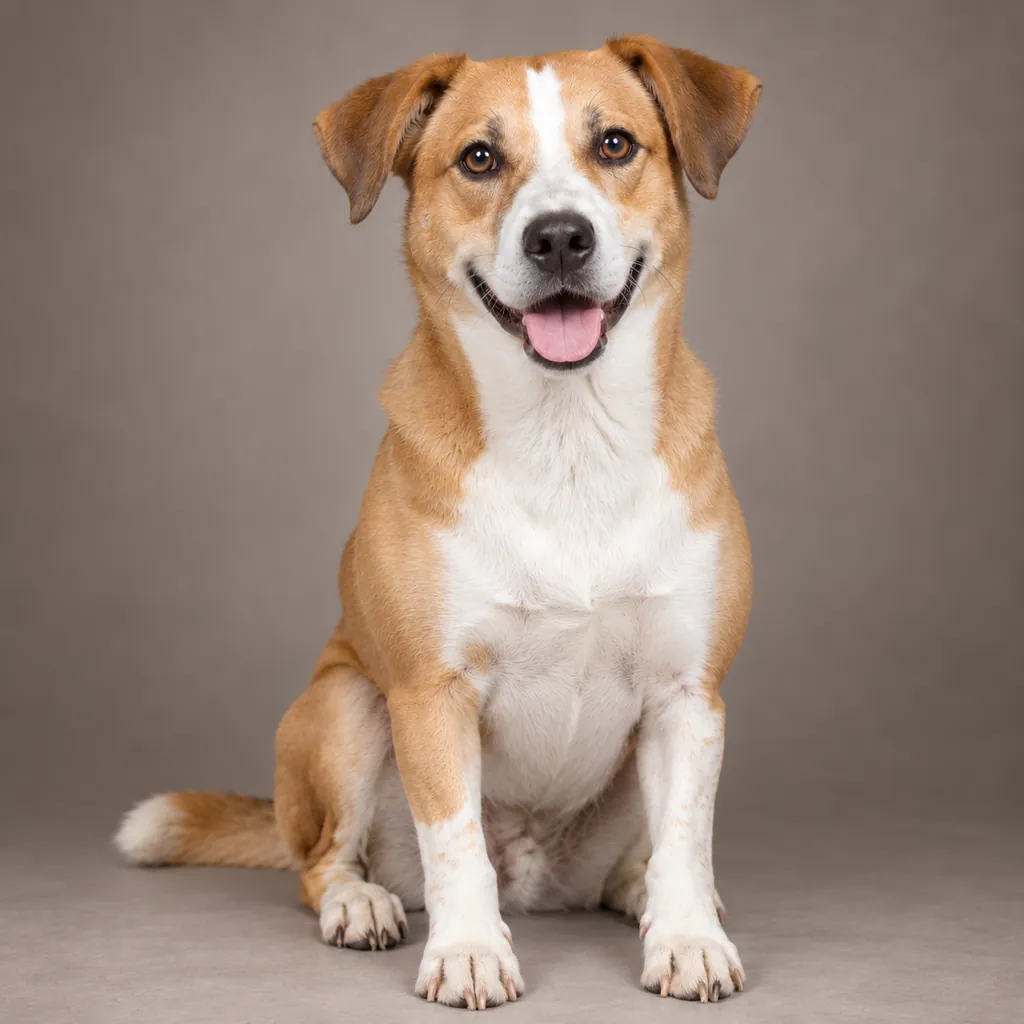
Restyle the pet in the photo as a classic studio portrait: soft diffused key lighting, a plain warm-grey backdrop, natural color grading that keeps the fur and eye color accurate, and a close-up crop centered on the face and front paws.
Mention your pet's breed if you want the fur texture kept precise.
Copies the prompt; just paste it in Gemini
#2
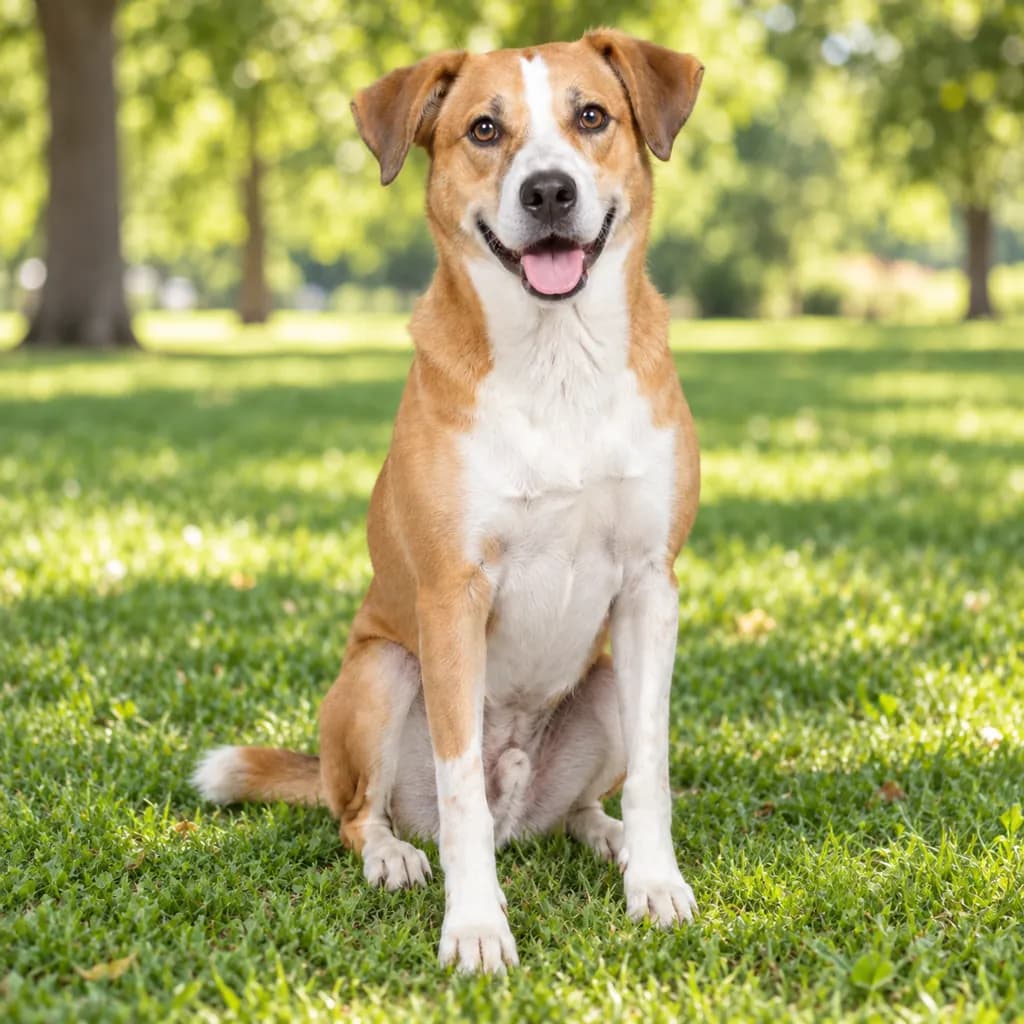
Turn the pet in the photo into an outdoor park portrait: bright natural daylight, a softly blurred green grass and tree background, warm natural color tones, and a full-body pose sitting alertly on the grass.
Copies the prompt; just paste it in Gemini
#3
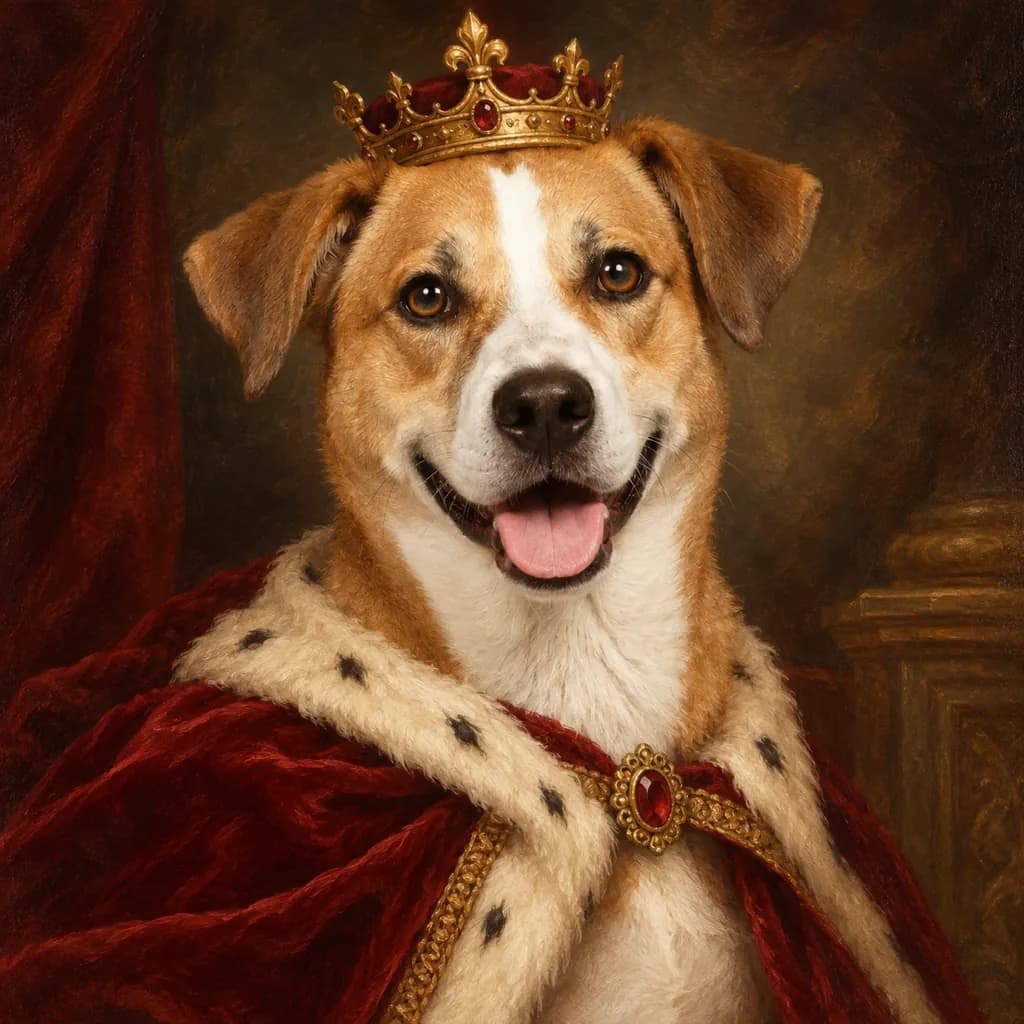
Reimagine the pet in the photo as a regal painted portrait: a small velvet collar or tiny crown prop, warm oil-painting-style lighting, a dark textured backdrop reminiscent of a classical painting, rich warm color grading, and a close-up crop on the head and shoulders.
Swap the crown prop for a simple ribbon if you'd rather skip it.
Copies the prompt; just paste it in Gemini
#4
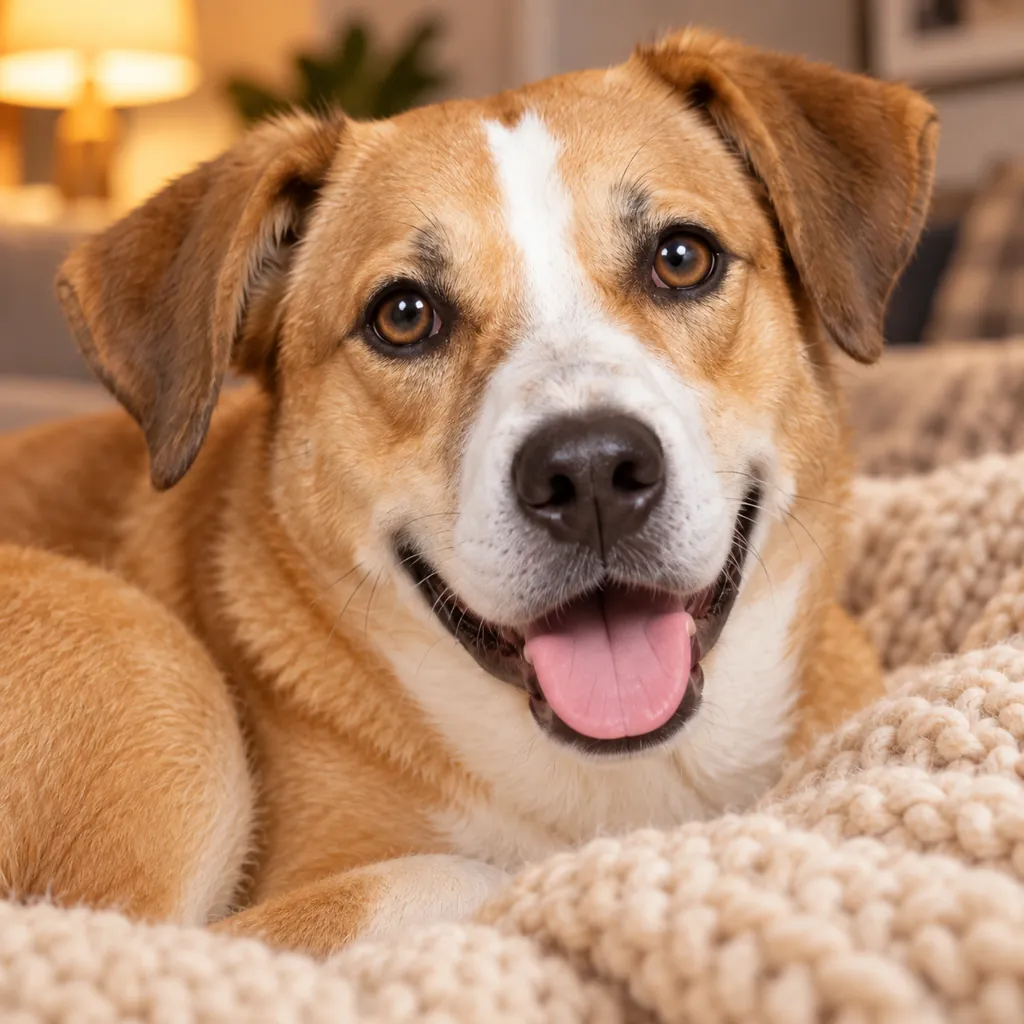
Convert the pet in the photo into a cozy indoor close-up: the pet curled on a soft knit blanket, warm soft lamp lighting, a softly blurred living-room background, warm color grading, and an extreme close-up crop on the face.
Copies the prompt; just paste it in Gemini
#5
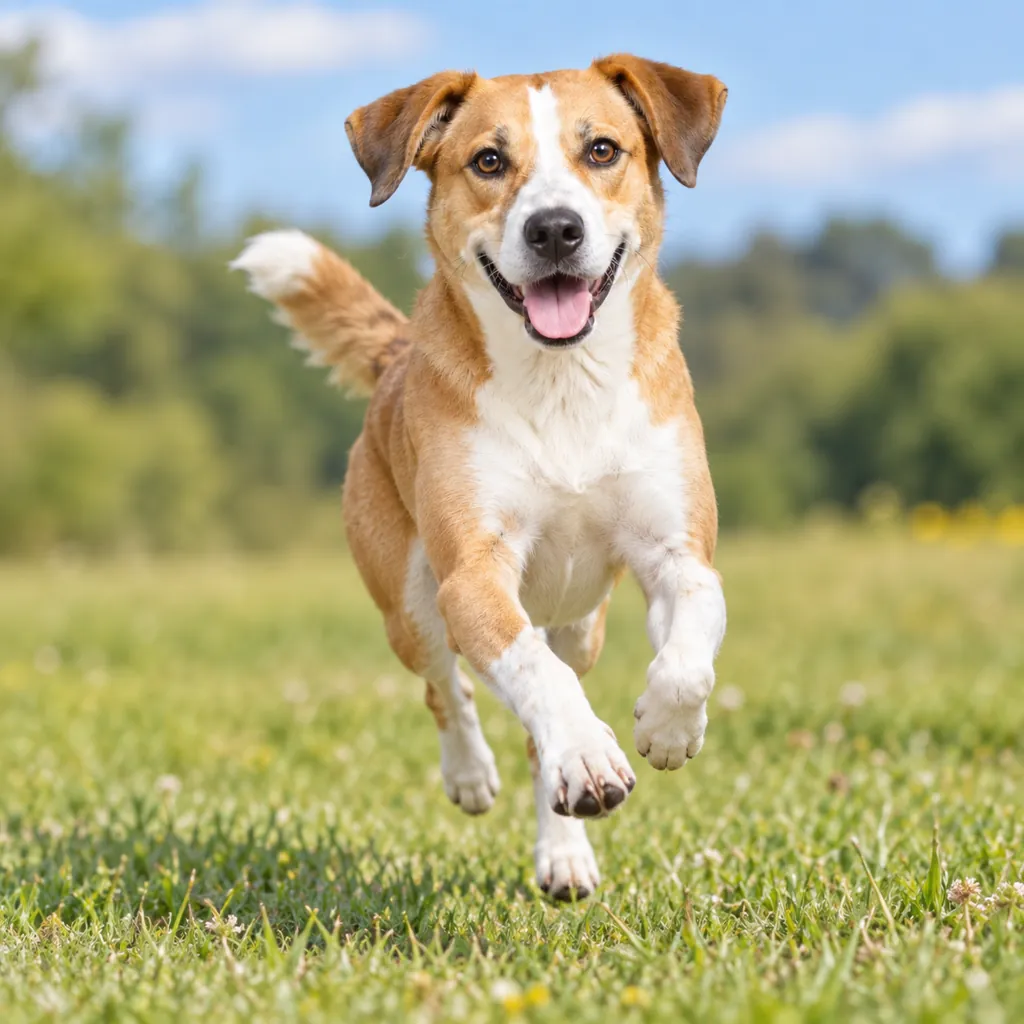
Style the pet in the photo as an action shot: the pet caught mid-run or mid-jump, bright fast-shutter-style daylight freezing the motion, a softly blurred outdoor field background, crisp natural color, and a full-body dynamic pose.
Copies the prompt; just paste it in Gemini
#6
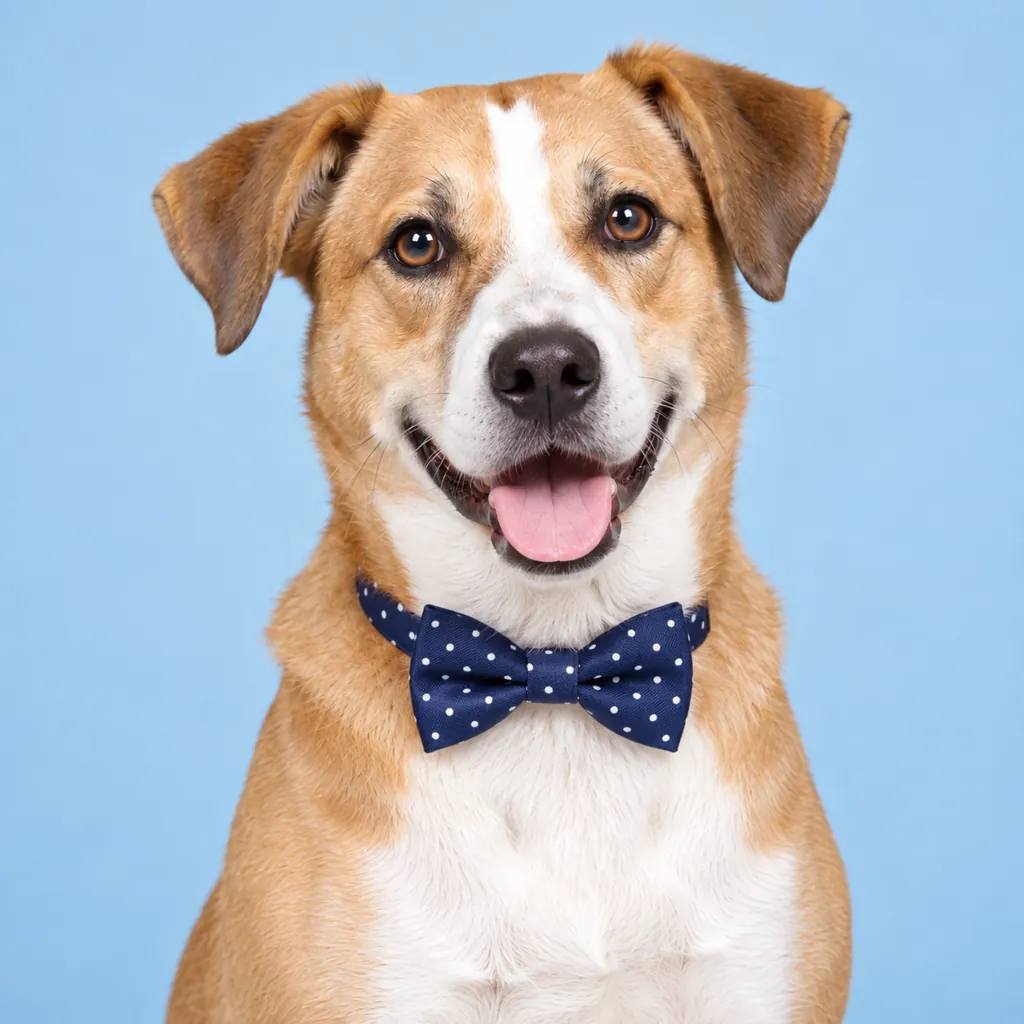
Make the pet in the photo look dressed up for a professional portrait: a small bow tie or bandana around the neck, bright even studio lighting, a plain pastel-blue backdrop, clean natural color grading, and a close-up crop on the head and chest.
Change 'pastel-blue' to a color that matches your pet's fur.
Copies the prompt; just paste it in Gemini
#7
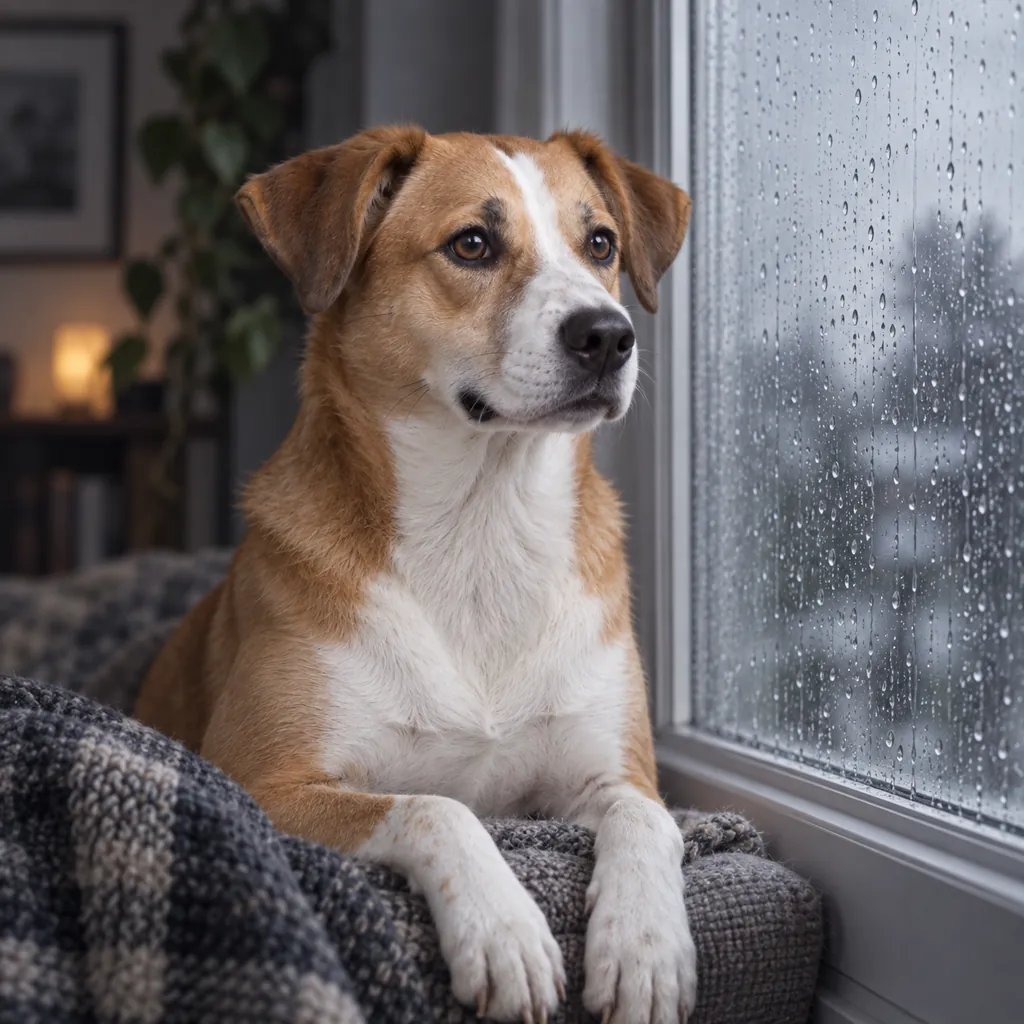
Place the pet in the photo by a rainy window for a moody portrait: soft grey daylight coming through the glass, visible raindrops on the window, a softly blurred indoor background, muted cool color grading, and a half-body pose looking out the window.
Ask for 'brighter lighting' if the moody tone feels too dark.
Copies the prompt; just paste it in Gemini
Frequently asked questions
Why doesn't the result look like my pet?
Start with a sharp, close, well-lit photo where your pet's face is clearly visible. A blurry photo or one taken from far away makes it harder for Gemini to keep the exact markings and fur color.
Can I use this on a photo of a friend's pet or a shelter animal?
Yes, as long as it is a photo you have permission to use. Attach the photo and the same prompt will apply the same portrait style to that pet.
Will this work for any type of pet, not just cats and dogs?
Yes, these prompts describe lighting, background, and framing rather than a specific species, so they work for rabbits, birds, and other pets as well.
Can I add a prop, like a favorite toy?
Yes, mention the specific prop in the prompt, for example 'holding a small tennis ball,' and Gemini will include it in the scene.