Halloween costume photos usually need makeup, props, or an outfit you do not already own, which takes planning ahead of the actual night. This page has seven Gemini prompts that turn a regular photo into a costume portrait instantly, covering classic looks like a vampire, a witch, a zombie, and a skeleton, plus lighter options like a friendly ghost or a cat costume for anyone who wants something less intense. Each prompt describes the makeup, wardrobe, lighting, and background needed for a convincing seasonal photo rather than a flat sticker-like overlay. Copy a prompt, open a Gemini chat, attach a clear photo, and paste the prompt as your message; a sample image next to each prompt shows the target look. Adjusting the intensity is easy: add 'subtle makeup, keep it light' if a look feels too extreme, or change 'orange and black lighting' to a different color scheme. Two problems come up most often. If the source photo is dark or taken from far away, the face can end up looking less like you under the makeup, so start with a clear, front-facing, well-lit photo. If the background looks too busy, for example a cluttered room, reply in the same chat and ask for a 'foggy graveyard backdrop kept simple' or a 'plain dark background.' None of these prompts include blood, gore, or anything frightening beyond a normal costume-party level, and every look is described as makeup and wardrobe only, not an actual injury or transformation.
Sample images were made by running each exact prompt in ChatGPT's image generator on an AI-generated stand-in photo. Results in Gemini will look similar but not identical.
#1
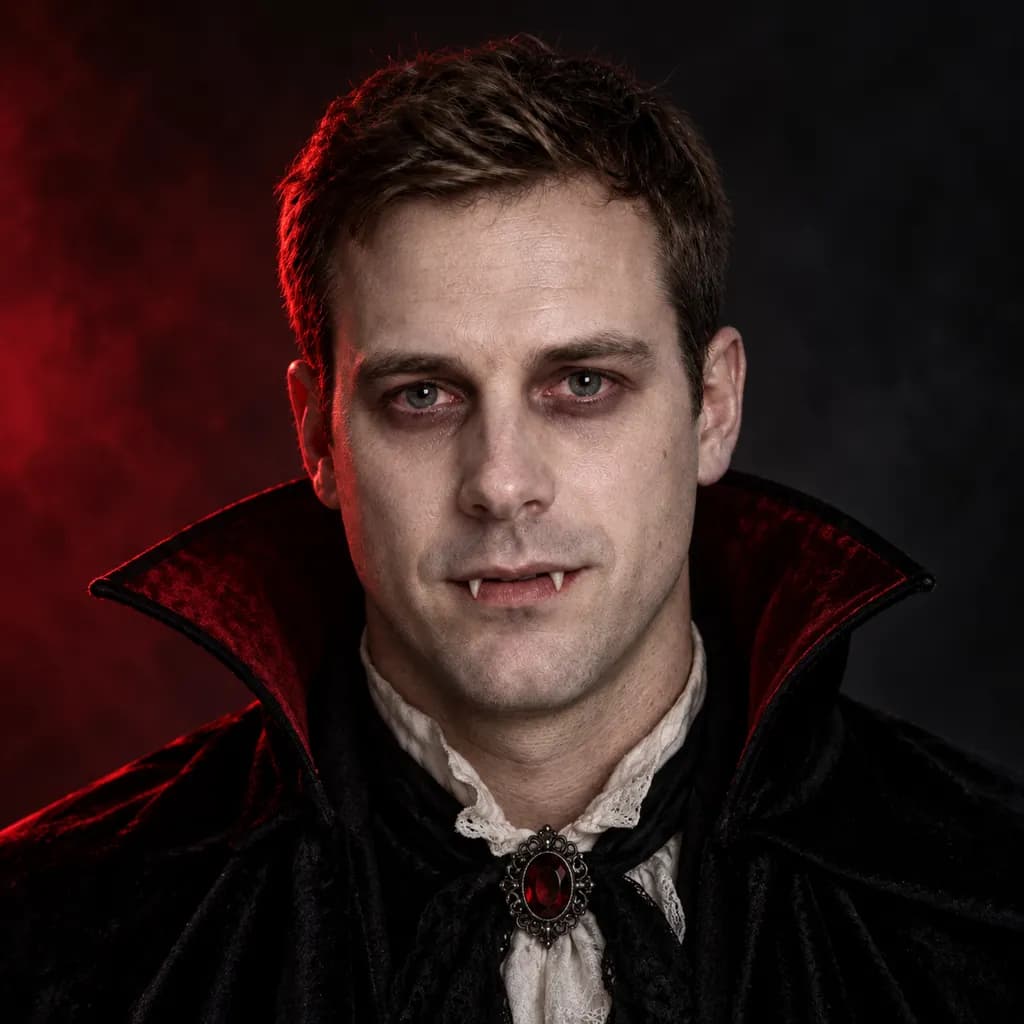
Restyle the person in the photo as a classic vampire for Halloween: pale skin-tone makeup, dark smoky eyes, a black high-collar cape, subtle fangs, dramatic low-key studio lighting with a single red accent light, and a close-up crop on the face and shoulders.
Ask for 'no fangs' if you want a subtler vampire look.
Copies the prompt; just paste it in Gemini
#2
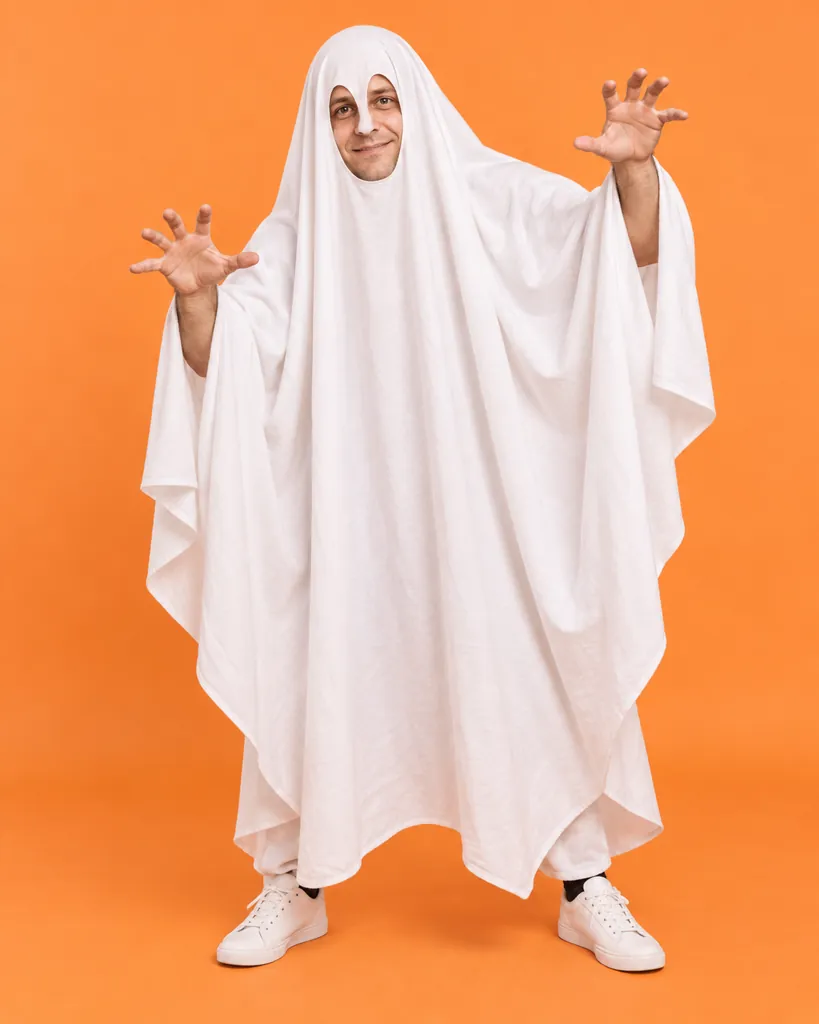
Turn the person in the photo into a friendly ghost costume: a soft white draped sheet-style costume with simple cut eye holes, bright even indoor lighting, a plain pastel-orange backdrop, cheerful color grading, and a full-body playful pose with arms raised.
Change 'pastel-orange' to any color that matches your photo shoot.
Copies the prompt; just paste it in Gemini
#3
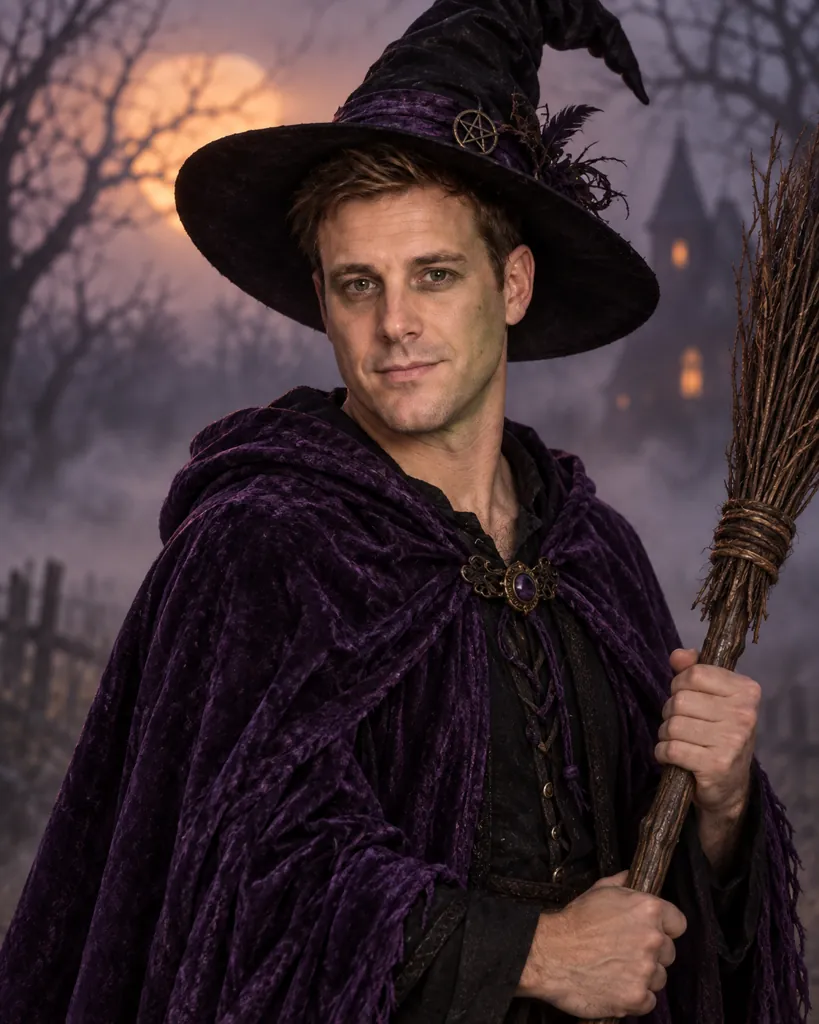
Reimagine the person in the photo as a Halloween witch: a pointed black hat, a flowing dark purple cloak, subtle green-tinted makeup, moody dusk lighting, a foggy outdoor background with bare tree silhouettes, and a half-body pose holding a broomstick.
Swap 'dark purple' for a different cloak color.
Copies the prompt; just paste it in Gemini
#4
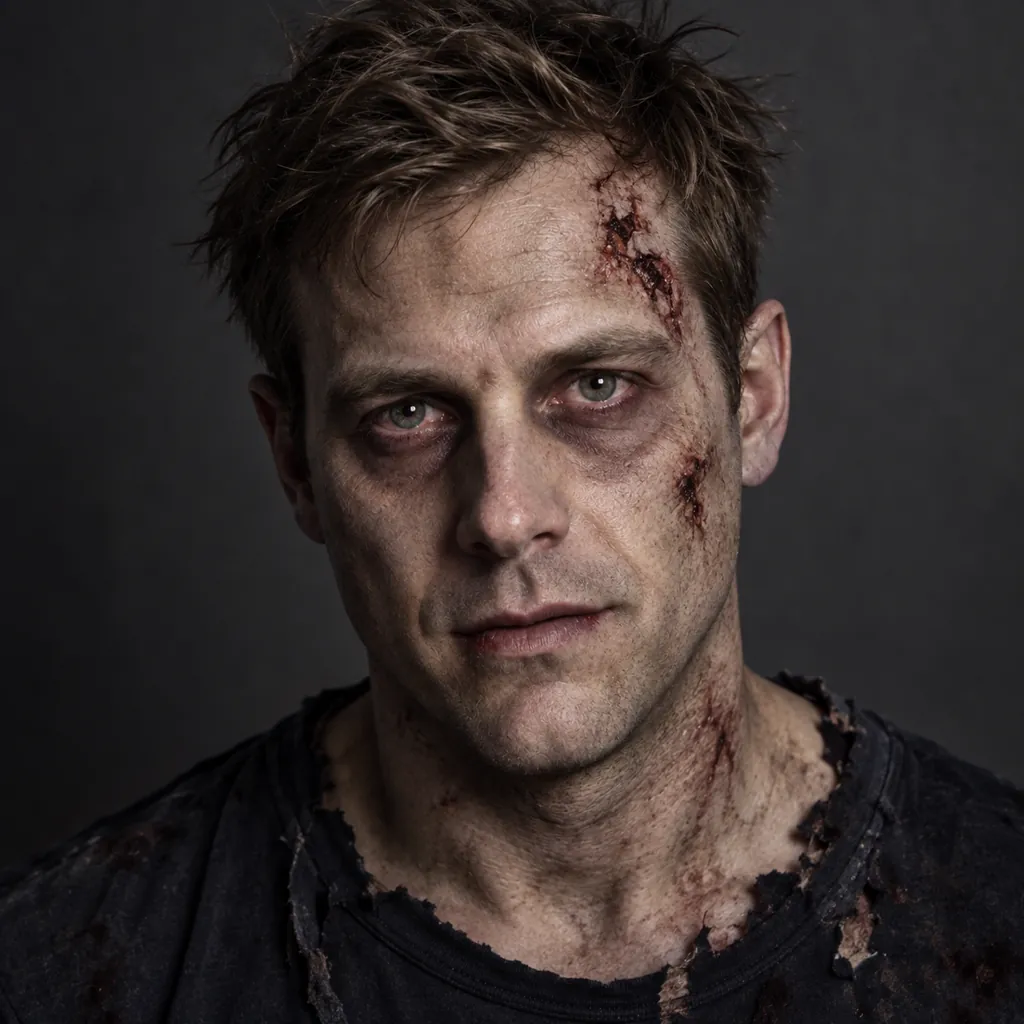
Convert the person in the photo into a zombie costume look: greyish pale makeup with subtle faux-torn fabric on the collar, tousled messy hair, low dramatic side lighting, a plain dark grey backdrop, desaturated color grading, and a close-up crop on the face.
Copies the prompt; just paste it in Gemini
#5
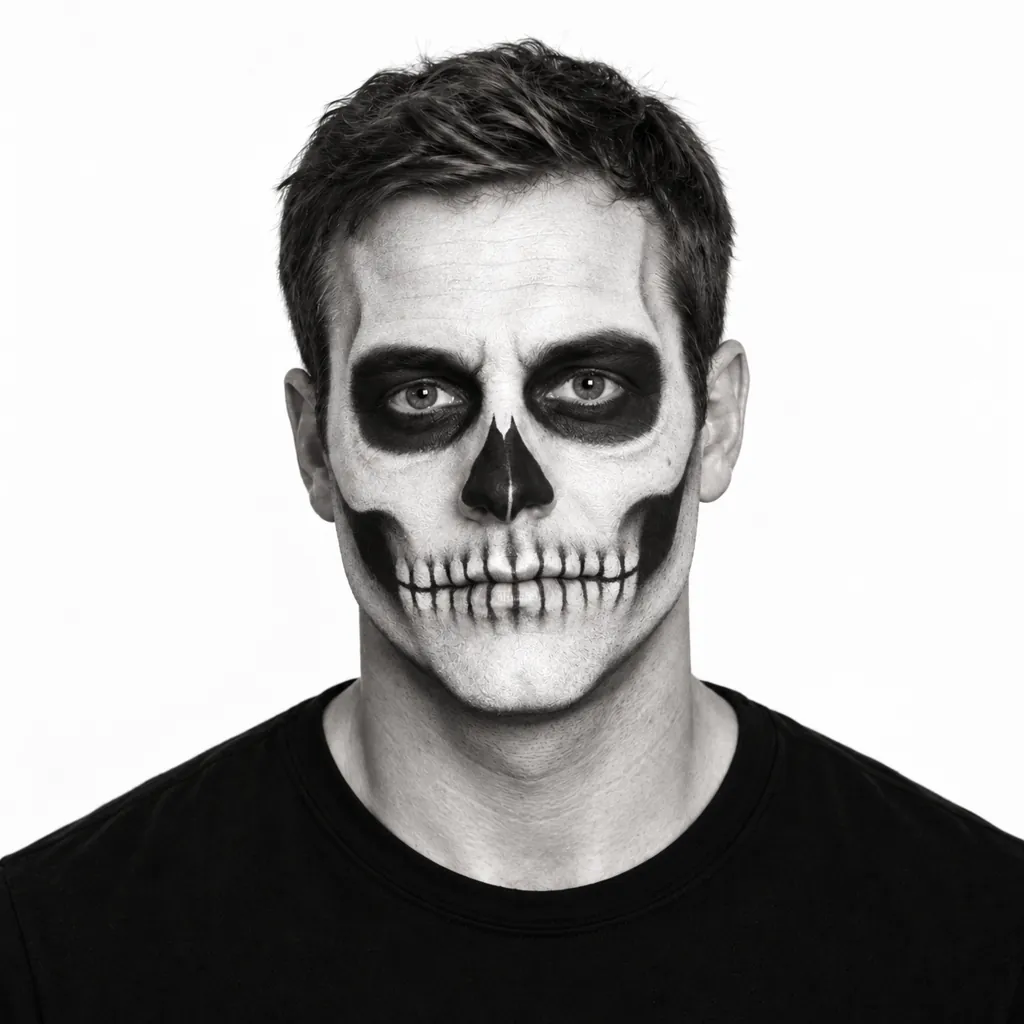
Style the person in the photo with Halloween skeleton face paint: white-and-black bone-pattern makeup, a plain black top, bright even studio lighting, a plain white backdrop, high-contrast black-and-white styling, and a centered close-up headshot.
Copies the prompt; just paste it in Gemini
#6
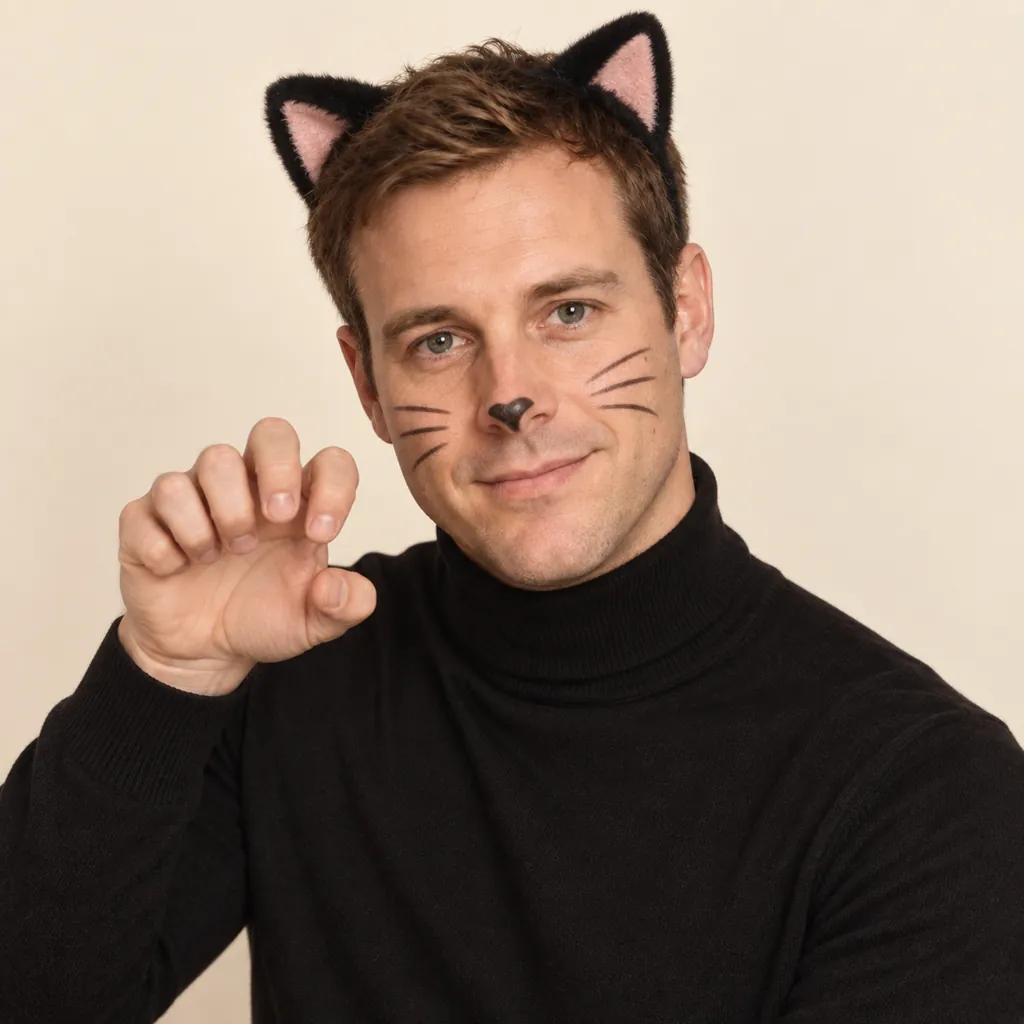
Make the person in the photo wear a playful cat costume for Halloween: small black cat ears headband, painted-on whisker makeup, a black turtleneck, soft warm indoor lighting, a plain cream backdrop, and a half-body pose with a paw-like hand gesture.
Copies the prompt; just paste it in Gemini
#7
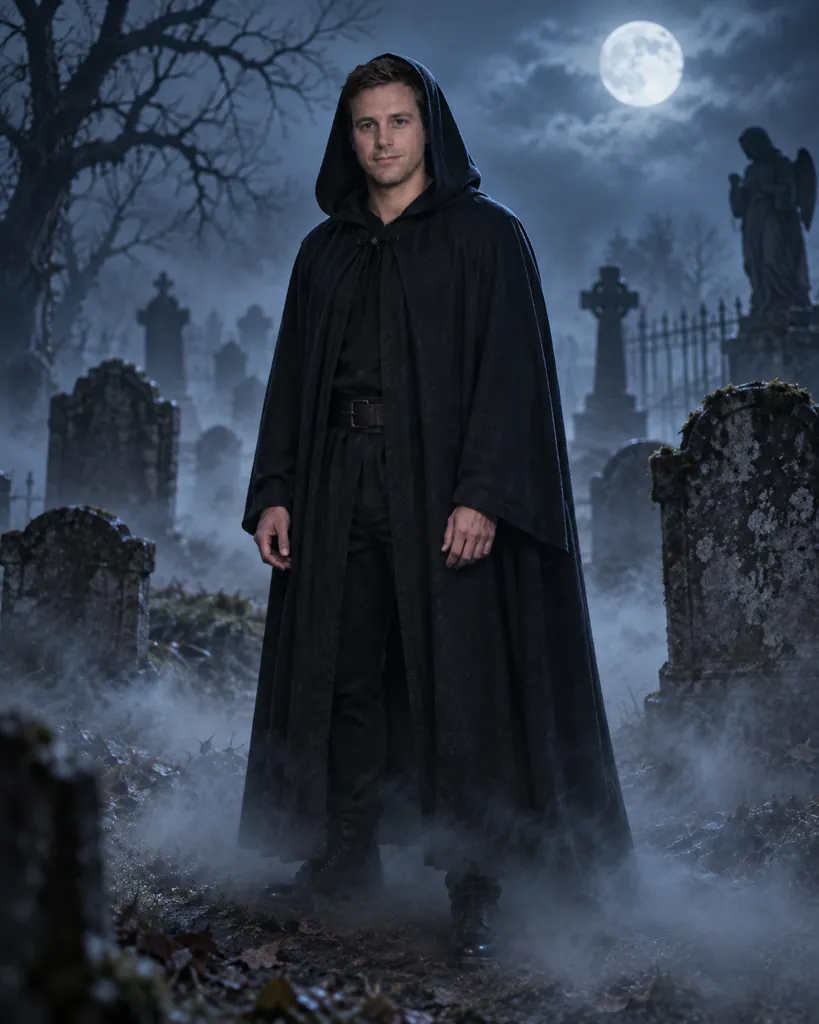
Place the person in the photo in a foggy Halloween graveyard scene: a simple dark hooded cloak, cool blue moonlit lighting, drifting fog at ground level, silhouettes of stone gravestones in the background, and a full-body pose standing among the fog.
Add 'less fog' if the background feels too obscured.
Copies the prompt; just paste it in Gemini
Frequently asked questions
Why doesn't the result look like me under the makeup?
Start with a clear, front-facing, well-lit photo. Heavy makeup effects are easier for Gemini to blend naturally onto real facial features when the source photo is sharp and evenly lit.
Can I use this on a photo of my kid for a school costume idea?
Yes, these costume looks are all makeup and wardrobe based and appropriate for kids as well as adults. Attach the child's photo and pick a lighter look like the ghost or cat costume.
Are any of these looks too scary or graphic?
No, every prompt describes makeup and costume elements only, with no blood, wounds, or gore, staying at a level appropriate for a normal costume party.
Can I mix two costume ideas, like the witch hat with the graveyard background?
Yes, paste one prompt first, then reply in the same chat asking Gemini to add an element from a second prompt, such as the background or an accessory.