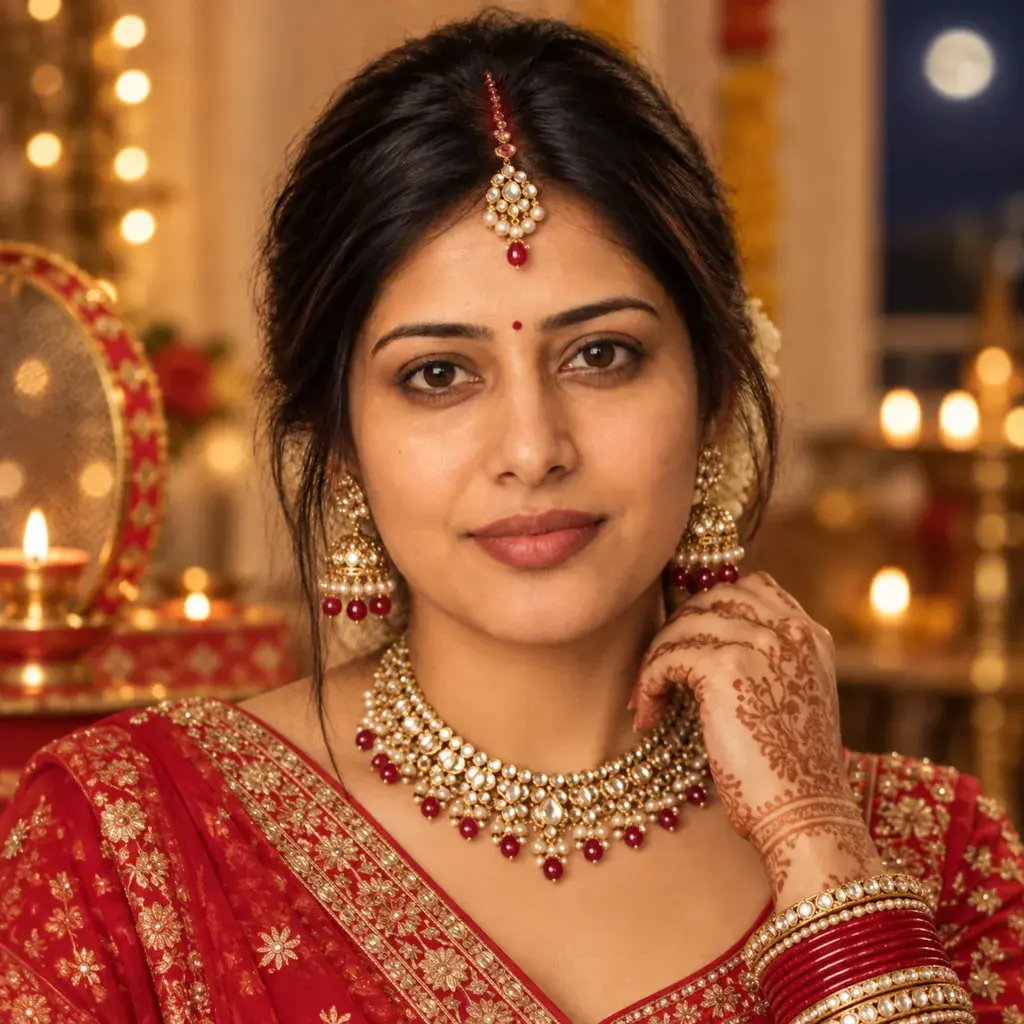
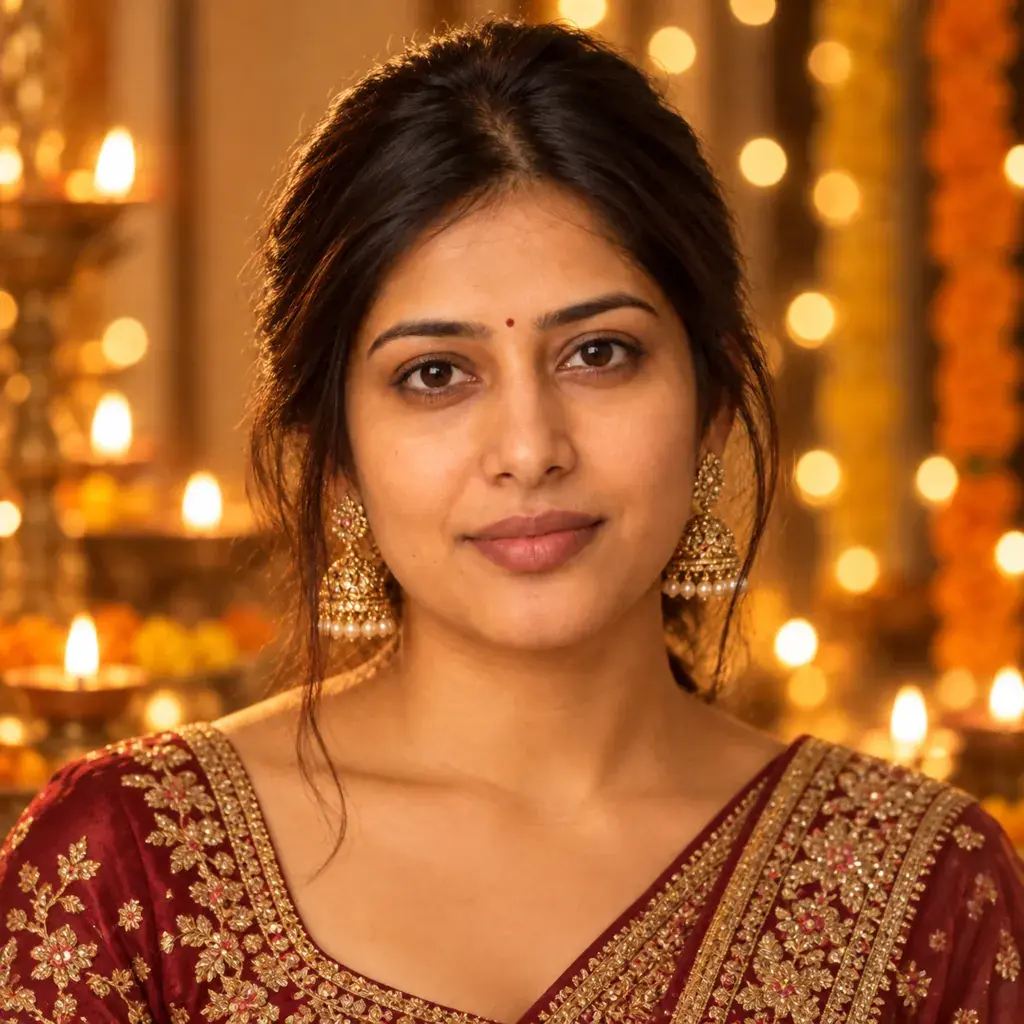
Durga Puja portraits usually mean pandal lights, a dhunuchi's warm glow, and a crisp red-and-white saree, details that are hard to recreate without the actual festival happening outside. This page has seven Gemini prompts that add that festive Durga Puja look to an existing photo, covering a classic laal-paar saree close-up, a dhunuchi-arti portrait, a pandal-hopping night scene, a morning courtyard portrait with a dhak drum and a conch shell, a doorway framed by alpana floor art, a shiuli-flower close-up at dawn, and an outdoor portrait among blooming kash flowers. Each prompt spells out the outfit, the light source, the backdrop, and the color grading needed for a photo that reads as a real Durga Puja moment instead of a plain filter. Copy a prompt, open a Gemini chat, attach a clear photo, and paste the prompt as your message; a sample image next to each prompt shows what to expect. Small changes are easy to make: mention your actual saree color if you want it kept as-is, or ask for 'more marigolds' for a fuller festive frame. Two issues to watch for. If the source photo is dark, blurry, or taken at a strong angle, the face can look less like the real person, so start with a clear, front-facing, well-lit photo. If a backdrop feels too busy, reply in the same chat and ask Gemini for a 'simpler backdrop' or 'fewer lights,' then check the whole picture again. Every prompt here focuses on festival styling only and never asks for a deity's face or likeness; five of them also tell Gemini to leave idols out.
Sample images were made by running each exact prompt in an AI image generator on an AI-generated stand-in photo. Your result will not match the sample exactly: it depends on your photo, the model and version you use, and the randomness of each run.
Only upload a photo of yourself, or of an adult who has agreed to it. Please don't use these prompts on photos of anyone under 18.
The 7 prompts
AI-generated sample
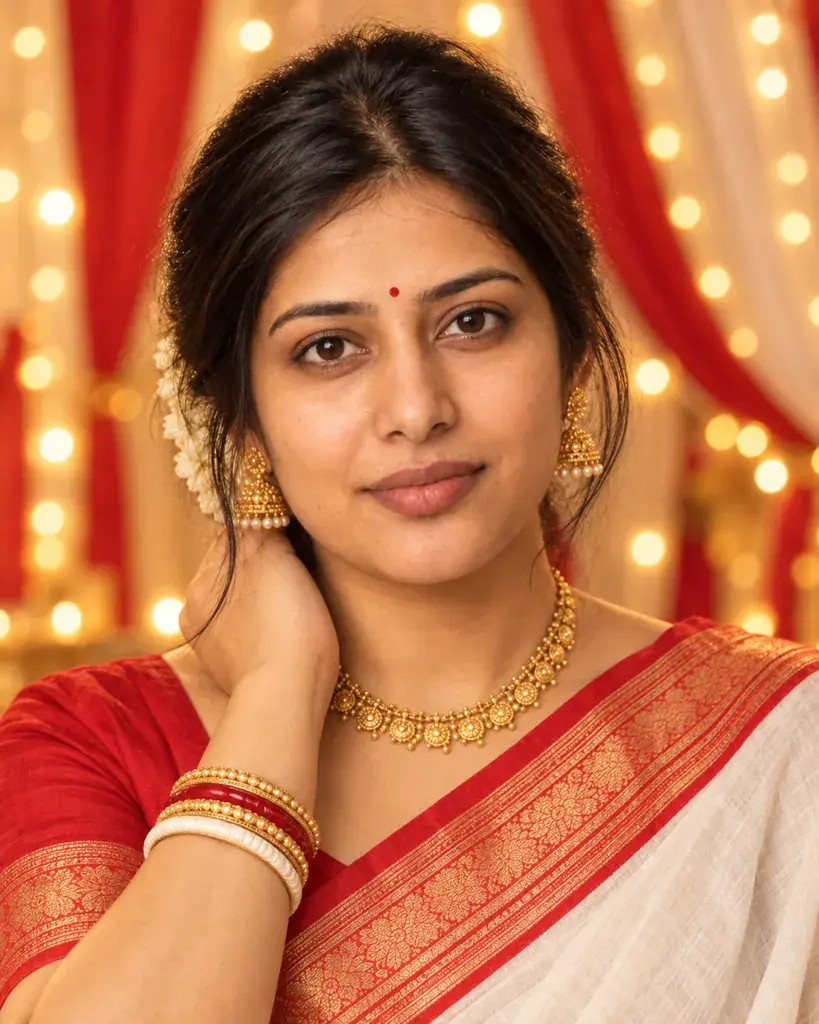
Prompt #1
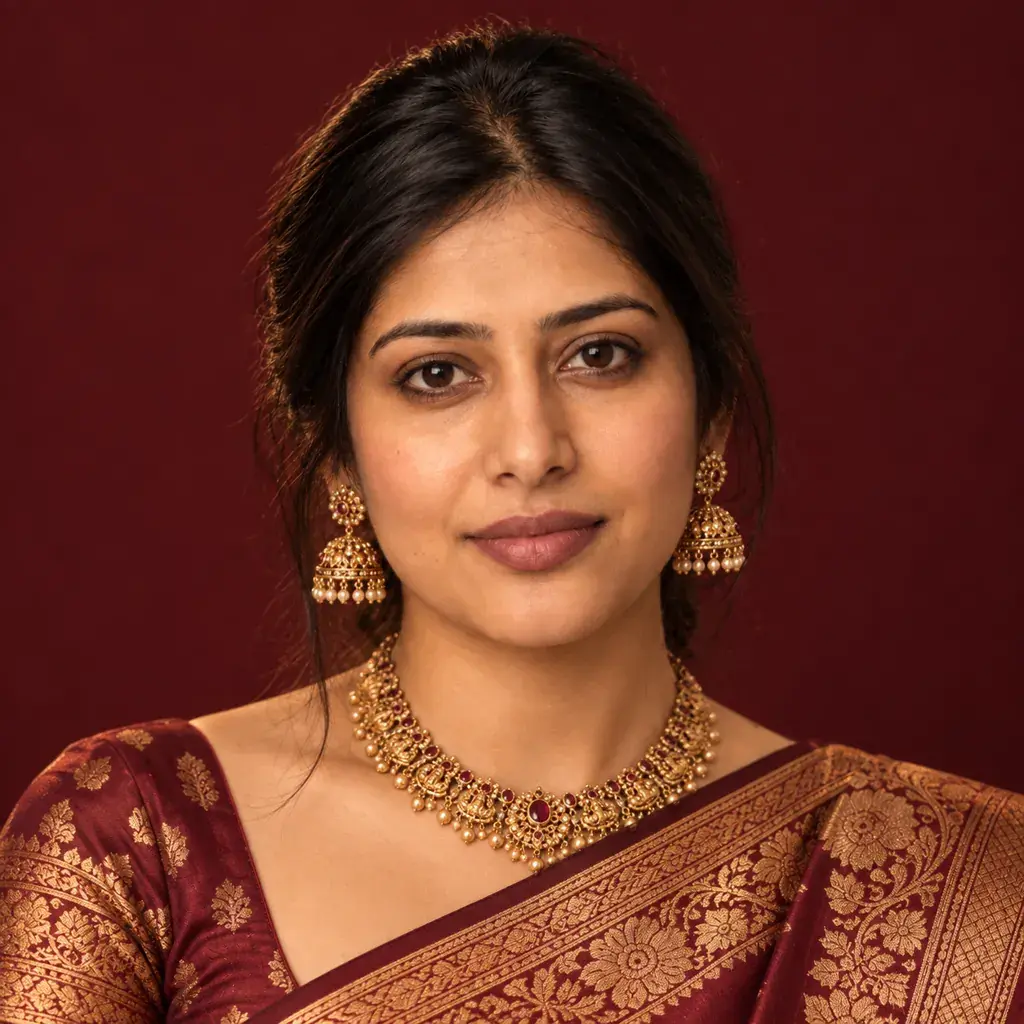
Restyle the person in the photo in a red-and-white Bengali laal-paar saree for Durga Puja: gold jewelry, a softly blurred backdrop of warm string lights and red-and-white fabric drapes only, with no idols, statues or deity figures anywhere, soft golden color grading, and a close-up crop capturing the festive glow on the face.
Copies the prompt; just paste it in Gemini
Tip: Mention your actual saree color if you want it kept as-is.
AI-generated sample
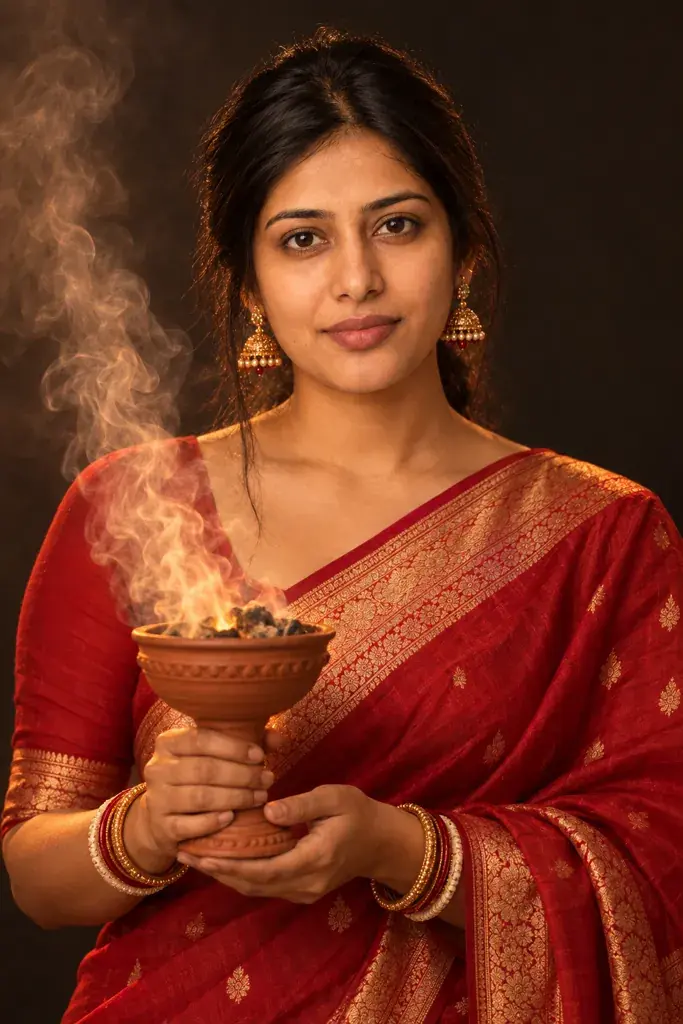
Prompt #2
Turn the person in the photo into a dhunuchi-arti portrait: a clay dhunuchi incense burner held at chest height, soft curling smoke lit from below, a rich red traditional outfit, warm low-key lighting against a plain dark background with no idols, statues or deity figures, and a half-body pose.
Copies the prompt; just paste it in Gemini
AI-generated sample
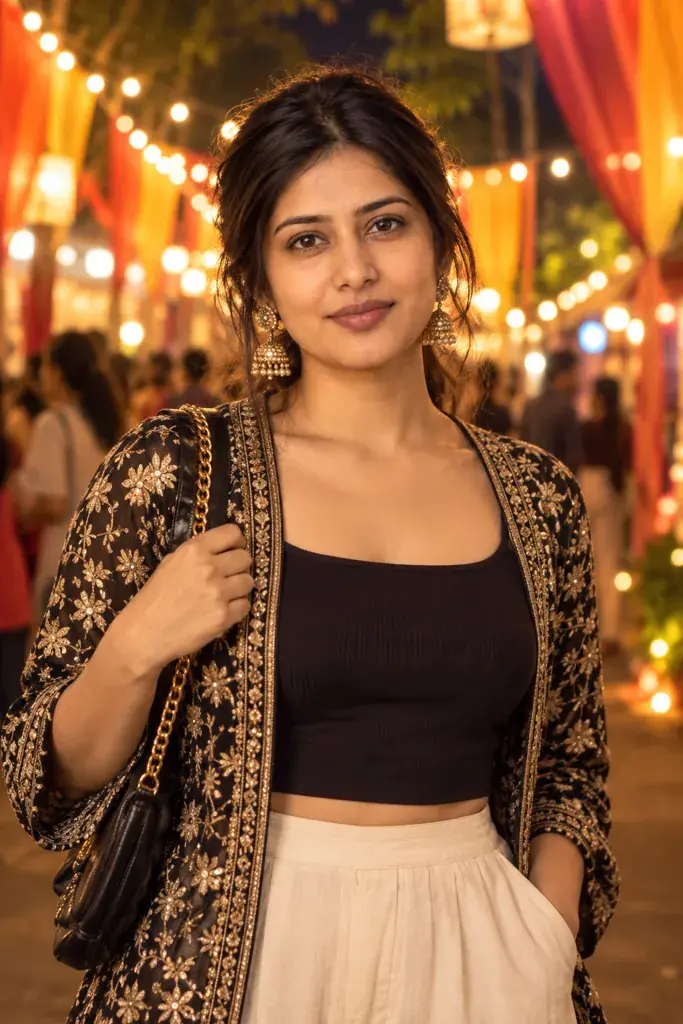
Prompt #3
Reimagine the person in the photo pandal-hopping after dark: strings of festive lights and blurred colorful fabric decorations behind, with no idols, statues or deity figures anywhere, a modern Indo-western outfit, warm bokeh glow, rich saturated color, and a half-body standing pose.
Copies the prompt; just paste it in Gemini
Tip: Add 'more string lights' for a busier festive backdrop.
AI-generated sample
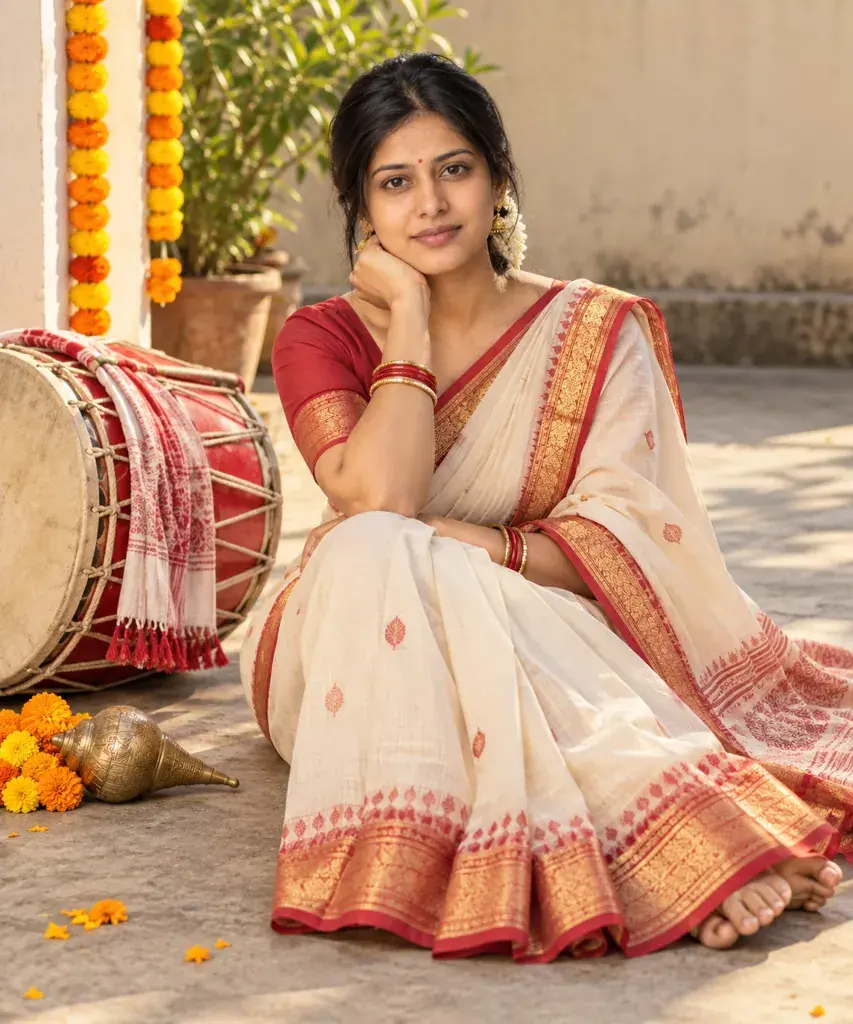
Prompt #4
Convert the person in the photo into a Durga Puja morning portrait beside a dhak drum and a brass conch shell in a plain courtyard: a crisp traditional saree, soft early daylight, a marigold garland draped nearby, no idols, statues or deity figures anywhere, warm natural color, and a full-body seated pose.
Copies the prompt; just paste it in Gemini
AI-generated sample
Prompt #5
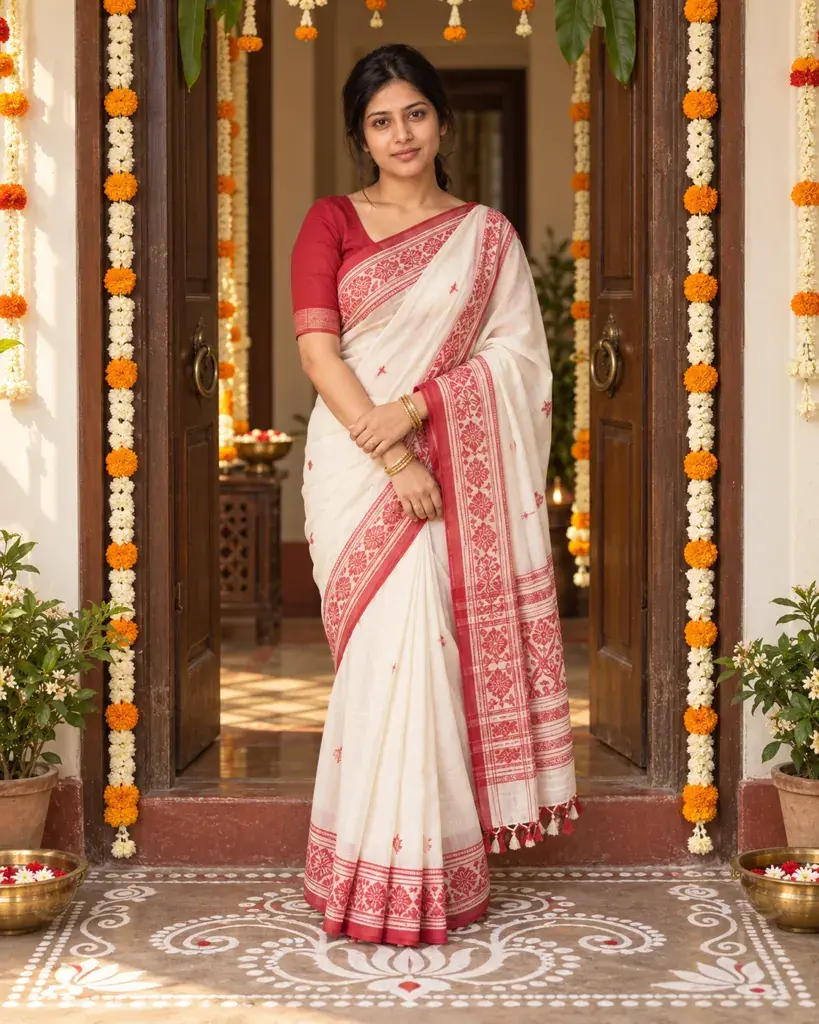
Style the person in the photo at a doorway decorated with alpana rice-paste floor art: a white-and-red traditional outfit, soft diffused morning light, the hand-painted floor pattern visible at the feet, no idols, statues or deity figures anywhere, warm inviting tones, and a full-body standing pose.
Copies the prompt; just paste it in Gemini
Tip: Swap 'white-and-red' for your own festive color pairing.
AI-generated sample
Prompt #6
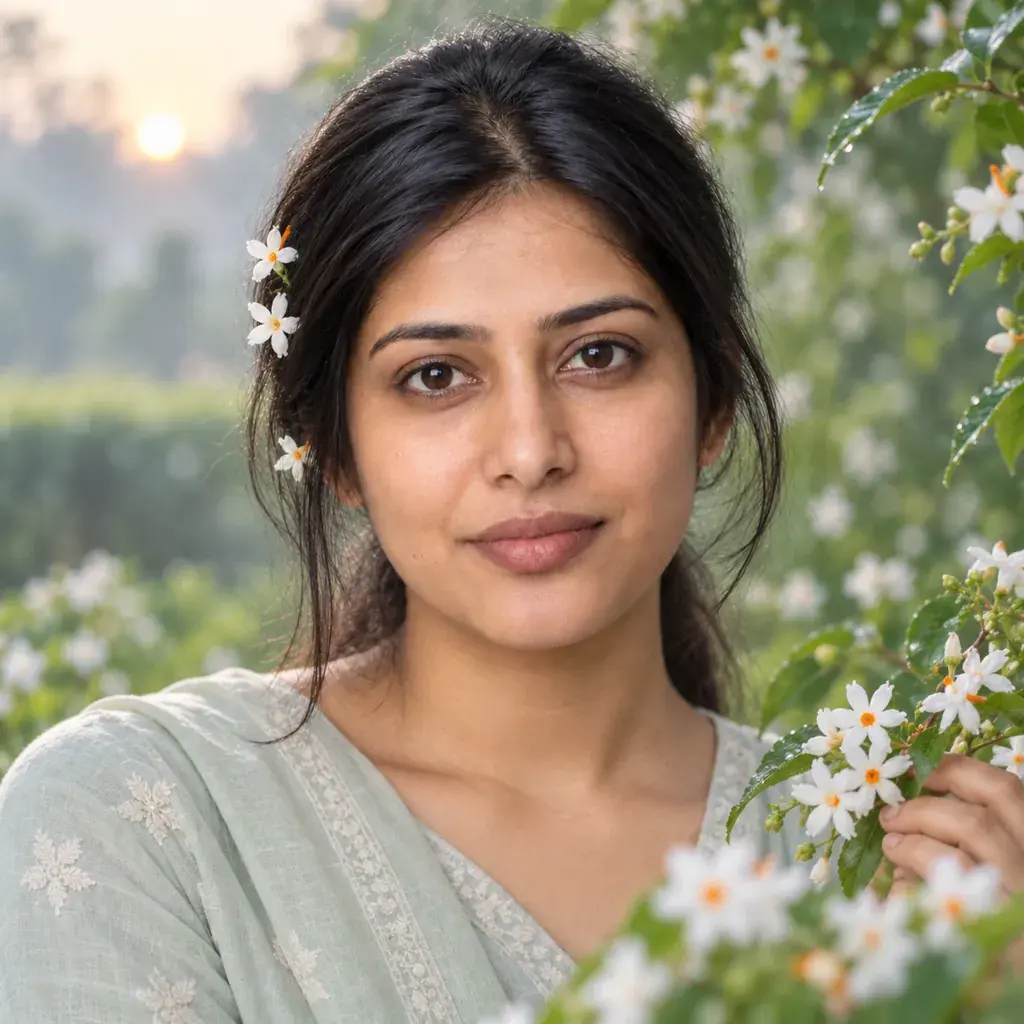
Place the person in the photo among white shiuli flowers at dawn: a few flowers tucked into the hair, soft cool morning light, a simple pastel outfit, a softly blurred green garden background, and a close-up crop with a gentle expression.
Copies the prompt; just paste it in Gemini
AI-generated sample
Prompt #7
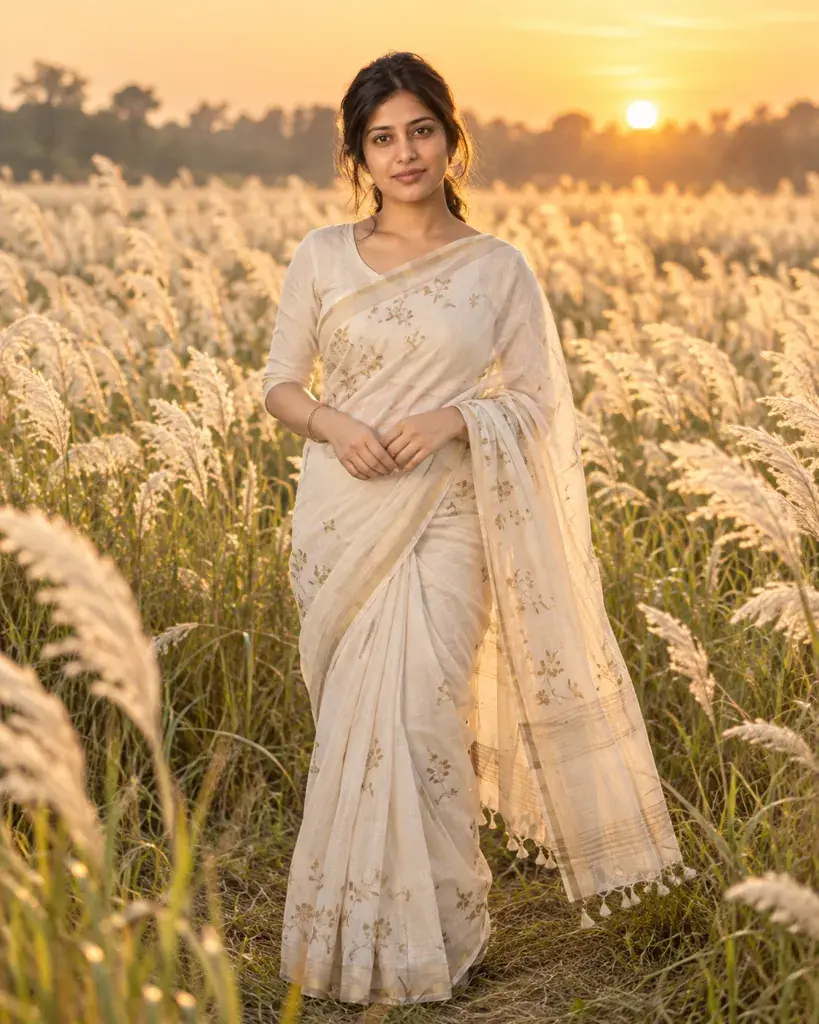
Make the person in the photo stand in a field of blooming kash flowers at golden hour: tall white grass swaying gently, a flowing traditional saree, warm low-sun backlighting, soft golden color grading, and a full-body relaxed pose.
Copies the prompt; just paste it in Gemini
Tip: Ask for 'softer backlight' if the glow feels too intense.
How to use these prompts in Gemini
1Start with a clear, front-facing photo in even light. The face stayed recognizable in every look we tested; the skin came out darker, three looks added a smile, and Gemini added details of its own, such as a bindi, flowers in the hair and a red mark in the hair parting like sindoor.
2Open gemini.google.com (we tested the web version) and start a new chat, or a Temporary chat, which stays out of your chat history but is kept by Google for 72 hours.
3Tap +, choose Upload files, add the photo and paste a prompt from this page. We left the model on Flash-Lite; portraits usually appeared within 15 seconds and came back square.
4Before you share it, compare the skin tone with your photo and look over the background. Prompts 1 to 5 tell Gemini to leave idols, statues and deity figures out; keep that line if you edit them.
5Save it with the download button. If something is off, run the prompt again in a new chat; results vary from run to run.
When the result goes wrong
Deity figures when the no-idols line is gone
None of our thirteen runs of the prompts as written or with our fixes showed a deity we could identify, though two had blurred frames on the walls whose contents we couldn't make out. When we removed 'with no idols, statues or deity figures anywhere' from prompt 3, one of our two runs put a pandal's idol display in the background, and the other showed a lit pandal gate with a centre too blurred to make out. Keep that line, and add it if you write your own Durga Puja prompt.
A smile you didn't have
Prompts 3, 4 and 7 came back with a toothy smile though none of them mentions expression, and a plain second run of prompt 4 smiled too. With 'Keep the exact facial expression and mouth from the photo; do not add a smile' added (the first version below), both of our runs of prompt 4 and our single run of prompt 7 kept a neutral expression.
Skin came out darker than the photo
All seven of our results came out darker than the photo, most of them warmer too; the dawn look (prompt 6) went cooler and greyer instead. Swapping prompt 1's golden grading for 'soft even daylight on the face, true-to-life color grading' (the second version below) took out most of the golden cast in both of our runs, so the colour came much closer to the photo, but the skin was no lighter than with the original wording.
Other ways to word it
Prompt 4 without the added smile
Convert the person in the photo into a Durga Puja morning portrait beside a dhak drum and a brass conch shell in a plain courtyard: a crisp traditional saree, soft early daylight, a marigold garland draped nearby, no idols, statues or deity figures anywhere, warm natural color, and a full-body seated pose. Keep the exact facial expression and mouth from the photo; do not add a smile.
Both of our runs with this line kept a neutral expression; both plain runs of prompt 4 smiled.
Prompt 1 without the golden cast
Restyle the person in the photo in a red-and-white Bengali laal-paar saree for Durga Puja: gold jewelry, a softly blurred backdrop of warm string lights and red-and-white fabric drapes only, with no idols, statues or deity figures anywhere, soft even daylight on the face, true-to-life color grading, and a close-up crop.
In both of our runs most of the golden cast was gone and the colour came much closer to the photo, though the skin was no lighter. Both added a red bindi and a red mark in the hair parting, like sindoor, and one added a smile.
Last tested
: We ran all seven prompts on gemini.google.com, each in a new temporary chat with the model left on Flash-Lite and the AI-generated stand-in photo we use for the samples, then re-ran prompt 4 as it is, the fixes above, and prompt 3 twice without its no-idols line. None of the thirteen runs of the prompts as written or with our fixes showed a deity we could identify; one of the two runs without the line showed an idol display.
Frequently asked questions
Why doesn't the result look like me?
Start with a clear, front-facing, well-lit photo. Dark, blurry, or strongly angled source photos make it harder for Gemini to keep your real facial features while adding the festive styling.
Can I use this on a photo of a family member instead of myself?
Yes, if they are an adult and have agreed to it, such as a parent or an adult sibling. Attach their photo and the same prompt applies the Durga Puja styling to them. Please don't use these prompts on photos of anyone under 18.
Do these prompts show any deity faces or religious idols?
None of the prompts ask for one, and five of them tell Gemini to leave idols, statues and deity figures out. None of our thirteen Gemini runs of the prompts as written or with our fixes showed a deity we could identify. When we removed that line from prompt 3, one of two runs showed an idol display, so keep it if you edit a prompt.
Can I keep my own outfit instead of a saree?
Yes, say in the prompt that you want to keep your current outfit and only change the lighting, background, and festive details. Check the result closely, because Gemini decides how much to change and doesn't always keep everything you asked it to.