Why Gemini Keeps Changing Your Face in Photo Edits, and What Helped in Our Tests
By GetPhotoPrompt Editors · Updated 2026-10-25

What "Gemini changed my face" usually means
When people say Gemini changed their face, they rarely mean it pasted in a stranger. In our 145 test runs, most face changes fell into five groups: an added smile, new hair that took the face with it, skin that came out lighter, darker or greyer under the light in the prompt, a thinner beard, and a slimmer face in our vampire look. Smaller changes included red-eye, a different eye colour in one run, and a bindi or a red mark in the hair parting added to festival looks. Each showed up under different prompts, so the fix depends on which one you are looking at.
In our runs, the results that looked most like a different person came with a big change to the hair or the beard. The reverse wasn't always true, as the hair section shows.
How we tested
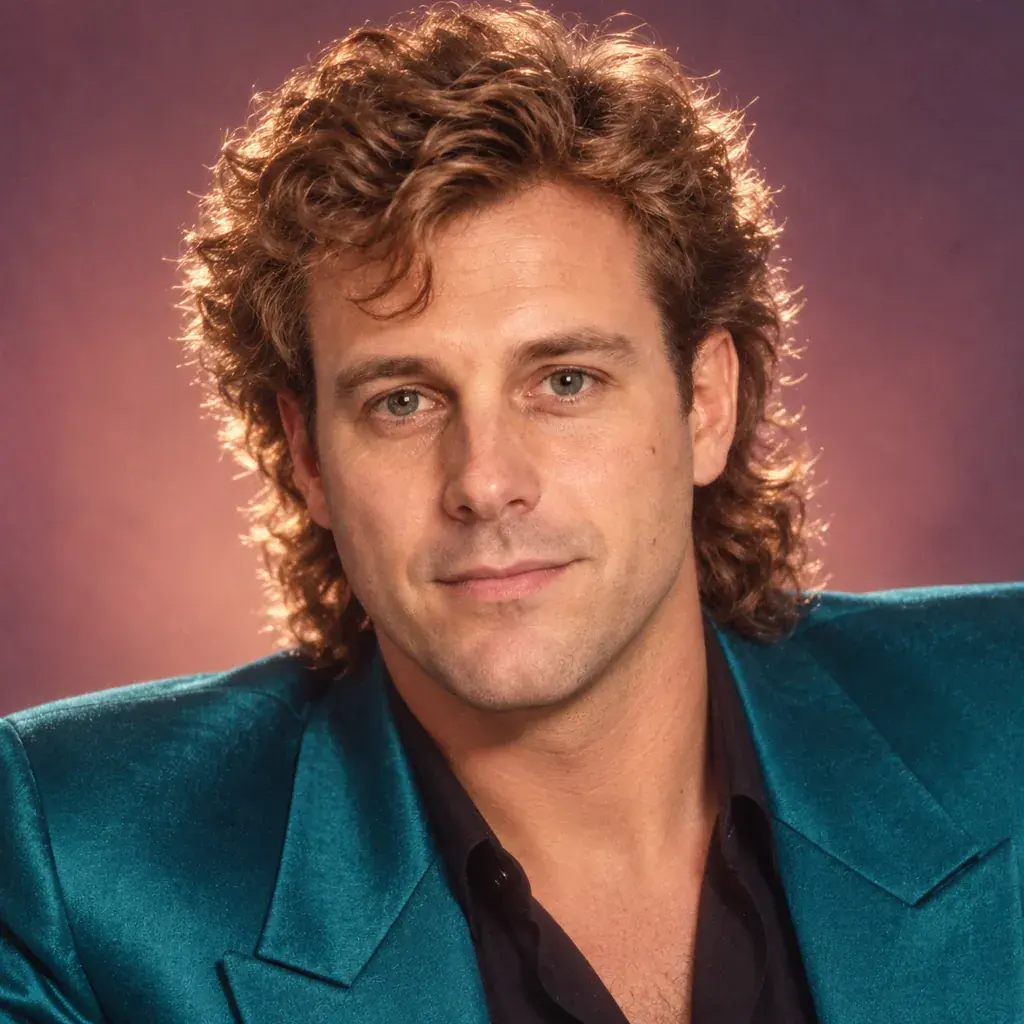
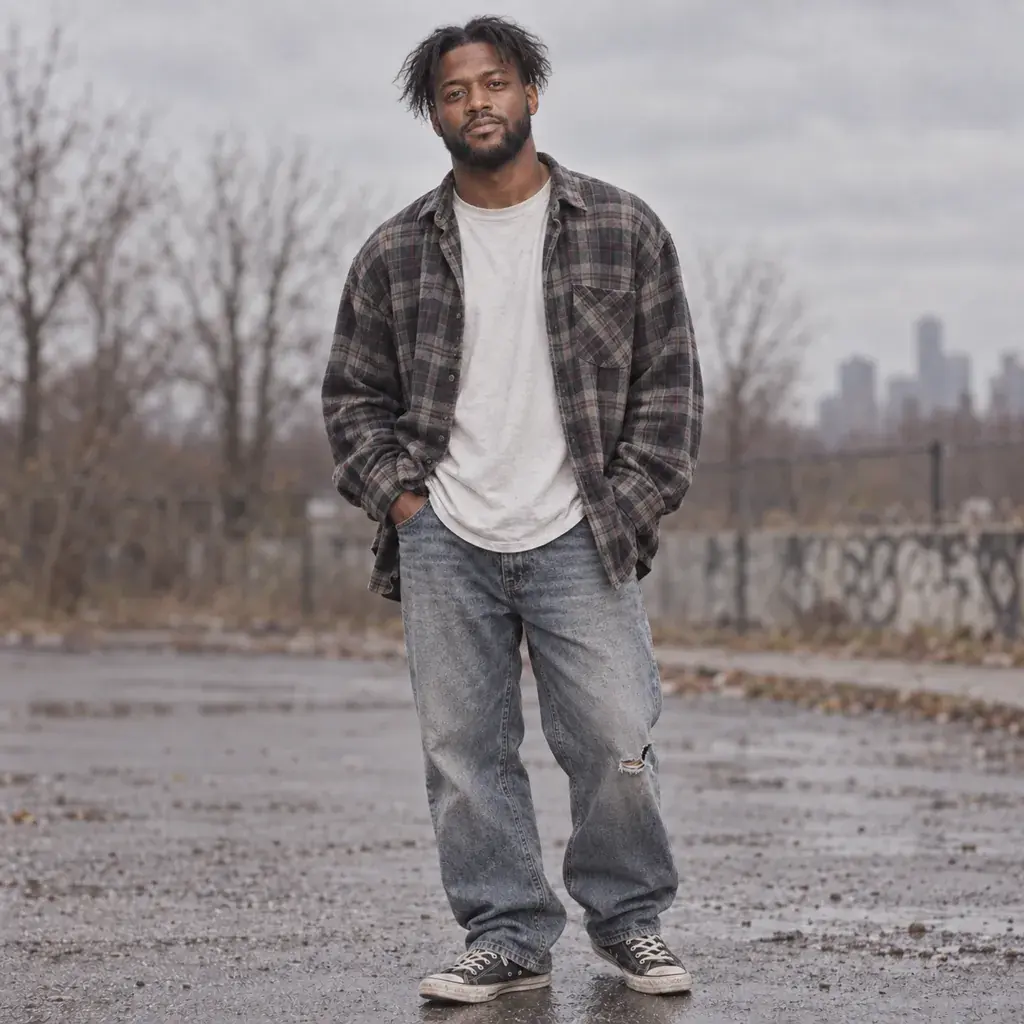
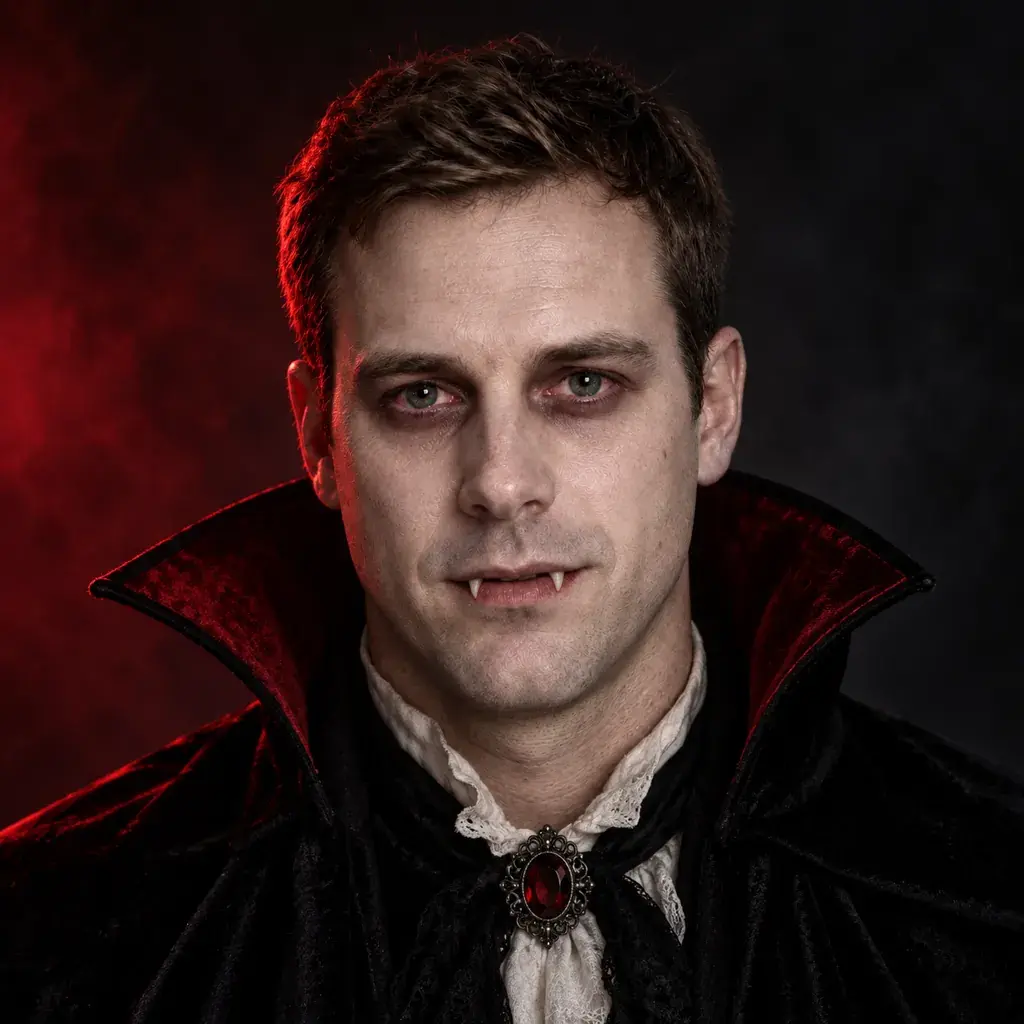
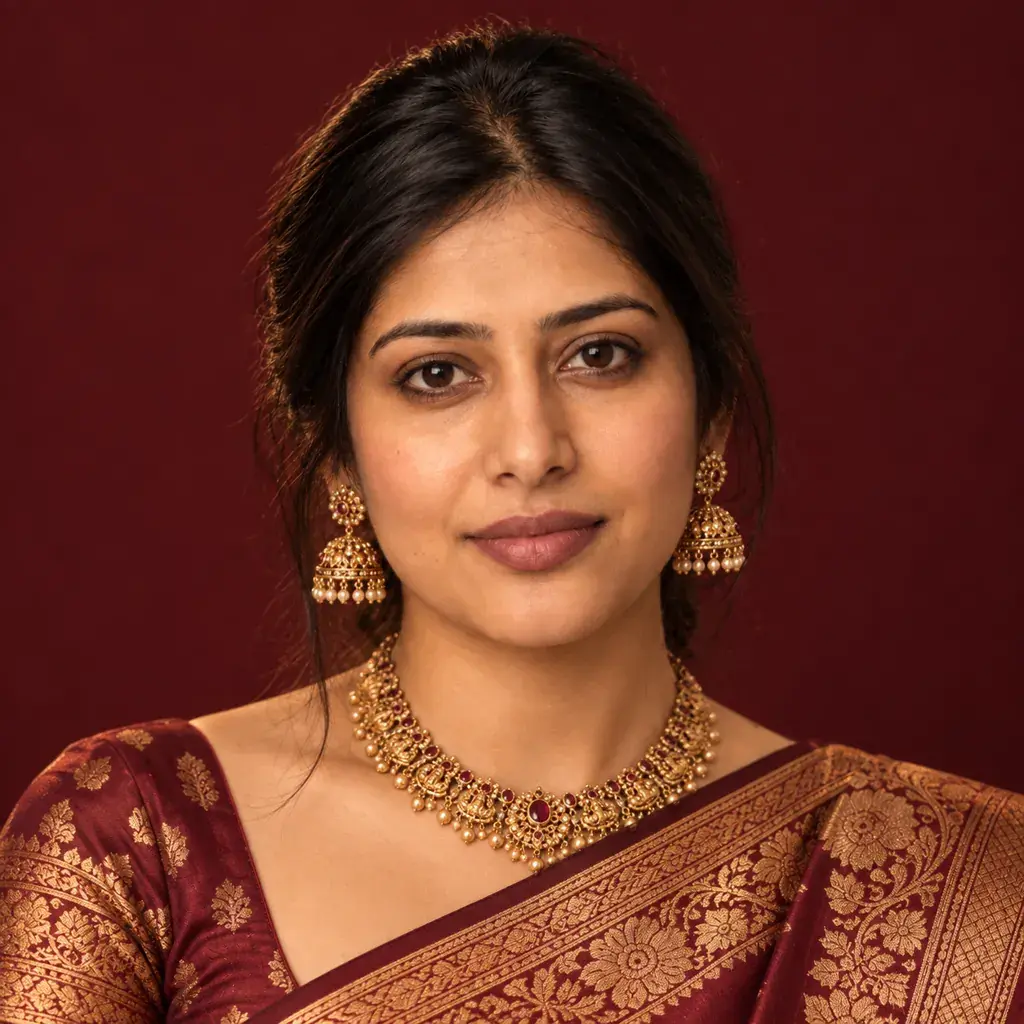
On October 3 and 4, 2026, we ran our prompts in the Gemini web app at gemini.google.com, each in a new temporary chat with one photo attached and the model picker left on Flash-Lite. When we checked again on October 25, 2026, the picker showed Gemini Auto instead, so runs made today may not match ours. Three follow-up tests were typed into the same chat instead. The photos were AI-generated stand-ins for three fictional adults: a South Asian woman, a Black man and a white man. Every page used one of them, so each result below comes from one face, and yours may behave differently.
Most fixes ran once or twice, and the same prompt can give a different picture the next time, so read the numbers as evidence from a small test, not as rules. From the evening of October 3 we compared faces as same-size crops side by side, and we rechecked the earlier results that way where a review flagged them.
First, check the face properly
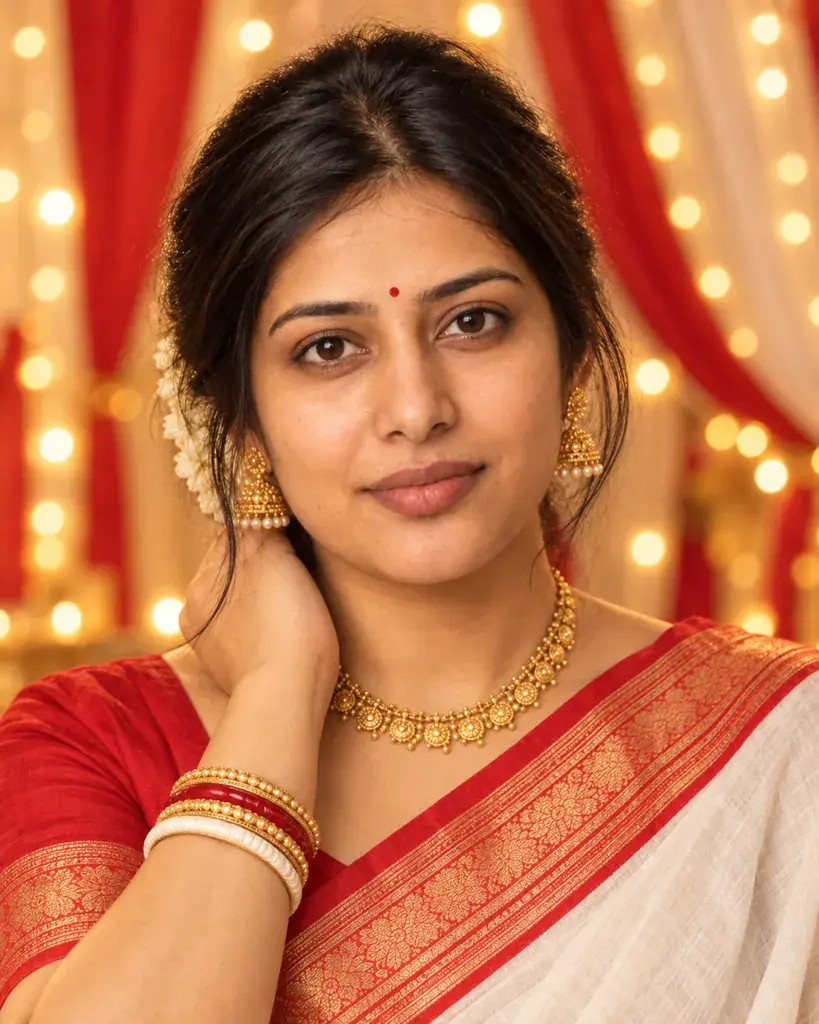
Look at your photo and the result side by side, cropped to the face and at the same size. Whole pictures fool the eye. On our saree page, a warm-lit result looked close to the photo when we looked at the whole picture. Cropped to the face and compared at the same size, the skin was clearly darker and more yellow. Check the hairline, eyes, mouth and skin one at a time, and zoom in.
Change 1: A smile you didn't ask for
Gemini often added a smile. In our first runs it put a smile on at least 13 portraits whose prompts said nothing about expression, across six pages, from a finance headshot to a cat costume. Prompts that asked for warmth got one too: "a warm, approachable expression" on our clinical headshot came back with a toothy smile.
What fixed it was one sentence at the end of the prompt:
"Keep the exact facial expression and mouth from the photo; do not add a smile."
We tried it on six prompts that had added a smile. Without the sentence, 10 of 11 runs smiled, eight of them showing teeth; the eleventh, a second run of the headshot prompt, kept the photo's expression. Six of those 11 runs were the first runs that made us pick these prompts, and of the five fresh runs, four smiled again. With the sentence, all 11 runs kept the photo's calm expression (two of them used a slightly longer version that also mentioned the features).

If you want a smile, say so in the same place: our 1980s party prompt asks for "a casual close-up smile", and it got a toothy one.
Change 2: New hair, and sometimes a new face
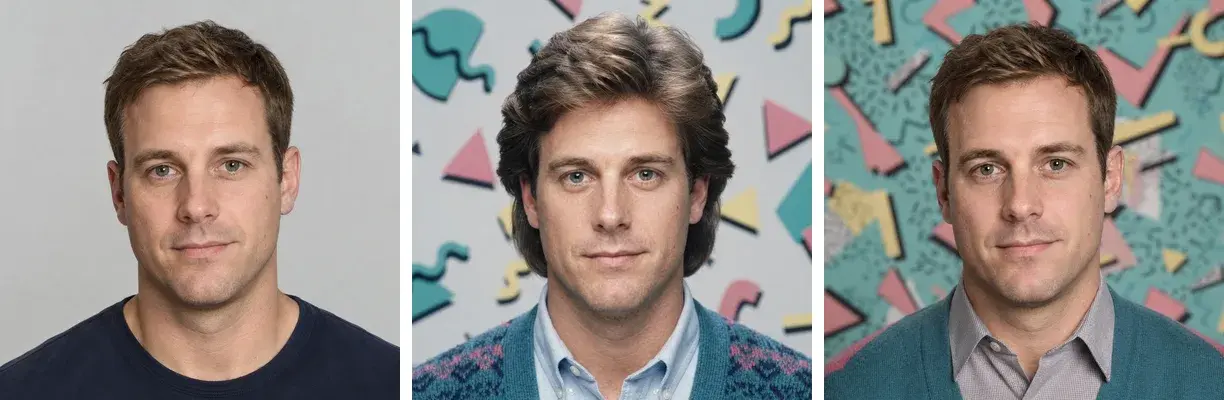
Our biggest face changes came with new hair. On our 1980s page, the permed-hair, party-flash and feathered-hair prompts all gave faces that drifted from the photo, and the feathered one looked like a different man. On the 90s page, "messy center-parted hair" came back as locs and a thinner face. On the Karwa Chauth page, Gemini let down the photo's tied-back hair in four of seven results. And both plain runs of our vampire prompt turned the photo's light-brown hair dark, nearly black in one of them.
New hair doesn't always cost you the face, though. Our 90s minimalist prompt turned short hair into shoulder-length straight hair, and the face stayed close to the photo.
Asking Gemini to protect the face directly didn't save it in our one try. We added "keep the face, eyes, nose, jawline and skin tone exactly as in the photo" to the feathered-hair prompt, and the result still had the new hair and still looked like someone else.
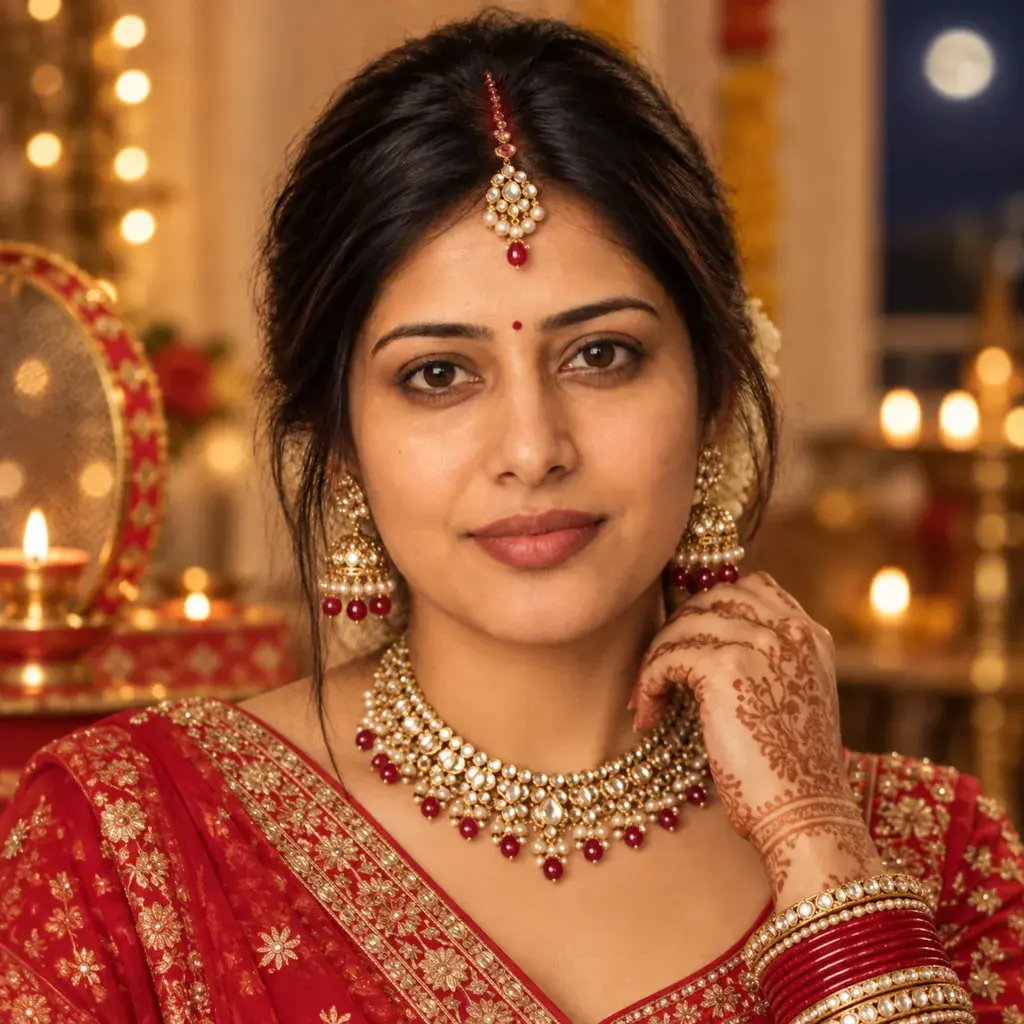
Keeping your own hair helped more. Rewriting the 1980s prompt to keep "their own hairstyle and face exactly as in the photo" and change only the clothes, lighting and background kept the short hair, and the face matched, in our one run. Adding a keep-the-hair sentence to a prompt that never asked for new hair worked in two of three runs: both vampire runs with "the hair colour, hairstyle and face shape" sentence kept the light-brown hair, but "Keep the hairstyle exactly as in the photo." still let the hair down on a Karwa Chauth close-up.
Change 3: Skin that comes out lighter, darker or greyer
The light in the prompt can change the skin a lot, and in our runs the change depended on the face as much as on the light. We measured skin brightness on the forehead and both cheeks, comparing each result with its own stand-in photo.
- On our South Asian stand-in, most looks we measured came out darker: the warm tungsten saree look in all four runs, all seven Durga Puja results (including two lit with soft morning daylight), the saree page's "warm natural daylight" look, and a moonlit look under "a cool blue-toned evening sky" on the Karwa Chauth page. A look in "soft cool morning light" on the Durga Puja page went grey, and the face looked older.
- On our white stand-in, warm window light shifted the skin only slightly.
- Flash went both ways. It lightened the skin on our 90s disposable-camera prompt (the Black stand-in, all four runs, by different amounts), on a 1980s party look (the white stand-in) and on one 2000s look (the South Asian stand-in). Another 2000s flash look barely changed the skin, and a third, with small faces, came out darker.
These are different prompts on three faces, so we can't say how much of the difference comes from the face and how much from the look.
Sentences that asked to keep the skin tone didn't beat strong light in our runs. On the saree prompt, "Keep the face and the skin tone exactly as in the photo; the warm light should not darken the skin or age the face." still came out as dark as the plain runs, twice. Swapping the Durga Puja prompt's golden color grading for "soft even daylight on the face, true-to-life color grading" removed the yellow cast in both runs, but the skin was still a little darker than in the photo, both runs added a bindi and a red mark in the hair parting, and one added a smile.
The looks that kept skin closest to the photo were the ones lit with soft, even studio light, the same kind of light as in our stand-in photos: all five on our South Asian stand-in stayed close. If skin tone matters to you, start there.
Change 4: A thinner beard
Our 90s flash prompt took away most of the Black stand-in's beard in one of two plain runs and made that face look younger and smoother. Adding "Keep the beard, facial features and skin tone exactly as in the photo." kept the beard in both runs we tried, though the second plain run had kept it too, so the beard comes and goes. Our 90s pop-poster prompt, which asked for new hair, also cut the full beard down to a moustache and chin beard in its one run.
Change 5: A slimmer face in our vampire look
Our Halloween vampire prompt made the face look slimmer in all four runs, including two that asked to keep the "face shape exactly as in the photo". At the jaw, the four came out about 4 to 7 percent narrower than the photo. Some other looks we measured the same way came out up to about 4 percent narrower, so small differences may be noise, but the vampire runs were consistent. The one wording we tried didn't fix it.
When the face stayed the same
Two kinds of edit left the face almost untouched:
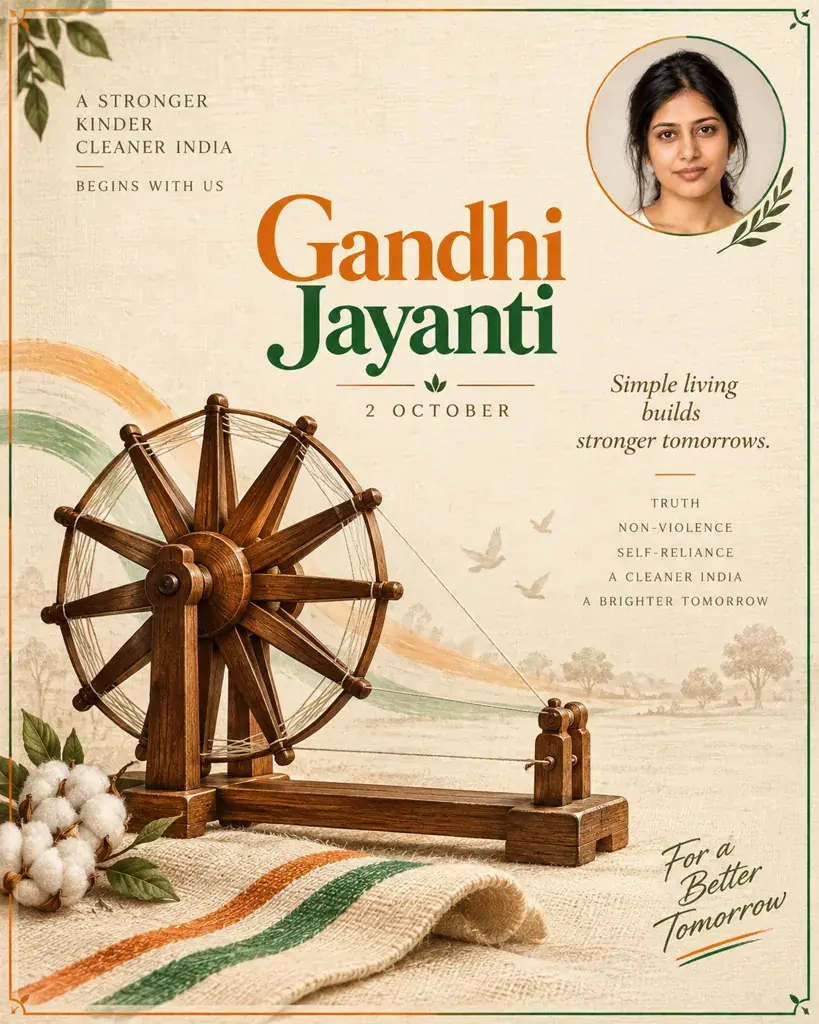
- Designs that place your photo inside them. In all seven of our Gandhi Jayanti posters, Gemini put the uploaded photo into a circle, square or frame without redrawing the face, although one later re-run added a slight smile to the inset, and on the candle-lit tribute poster the photo itself came out much darker.
- Studio portraits that keep your hair. On our headshot page, the face shape and features matched the photo in all seven results, and the skin tone in all six colour ones. The expression changed in two of them, and one had a small orange spot on the cheek.
A routine that keeps your face
- Start with a clear, front-facing photo of yourself or of an adult who has agreed to it. This is general advice; we used one clear stand-in photo per page.
- Keep your own hair unless the hair is the point of the look.
- End the prompt with the expression sentence above, and a hair sentence if the look involves hair.
- When skin tone matters, choose soft, even studio light. In our runs, golden, tungsten and daylight looks all came out darker on the South Asian stand-in.
- If the face is off, running the same prompt again in a new chat is worth one try, but don't count on it: a re-run brought back the beard once and dropped the smile once, while most re-runs repeated the problem.
- Compare the result with your photo at the same size before you share it.
Our step-by-step guide to writing Gemini photo editing prompts covers the rest of the prompt: what to leave out, how to ask for exact words and how to avoid "or" choices.
What we couldn't fix
The vampire look's slimmer face and the darker skin under warm light on our South Asian stand-in didn't respond to the one sentence we tried for each. If one of those matters, pick a different look, or keep only the results that pass your side-by-side check.