How to Write Gemini Prompts for Photo Editing: What 145 Test Runs Taught Us
By GetPhotoPrompt Editors · Updated 2026-10-25

The short answer
A photo editing prompt for Gemini has three jobs. It describes the new look in concrete parts, it says what to keep from your photo, and it says what to leave out. When our tests went wrong, the prompt had often skipped the second or third job: Gemini added a smile nobody asked for, changed the hair, or put words and logos in the background. Some problems, such as skin tone under strong light and a slimmer face in heavy makeup, didn't respond to any sentence we tried.
Below is how we write prompts now, step by step, with the wording that held up when we ran it in Gemini. Every result quoted here comes from our test log.
How we tested
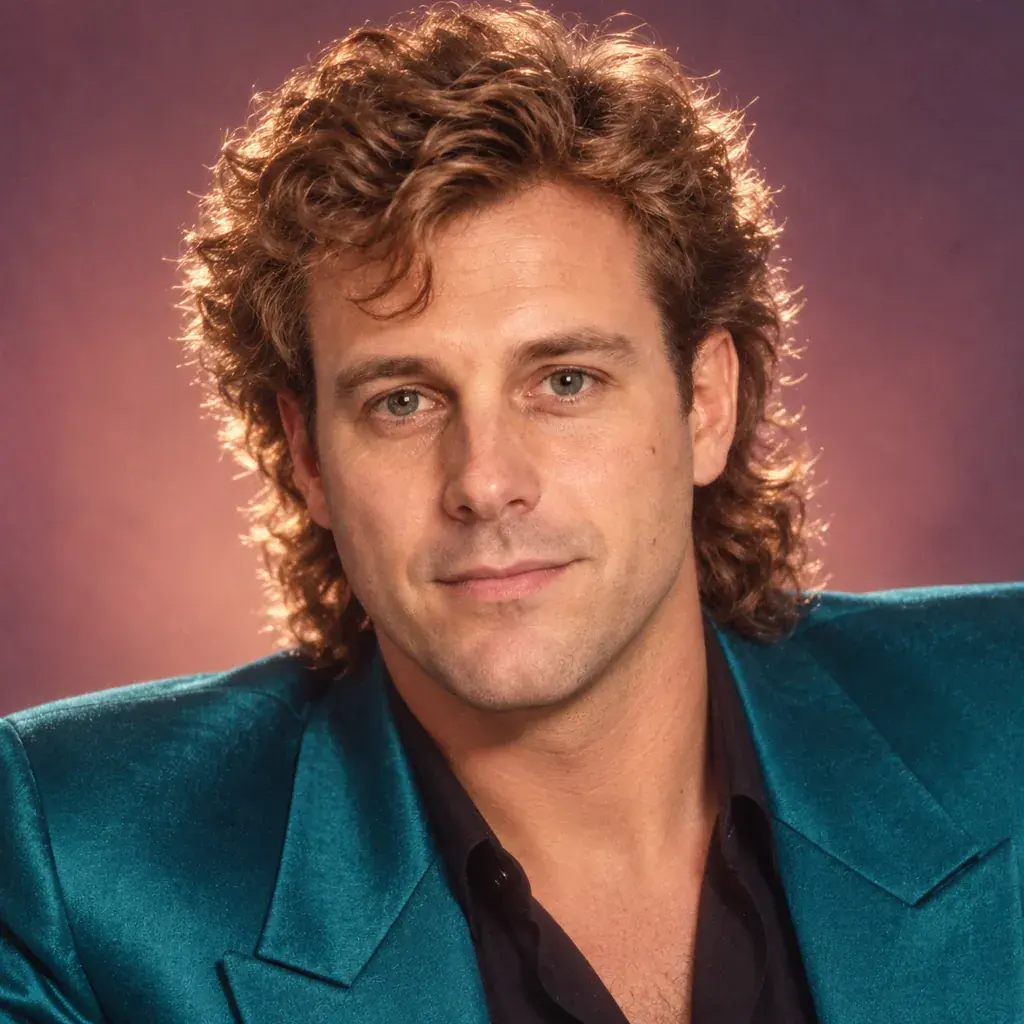
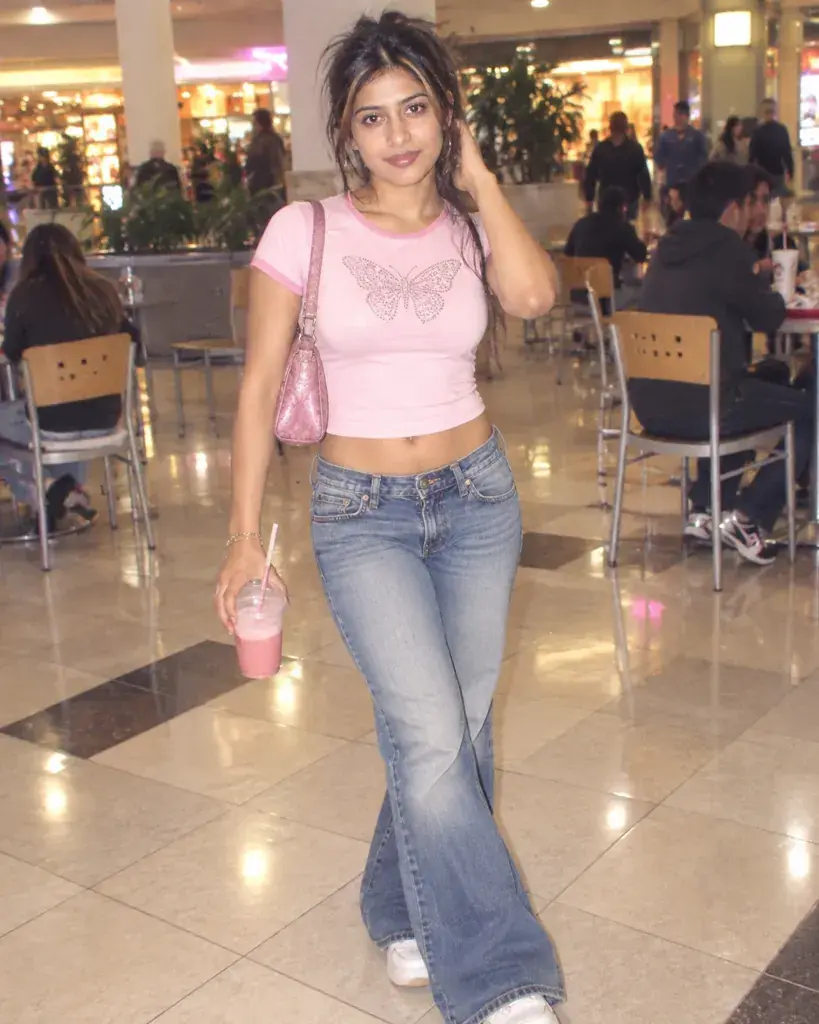
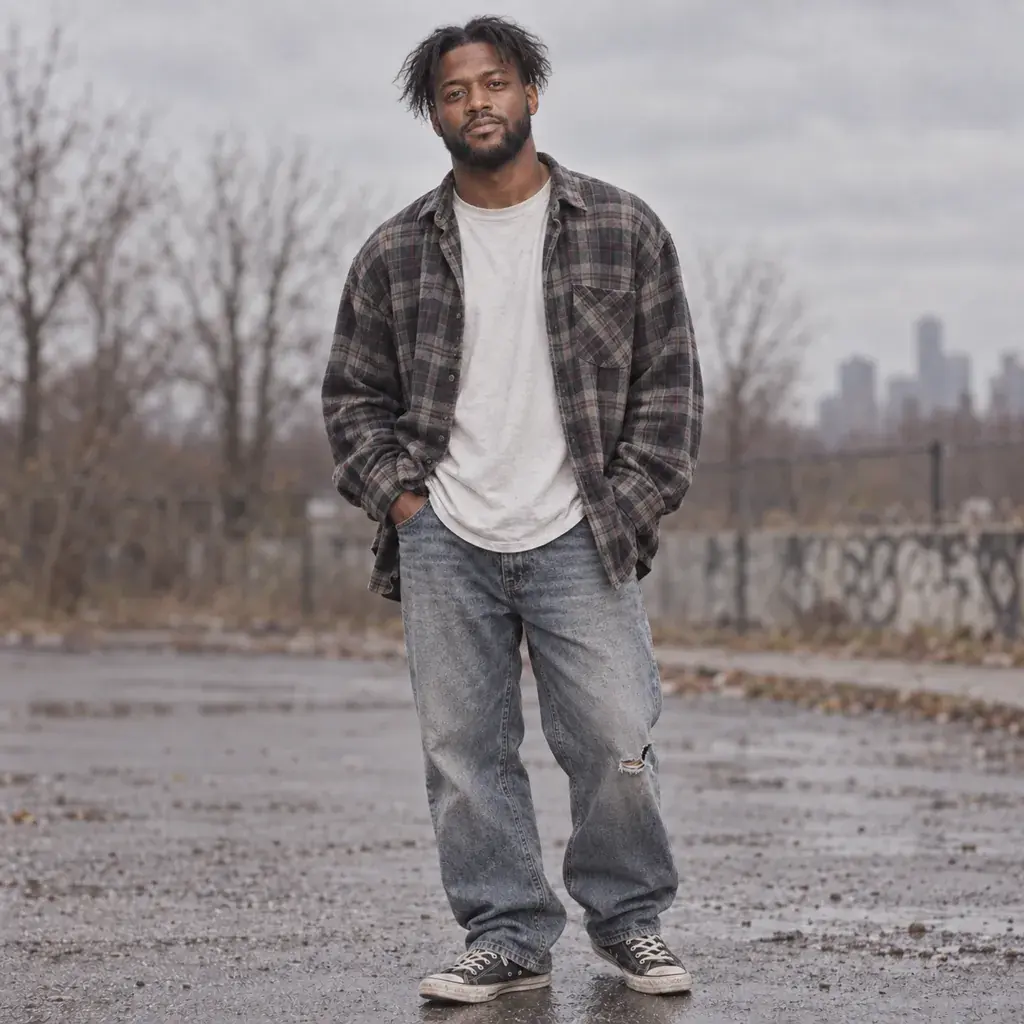
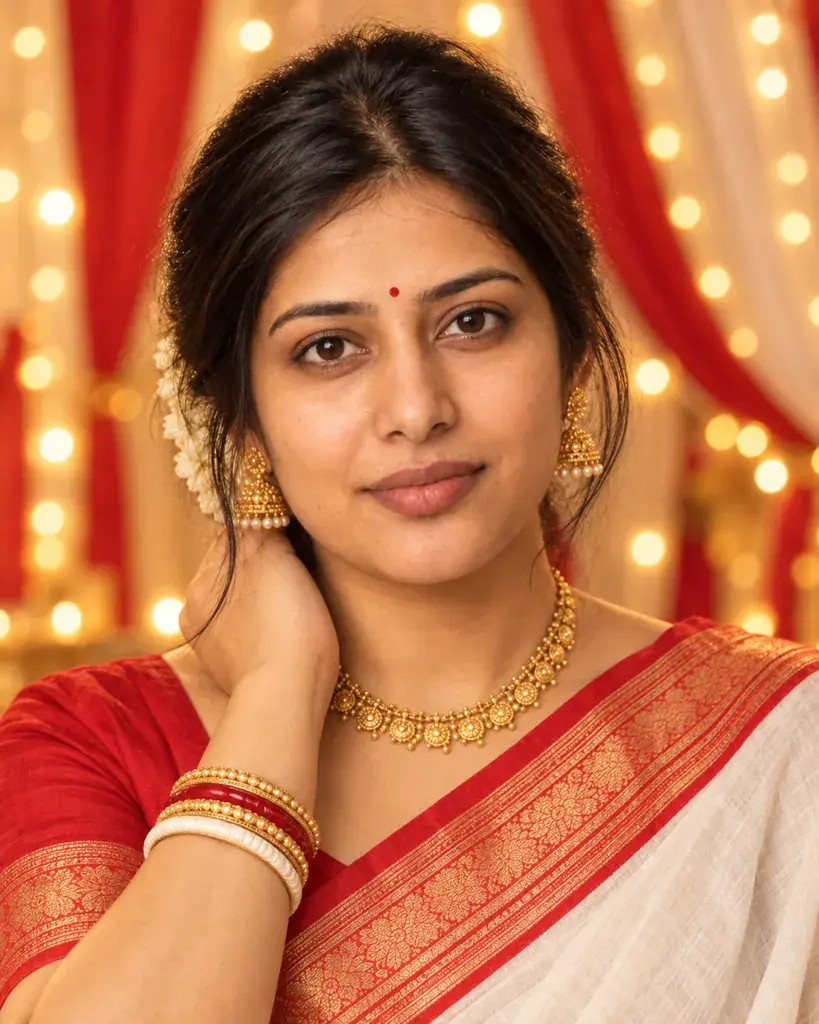
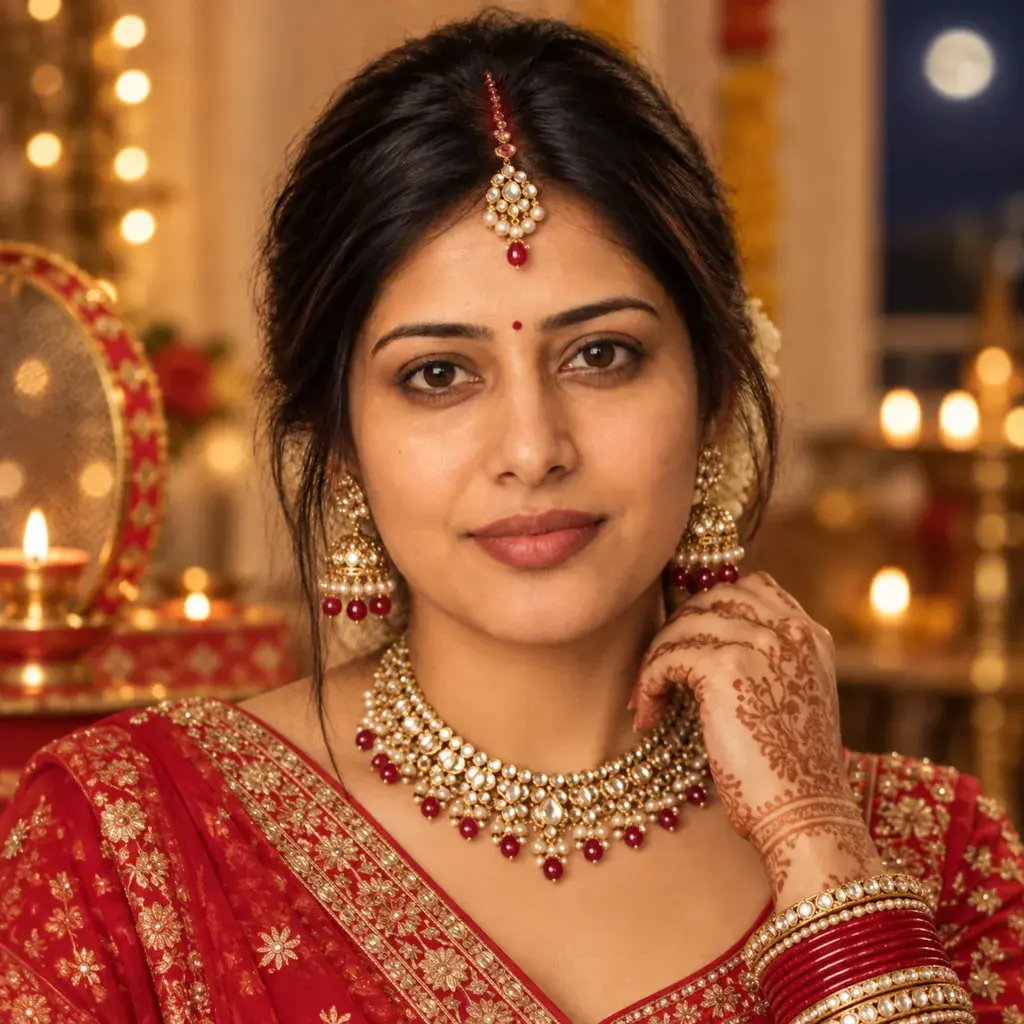
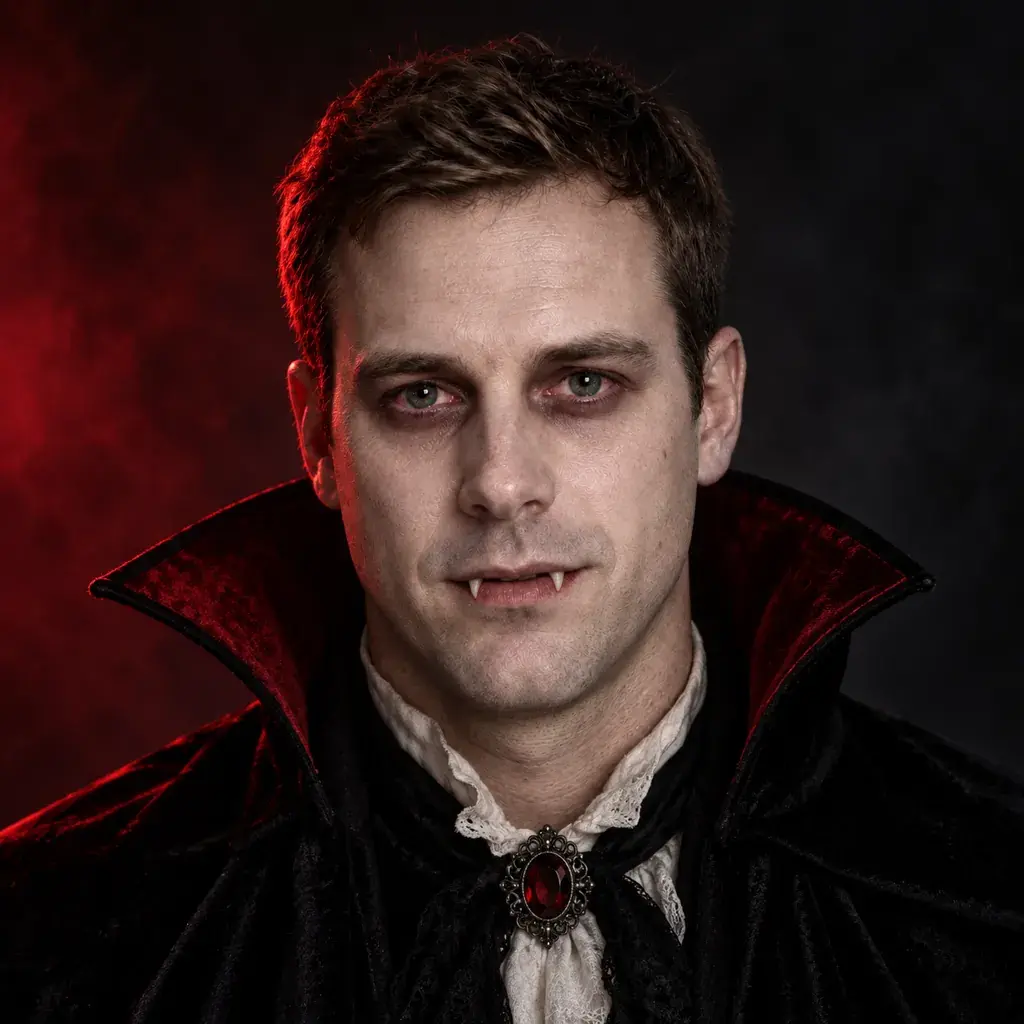
On October 3 and 4, 2026, we made 145 test runs in the Gemini web app at gemini.google.com. Each run started a new temporary chat with one photo attached and the prompt pasted as written, except three follow-ups typed into the same chat. The model picker stayed on Flash-Lite, the setting it was already on. When we checked again on October 24, 2026, the picker showed Gemini Auto instead, so runs made today may not match ours. The photos were AI-generated stand-ins for three fictional adults, not real people.
We compared every result with the original photo. From the evening of October 3 we also cropped faces to the same size side by side and zoomed in on backgrounds and small text, and we rechecked earlier results that way where a review flagged them. Most fixes below ran once or twice, so they are evidence, not guarantees. And the same prompt can give a different picture the next time: one of our headshot prompts added a tie on the first run and left it off on the second.
Step 1: Describe the look in concrete parts
The prompts on this site follow one pattern: say what to do to the person in the photo, then list five or six concrete parts. Here is one from our 90s page:
"Turn the person in the photo into a 90s disposable-camera snapshot: a direct harsh on-camera flash with mild red-eye, visible film grain, a slightly warm color cast, a plain indoor party background, and a close-up candid smile caught off guard."
That covers the light, camera look, color, background and framing; the outfit, props and pose are the other parts we use most. We didn't test vague prompts against detailed ones, so this step is our house style, not a test result. It does make problems easier to trace to one part.
Step 2: Say what to keep
Our own prompts left this sentence out, and for expression and hair it was the most useful fix we tested. It didn't help with skin tone under strong light or with face shape.
Expression. Gemini likes to add a smile. In our first runs it put a smile on at least 13 portraits whose prompts said nothing about expression, across six pages. So we added one sentence to six of those prompts:
"Keep the exact facial expression and mouth from the photo; do not add a smile."
Without it, 10 of 11 runs of those six prompts smiled, eight of them showing teeth; the eleventh, a second run of the headshot prompt, kept the photo's expression. Six of those 11 were the first runs that made us pick these prompts, and of the five fresh runs, four smiled again. With the sentence, none of the 11 runs smiled (two of them used a slightly longer version that also mentioned the features).
Hair. If a prompt asks for new hair, the face can change with it. Our 1980s feathered-hair prompt gave a face that looked like someone else. Rewritten to keep "their own hairstyle and face exactly as in the photo" and change only the clothes, lighting and background, it kept the short hair, and the face matched, in our one run. Where Gemini changed the hair on its own, adding a keep-the-hair sentence held in two of three runs: both runs of our vampire prompt with "the hair colour, hairstyle and face shape" sentence kept the light-brown hair, but "Keep the hairstyle exactly as in the photo." still let the tied-back hair down on a Karwa Chauth close-up.
For the other ways faces changed in our runs, and what each change looked like, see why Gemini keeps changing your face.
Step 3: Say what to leave out
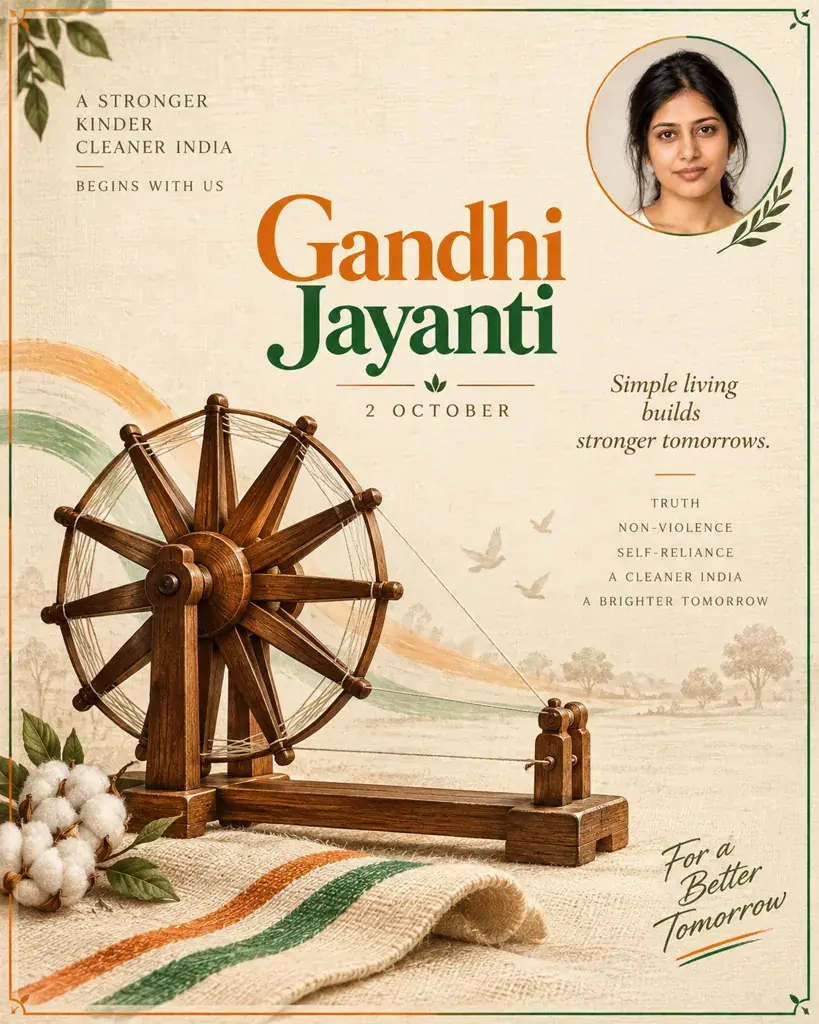
Gemini often adds things it thinks belong in the scene: words, logos, people and symbols. In our first runs we found invented slogans on posters, an extra line reading "1869 • 2024" on a Gandhi Jayanti banner, with the second year wrong, real brand names on shop signs and clothes (a McDonald's sign, a Claire's shopping bag and a Dior charm among them), a BMW badge on a car wheel, and strangers standing behind the subject. On festival looks it also added a bindi, a nose ring or a red mark in the hair parting; we haven't tested wording to stop those.
The fix was to name the thing and say no:
- "made-up, unbranded store signs and no real brand names or logos anywhere, including on shopping bags": two runs, both with invented store names and plain bags.
- "Plain black clothes with no band names, logos, patches or words anywhere.": two runs, both plain black with no lettering.
- "a fitted plain tank top with no words or graphics, a plain belt with no brand name": one run, clean.
- "No words, banners or lettering anywhere in the design.": one run, no text.
- "an unbranded classic convertible with no badges or logos": one run, no badge.
Each came out clean for the thing we named, but a fix can bring something else along. Both runs of the unbranded mall prompt still had red-eye, and the unbranded-car run lost the shirt under the blazer. The Gandhi poster rewrite that removed the flag stripes still drew a large spinning wheel, though it said "no wheel or chakra symbols", and added a handshake the prompt never mentioned.
Once a "no" sentence is in a prompt, leave it there. On our Durga Puja pandal prompt we removed "with no idols, statues or deity figures anywhere" as a test, and one of the two runs put a display of idols in the background.
Step 4: Spell out the only words you want
All seven of our first Gandhi Jayanti poster prompts put their words in quotes. Six came back spelled as asked, but four added lines nobody asked for. Prompt 1 asked for "bold 'Gandhi Jayanti' typography": one run wrote the title in Hindi with three extra Hindi lines, and a second run wrote it in English but added a slogan line. The rewrite, "The only text is the title 'Gandhi Jayanti' in bold English letters, with no other words, dates or Hindi text anywhere.", came back with only the title, in one run.
Step 5: Give one choice, and check left and right
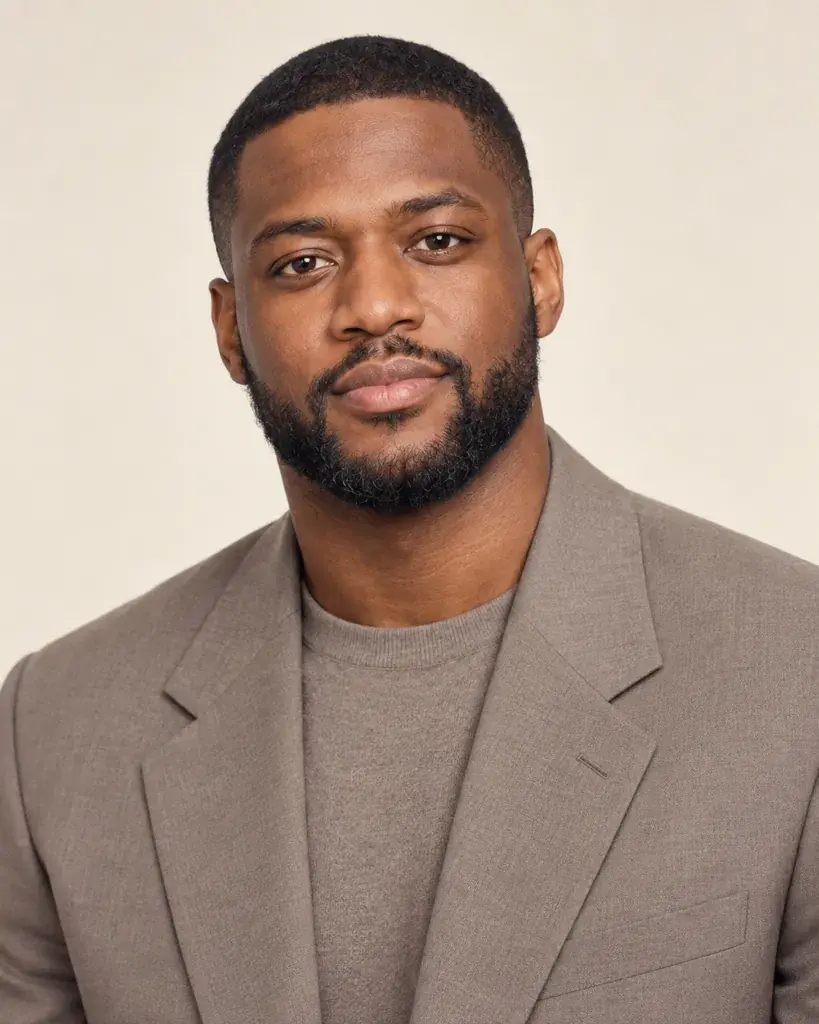
The word "or" hands the decision to Gemini, and you may not like its pick. Our 90s minimalist prompt offered "a silky slip dress or a slim minimalist suit", and for our bearded male stand-in Gemini chose the dress, along with the "sleek straight hair" the prompt asked for. With only the suit left in, and "the hair kept exactly as in the photo" in place of the straight hair, it gave a grey suit and kept his short hair and beard, in one run. That is a single test, not a rule: our 1980s gala prompt offers "a taffeta dress with puffed sleeves or a tuxedo with a wide bow tie", and Gemini gave our other male stand-in the tuxedo. We still write one option per choice, because it removes the guess.
Left and right are ambiguous too. On our tattoo page we asked for a sleeve tattoo "covering the left forearm and upper arm only, with the right arm left bare". Gemini tattooed the arm on the left side of the picture, which is the person's right arm. We haven't tested a fix. If the side matters, try naming it from the person's own point of view, such as "their own left arm", and check the result.
Step 6: Ask for the shape and format
Gemini picks the shape of the image itself. All 132 photo-style results on our other pages came back square. Five of our seven Gandhi Jayanti poster prompts came back tall (9:16) without naming a shape, and two of the seven came back as a photo of a poster: one hanging in a hall, one pinned to a corkboard. Asking for "a square, flat graphic" poster "that fills the whole image, not a photo of a poster on a wall or board" gave a flat, square design in one run, though Gemini also turned the background into large saffron, white and green waves.
Fixing one detail afterwards
Replying in the same chat with something like "Keep everything the same, but..." made the change we asked for in both tests we could check, but it can change other things too. In one, the reply removed an extra line of text, but the poster also went from tall to square and the title font changed. In the other, it added the fog and gravestones we asked for, plus a small mausoleum we didn't, and left the rest of the picture largely as it was. Running an edited prompt in a new chat isn't steadier either: the same prompt can come back quite different. Whichever you use, compare the whole picture with the one before.
A checklist before you send
- The new look is described in concrete parts: clothes, light, background, color and framing.
- One sentence says what to keep, especially the expression and the hair.
- Anything you don't want is named with a "no": words, logos, brand names, other people, religious figures.
- The only words you want are spelled out, with the script named.
- Each choice has one option, not "this or that".
- The shape is named if it matters; asking for square worked in our one try.
- The photo is of you, or of an adult who has agreed to it.
What this guide can't promise
Our runs used one model setting, three AI-generated stand-in faces and only one or two repeats per fix, and Google updates Gemini often. A sentence that worked twice for us can still fail on your photo. The method we rely on is simple: run the prompt, compare the result with your original at the same size, and change one sentence at a time.